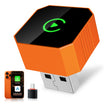
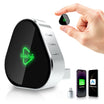
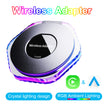
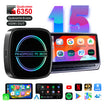
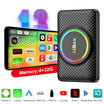
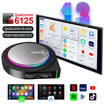
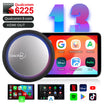
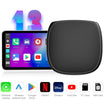
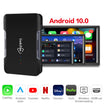
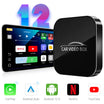
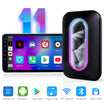
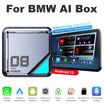
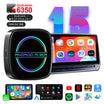
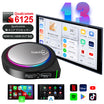
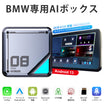
Linkifun™ L8 CarPlay Android 13 AI Box for BMW – Wireless CarPlay & Android Auto Support – Customizable System ID6/ID7/ID8/ID8.5/ID9

Sale price$214.00 Regular price$369.00
Save $155.00
Easter Ride Sale
20% OFF
Hop into Easter savings. Use code EASTER20 at checkout to get 20% OFF on your order.
EASTER20
System: Android 10-MTk Chip-4+64G (For ID6/ID7/ID8/ID8.5/ID9)
PayPal Visa Mastercard Maestro JCB American Express Diners Club Discover Afterpay Klarna Google Pay Apple Pay
🔄
45-Day Return
🛡️
1-Year Warranty
🚚
Free Shipping
💬
Fast Support

Product Demonstration

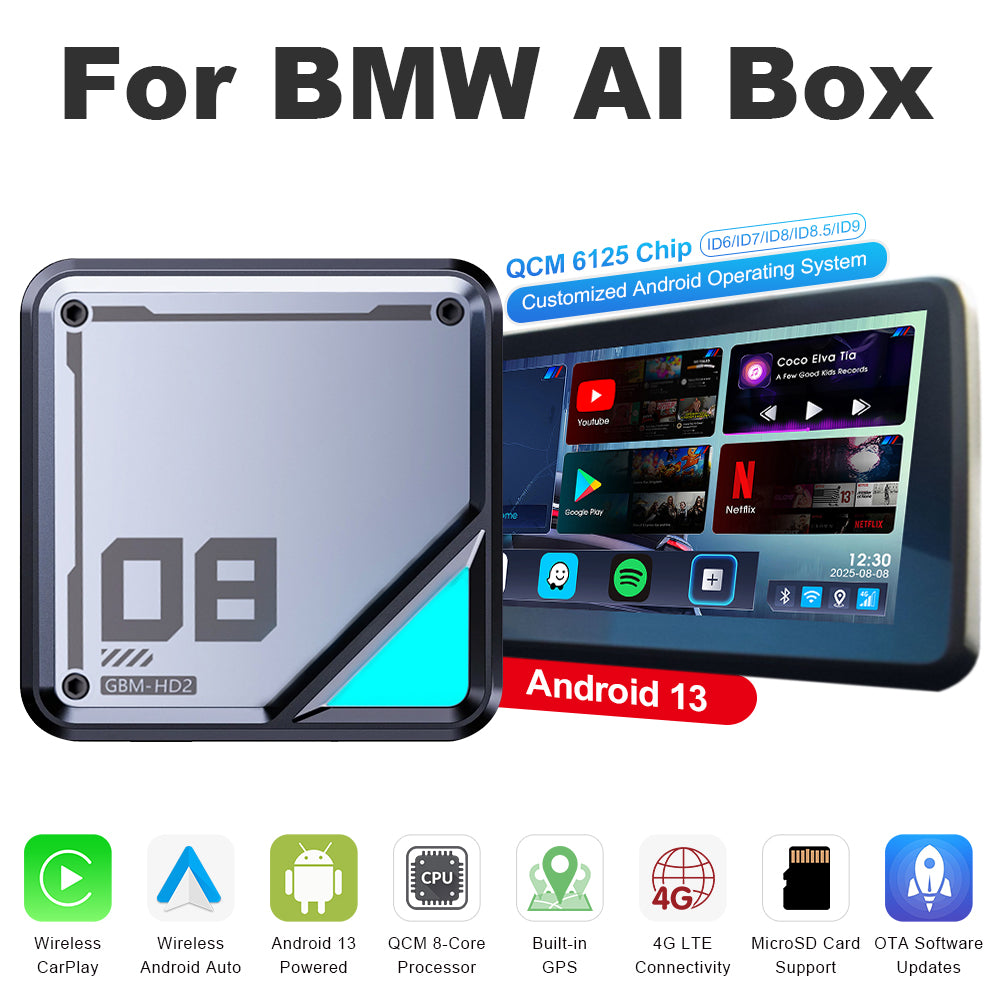
Mobile version of the Linkifun L8 CarPlay Android AI Box product poster displaying the main features and visuals optimized for small screens.
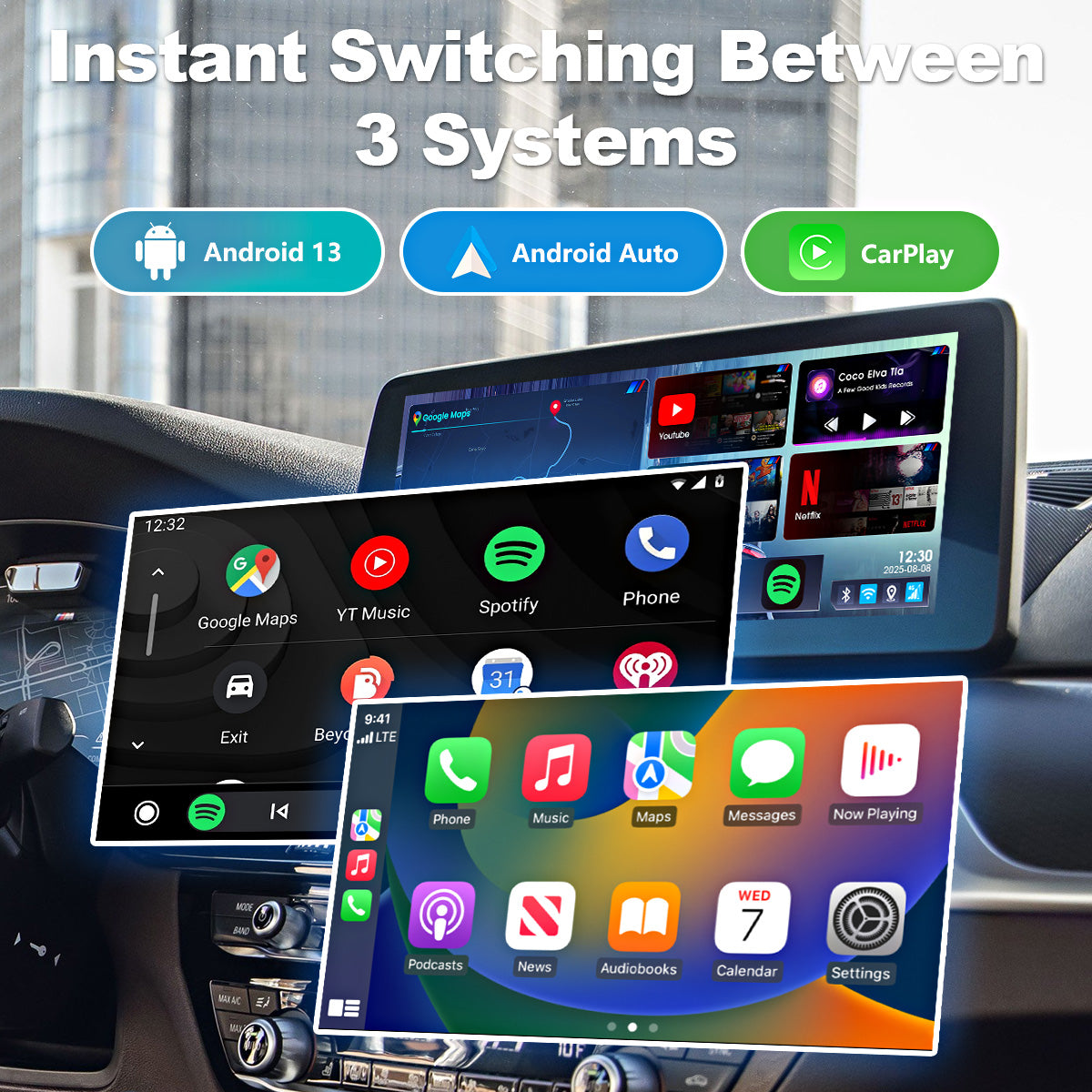
3-in-1 system switching feature of the Linkifun L8 CarPlay Android AI Box, allowing users to choose between Android system, Wireless CarPlay, and Wireless Android Auto.
01

Seamless Switching Between Three Systems

Upgraded to Android 13, the L8 now supports Wireless CarPlay and Wireless Android Auto, allowing you to freely switch between three operating environments.

Use the Android system when you want access to your favorite apps, CarPlay for iPhone users, or Android Auto for Android users. This flexible system selection lets you choose the most suitable interface for every situation, delivering a smoother, more intuitive, and more comfortable driving experience.

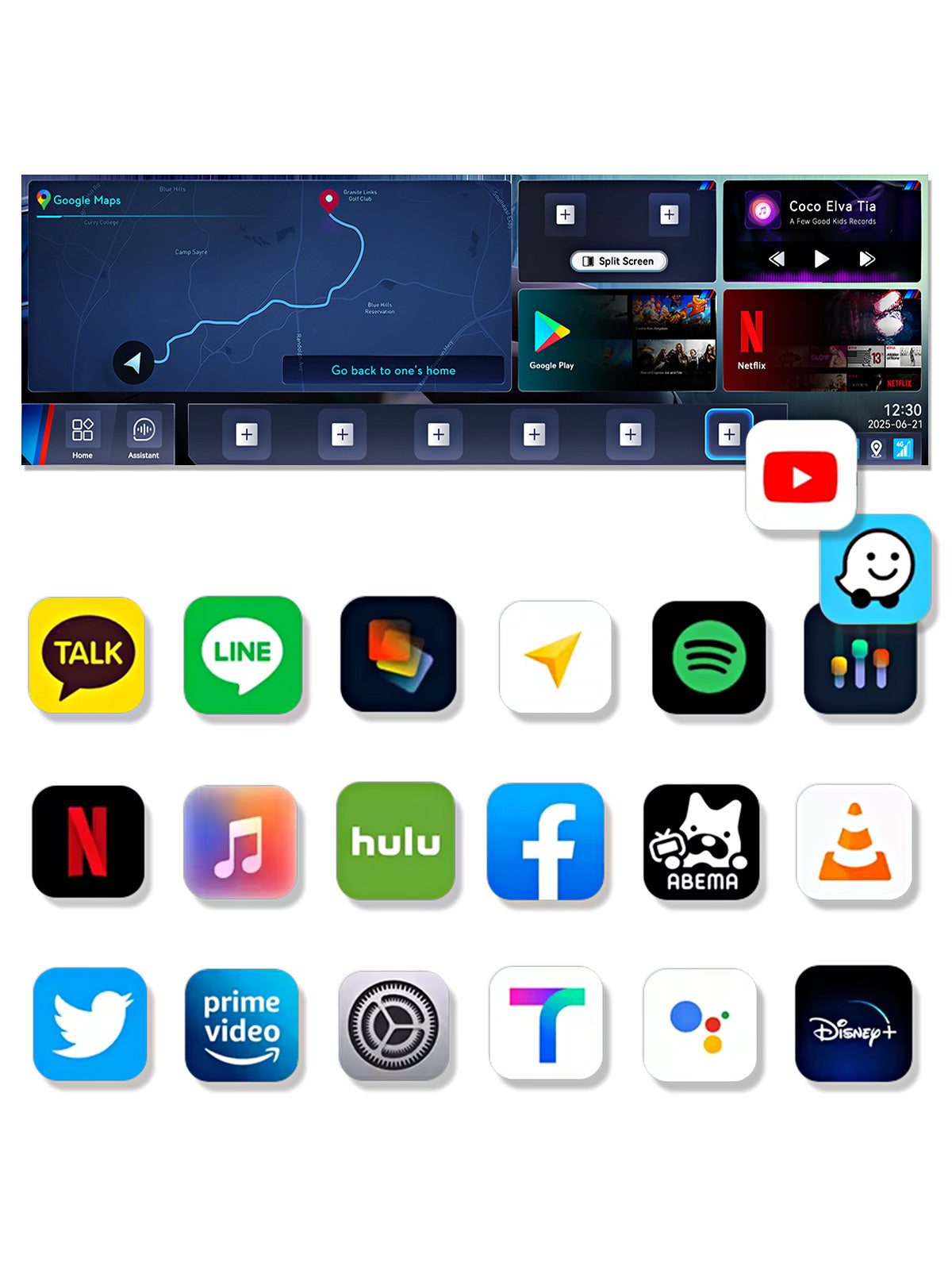
Google Play app download feature of the Linkifun L8 CarPlay Android AI Box, allowing users to install YouTube, Google Maps, Netflix, Spotify, and more for in-car entertainment.
02

Download Your Favorite Apps from Google Play

With full support for the Google Play Store, you can freely download and enjoy your favorite apps—such as YouTube, Google Maps, Netflix, Spotify, ABEMA, and more—right inside your vehicle.

The large-screen interface delivers smooth, responsive operation, offering the same intuitive experience as using your smartphone. Customize your in-car system with the apps you love and enjoy a more flexible, comfortable, and entertaining driving experience.

4K Ultra HD media playback on the Linkifun L8 CarPlay Android AI Box, supporting YouTube, Hulu, Netflix, Disney+, and other streaming apps in 3840x2160 resolution.
03

4K High-Resolution Media Playback

Enjoy videos from YouTube, Hulu, Netflix, Disney+, and more in stunning 4K resolution. Crisp details and vibrant visuals deliver an immersive entertainment experience, bringing cinematic-quality viewing to your vehicle.

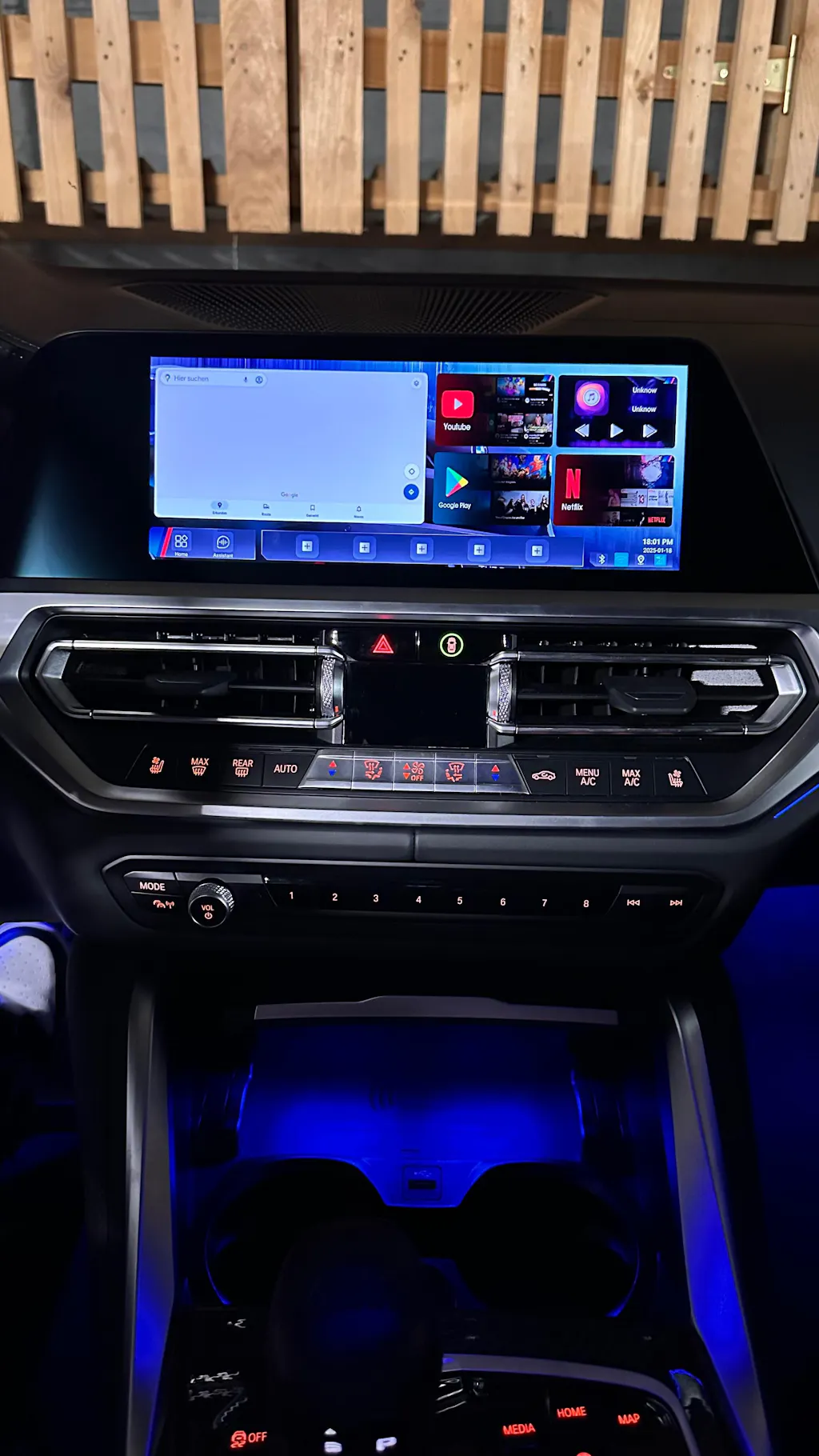
Customizable home screen layout of the Linkifun L8 CarPlay Android AI Box, allowing users to adjust app drawers, components, and desktop layouts for a personalized interface.
04

Fully Customizable Home Screen Layout

The L8 allows you to personalize your home screen with ease. Rearrange the app drawer, adjust the placement of home screen components, and choose from multiple layout options to suit your preferences. Pin frequently used apps for quick access and organize the interface exactly the way you like it, creating a more intuitive and efficient user experience.

With enhanced clarity and usability, you can build a smart, personalized interface designed specifically for your driving needs.

Split-screen multitasking feature of the Linkifun L8 CarPlay Android AI Box, allowing customizable screen ratios and quick-access presets for navigation, video, and music apps.
05

Smart Split-Screen Multitasking

The smart split-screen feature lets you display navigation while using video or music apps at the same time. There’s no need to switch between apps—manage multiple tasks smoothly on a single screen.

Customize the screen layout freely with adjustable split ratios such as 3:7, 5:5, or 2:8, allowing you to prioritize the content that matters most.

Activating split-screen mode takes just three simple steps:

  1. Select the apps for the left and right sides and choose the screen ratio
  2. Create a quick-launch icon (multiple layouts can be saved)
  3. Tap once to instantly launch the split-screen view

With the ability to recall your preferred layouts instantly, this smart and efficient interface delivers a more flexible, intuitive, and productive user experience.

Versatile connectivity options of the Linkifun L8 CarPlay Android AI Box, supporting SIM card internet and mobile hotspot connection for reliable online access.
06

Versatile Connectivity Options

Offering flexible internet connectivity, this Carplay Android AI box for BMW supports both a SIM card for independent networking and the ability to connect to a mobile hotspot. This ensures users can always maintain access to essential services such as navigation, streaming, and online features, even when mobile coverage is unreliable.

Built-in GPS navigation of the Linkifun L8 CarPlay Android AI Box with GPS, GLONASS, and BeiDou support for accurate real-time navigation.
07

Built-In GPS Navigation

Equipped with high-precision positioning that supports GPS, GLONASS, and BeiDou, the system delivers accurate and reliable navigation. Use popular map apps such as Waze, Google Maps, and Tmap in real time, with smooth performance and stable guidance—even on complex routes.

High-performance Qualcomm processor and large memory of the Linkifun L8 CarPlay Android AI Box, enabling smooth app launching, multitasking, and stable long-term operation.
08

High-Performance Qualcomm 8-Core Processor

Powered by the Qualcomm 6350 8-core processor, the system delivers fast startup times, smooth multitasking, and excellent thermal management. Even when running multiple apps simultaneously, performance remains stable and responsive—ensuring a seamless in-car experience for video streaming, navigation, and other high-demand applications.

SIM and TF card expansion feature of the Linkifun L8 CarPlay Android AI Box, supporting up to 256GB storage and independent internet or calling capabilities.
09

Expanded Storage and Communication

The L8 supports both SIM cards and TF cards, allowing storage expansion of up to 256GB. Store music, videos, and app data directly on the system for convenient access at any time.

With a SIM card installed, you can make calls and access the internet independently—without relying on your smartphone—creating a more convenient and safer driving environment.

OEM control support of the Linkifun L8 CarPlay Android AI Box, with a note advising users that a touchscreen is recommended since Bluetooth remotes are not supported.
10

Full Compatibility with OEM Controls

The L8 fully supports BMW original control systems, allowing smooth operation via voice control, the iDrive rotary knob, steering wheel buttons, and touchscreen input—so you can use the system with the controls you’re already familiar with.

Please note that the L8 does not support generic Bluetooth remote controls.

For the best user experience, we strongly recommend that your vehicle’s display is equipped with touchscreen functionality. Without touch input, tasks such as text entry and account login cannot be completed, which may significantly affect usability.

Please make sure to verify this before purchasing.

Initial connection guide for the Linkifun L8 CarPlay Android AI Box, explaining that BMW models auto-connect after the first setup, while MINI Cooper and Toyota GR Supra require manual connection each time. Smartphone not required for connection.
11

Initial Connection Guide

For BMW vehicles, once the initial setup is completed, simply plugging in the L8 will automatically switch the system to the Android 13 interface on subsequent uses.

01

Seamless Switching Between Three Systems

Upgraded to Android 13, the L8 now supports Wireless CarPlay and Wireless Android Auto, allowing you to freely switch between three operating environments.

Use the Android system when you want access to your favorite apps, CarPlay for iPhone users, or Android Auto for Android users. This flexible system selection lets you choose the most suitable interface for every situation, delivering a smoother, more intuitive, and more comfortable driving experience.

02

Download Your Favorite Apps from Google Play

With full support for the Google Play Store, you can freely download and enjoy your favorite apps—such as YouTube, Google Maps, Netflix, Spotify, ABEMA, and more—right inside your vehicle.

The large-screen interface delivers smooth, responsive operation, offering the same intuitive experience as using your smartphone. Customize your in-car system with the apps you love and enjoy a more flexible, comfortable, and entertaining driving experience.

03

4K High-Resolution Media Playback

Enjoy videos from YouTube, Hulu, Netflix, Disney+, and more in stunning 4K resolution. Crisp details and vibrant visuals deliver an immersive entertainment experience, bringing cinematic-quality viewing to your vehicle.

04

Fully Customizable Home Screen Layout

The L8 allows you to personalize your home screen with ease. Rearrange the app drawer, adjust the placement of home screen components, and choose from multiple layout options to suit your preferences. Pin frequently used apps for quick access and organize the interface exactly the way you like it, creating a more intuitive and efficient user experience.

With enhanced clarity and usability, you can build a smart, personalized interface designed specifically for your driving needs.

05

Smart Split-Screen Multitasking

The smart split-screen feature lets you display navigation while using video or music apps at the same time. There’s no need to switch between apps—manage multiple tasks smoothly on a single screen.

Customize the screen layout freely with adjustable split ratios such as 3:7, 5:5, or 2:8, allowing you to prioritize the content that matters most.

Activating split-screen mode takes just three simple steps:

  1. Select the apps for the left and right sides and choose the screen ratio
  2. Create a quick-launch icon (multiple layouts can be saved)
  3. Tap once to instantly launch the split-screen view

With the ability to recall your preferred layouts instantly, this smart and efficient interface delivers a more flexible, intuitive, and productive user experience.

06

Versatile Connectivity Options

Offering flexible internet connectivity, this Carplay Android AI box for BMW supports both a SIM card for independent networking and the ability to connect to a mobile hotspot. This ensures users can always maintain access to essential services such as navigation, streaming, and online features, even when mobile coverage is unreliable.

07

Built-In GPS Navigation

Equipped with high-precision positioning that supports GPS, GLONASS, and BeiDou, the system delivers accurate and reliable navigation. Use popular map apps such as Waze, Google Maps, and Tmap in real time, with smooth performance and stable guidance—even on complex routes.

08

High-Performance Qualcomm 8-Core Processor

Powered by the Qualcomm 6350 8-core processor, the system delivers fast startup times, smooth multitasking, and excellent thermal management. Even when running multiple apps simultaneously, performance remains stable and responsive—ensuring a seamless in-car experience for video streaming, navigation, and other high-demand applications.

09

Expanded Storage and Communication

The L8 supports both SIM cards and TF cards, allowing storage expansion of up to 256GB. Store music, videos, and app data directly on the system for convenient access at any time.

With a SIM card installed, you can make calls and access the internet independently—without relying on your smartphone—creating a more convenient and safer driving environment.

10

Full Compatibility with OEM Controls

The L8 fully supports BMW original control systems, allowing smooth operation via voice control, the iDrive rotary knob, steering wheel buttons, and touchscreen input—so you can use the system with the controls you’re already familiar with.

Please note that the L8 does not support generic Bluetooth remote controls.

For the best user experience, we strongly recommend that your vehicle’s display is equipped with touchscreen functionality. Without touch input, tasks such as text entry and account login cannot be completed, which may significantly affect usability.

Please make sure to verify this before purchasing.

11

Initial Connection Guide

For BMW vehicles, once the initial setup is completed, simply plugging in the L8 will automatically switch the system to the Android 13 interface on subsequent uses.

3-in-1 system switching feature of the Linkifun L8 CarPlay Android AI Box, allowing users to choose between Android system, Wireless CarPlay, and Wireless Android Auto.Google Play app download feature of the Linkifun L8 CarPlay Android AI Box, allowing users to install YouTube, Google Maps, Netflix, Spotify, and more for in-car entertainment.4K Ultra HD media playback on the Linkifun L8 CarPlay Android AI Box, supporting YouTube, Hulu, Netflix, Disney+, and other streaming apps in 3840x2160 resolution.Customizable home screen layout of the Linkifun L8 CarPlay Android AI Box, allowing users to adjust app drawers, components, and desktop layouts for a personalized interface.Split-screen multitasking feature of the Linkifun L8 CarPlay Android AI Box, allowing customizable screen ratios and quick-access presets for navigation, video, and music apps.Versatile connectivity options of the Linkifun L8 CarPlay Android AI Box, supporting SIM card internet and mobile hotspot connection for reliable online access.Built-in GPS navigation of the Linkifun L8 CarPlay Android AI Box with GPS, GLONASS, and BeiDou support for accurate real-time navigation.High-performance Qualcomm processor and large memory of the Linkifun L8 CarPlay Android AI Box, enabling smooth app launching, multitasking, and stable long-term operation.SIM and TF card expansion feature of the Linkifun L8 CarPlay Android AI Box, supporting up to 256GB storage and independent internet or calling capabilities.OEM control support of the Linkifun L8 CarPlay Android AI Box, with a note advising users that a touchscreen is recommended since Bluetooth remotes are not supported.Initial connection guide for the Linkifun L8 CarPlay Android AI Box, explaining that BMW models auto-connect after the first setup, while MINI Cooper and Toyota GR Supra require manual connection each time. Smartphone not required for connection.
Compatibility chart showing that the Linkifun L8 Android AI Box supports BMW iDrive systems ID6, ID7, ID8, ID8.5, and ID9.
Online firmware update feature of the Linkifun L8 CarPlay Android AI Box displayed in a desktop layout, showing OTA system upgrade capability.