

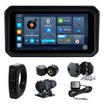
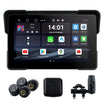
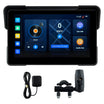
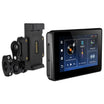
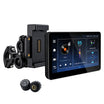
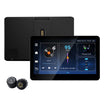
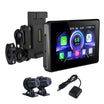
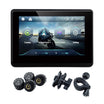
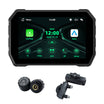
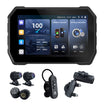
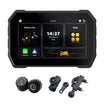
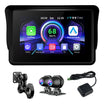
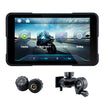
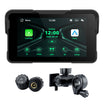
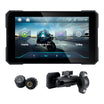
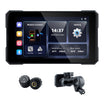
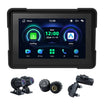
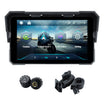
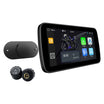
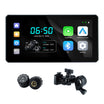
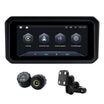
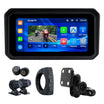
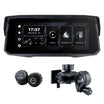
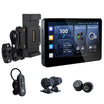
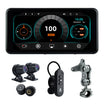
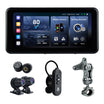
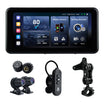
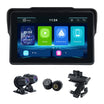
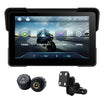
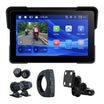
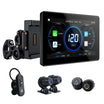
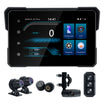
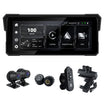
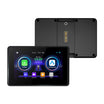
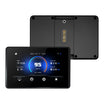
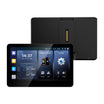
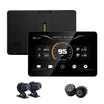
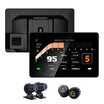
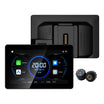
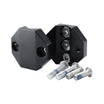
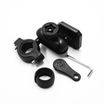
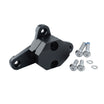
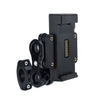
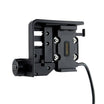
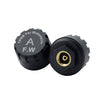
Entrega muy rápida, 7 días con el transporte ordinario, fiel a lo anunciado, se ve buena calidad y bien terminado
Satisfecho con la compra
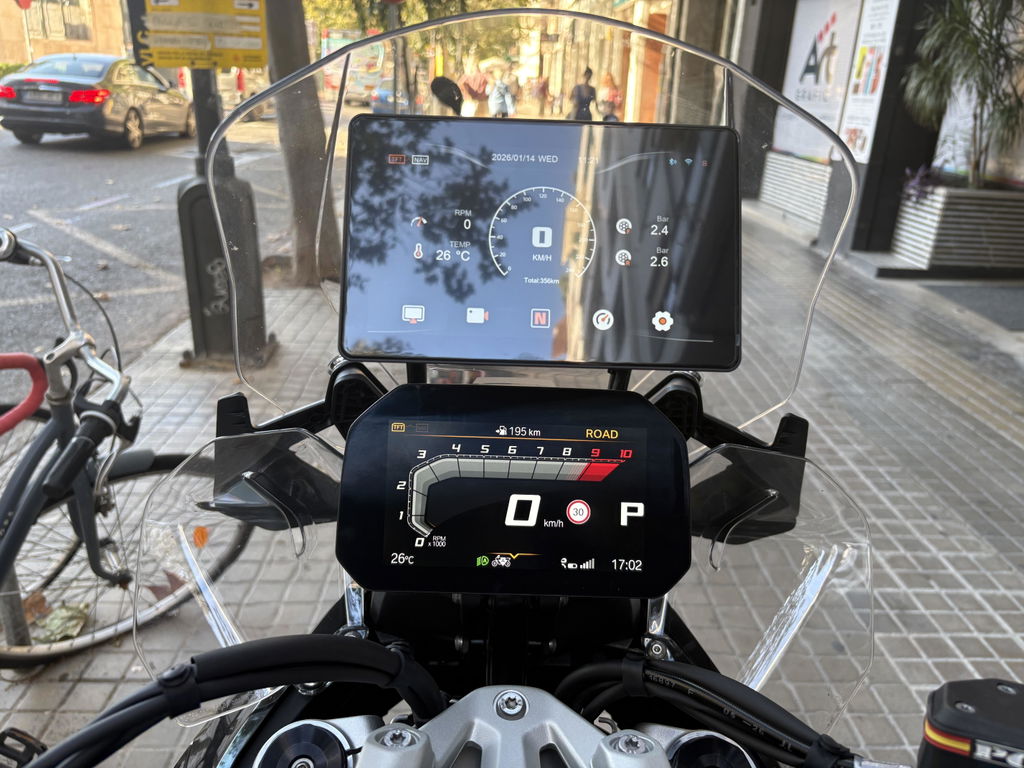
Pantalla espectacular con buena resolución, buen brillo, muchos datos y en un formato muy moderno, las cámaras son un extra muy bueno pues se colocan de forma sencilla y se ven realmente muy bien. Desde que la tengo cero errores de conexión. Todo funciona bien, incluida la ruleta wonder wheel. La atención al cliente es rápida y efectiva. La volvería a comprar sin duda independientemente del precio pues ofrece una calidad alta. El precio es inmejorable.
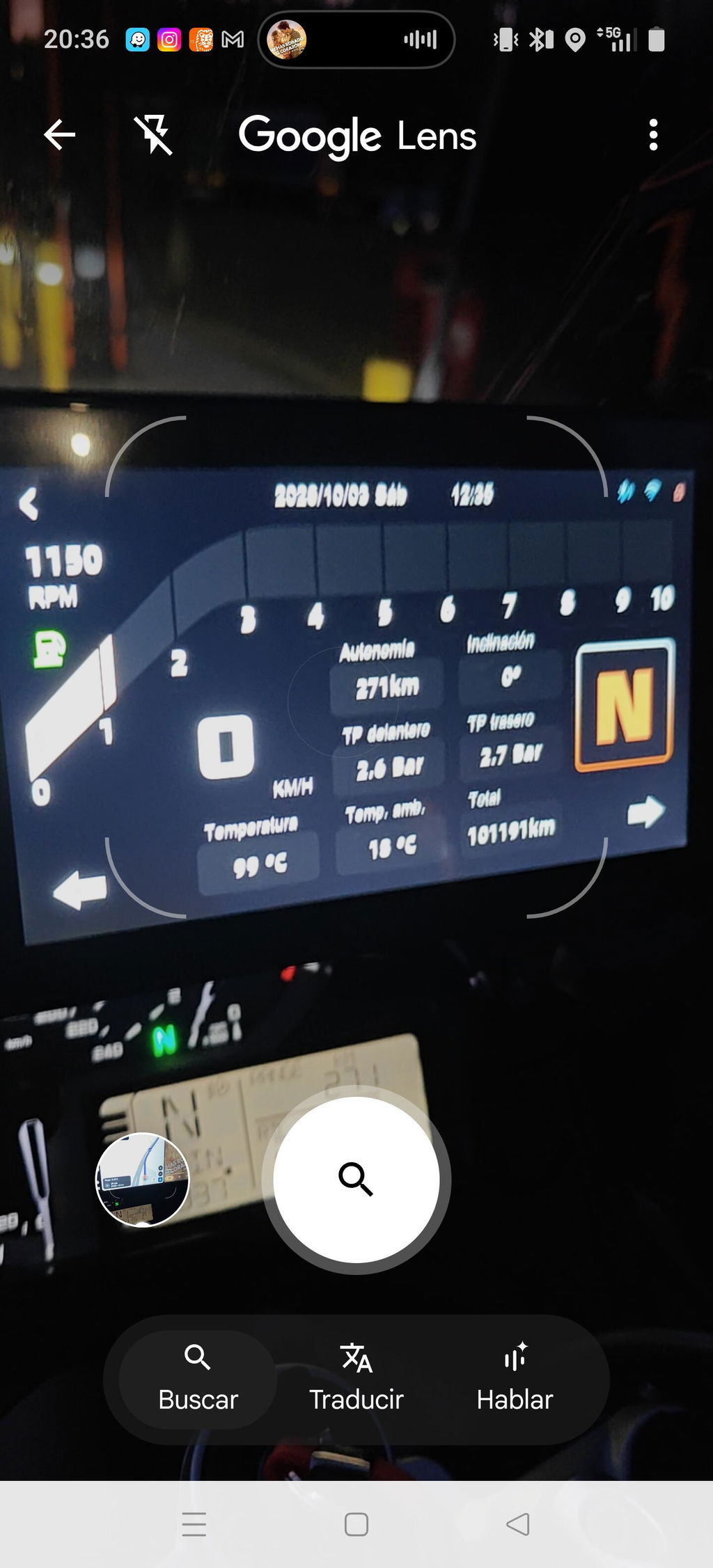
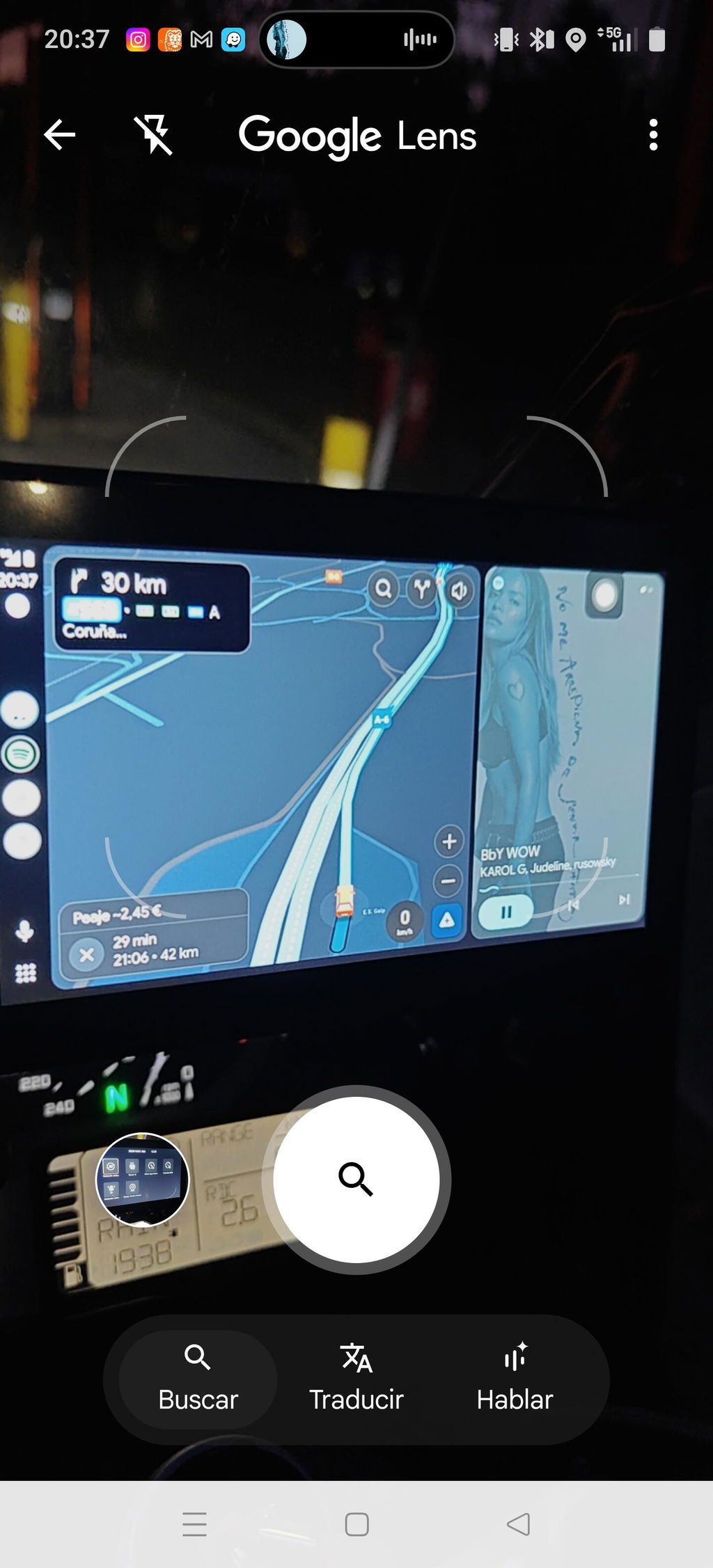
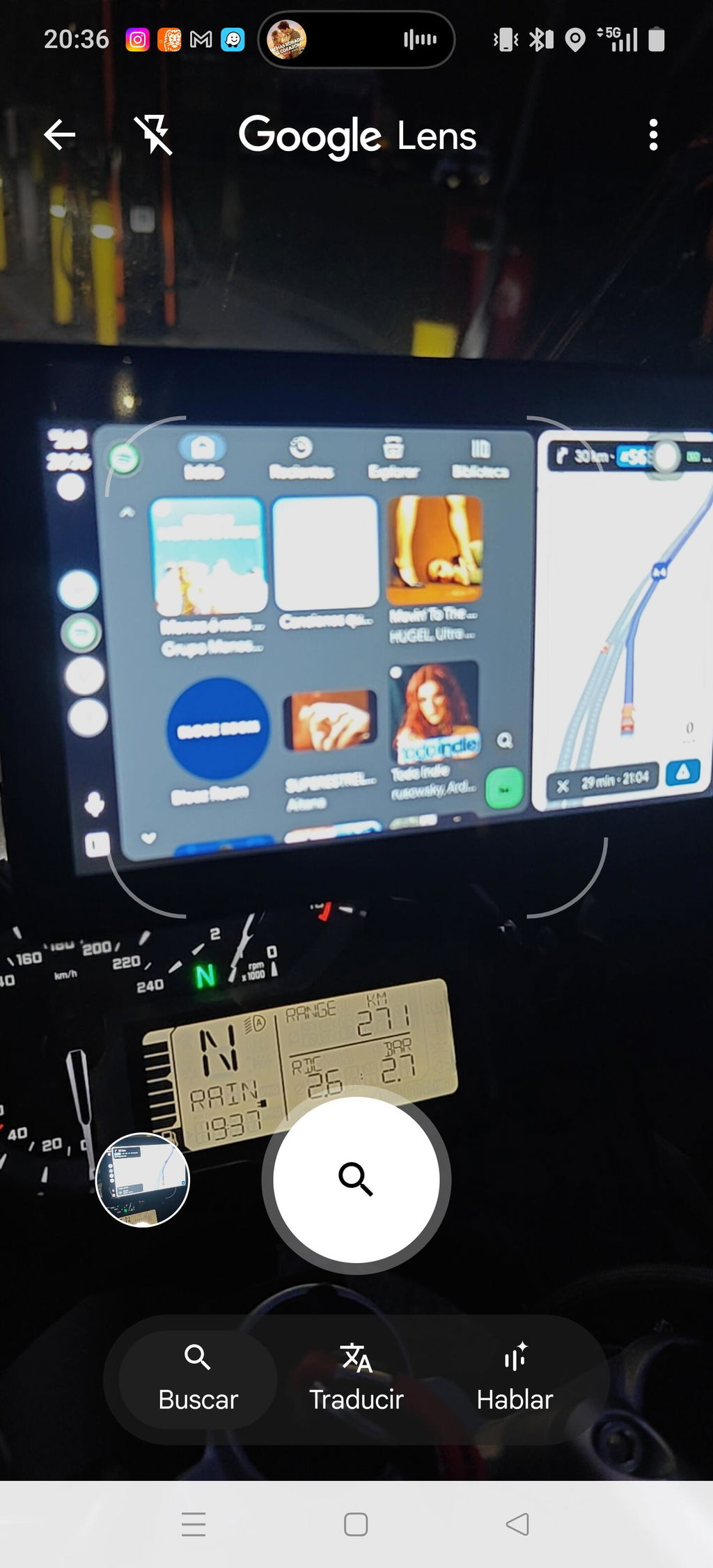
The device arrived quickly and makes a very good impression.
It works very well with both Android Auto and Apple CarPlay. It fits perfectly into BMW’s navigation preparation and, in my case, also works with BMW’s new keyless electromechanical navigation mount.
The price-to-performance ratio is definitely very good.
I only have a few suggestions for improvement:
- A small integrated battery or a buffered power supply using a capacitor circuit would be a great addition. This would prevent the device from restarting every time the engine is started.
- The USB port should be accessible without tools. This would make it much easier to adjust the connection settings when the device is not mounted on the motorcycle.
- Automatic brightness adjustment would be a useful feature, especially when riding in changing lighting conditions.
- Switching between Apple CarPlay and Android Auto can sometimes take a little while. During this process, the connection is occasionally not established for a short period of time. Improving the switching process would make the overall experience even smoother.
Overall, I am very satisfied with the device and would definitely recommend it. With these improvements, it could become an even better product.
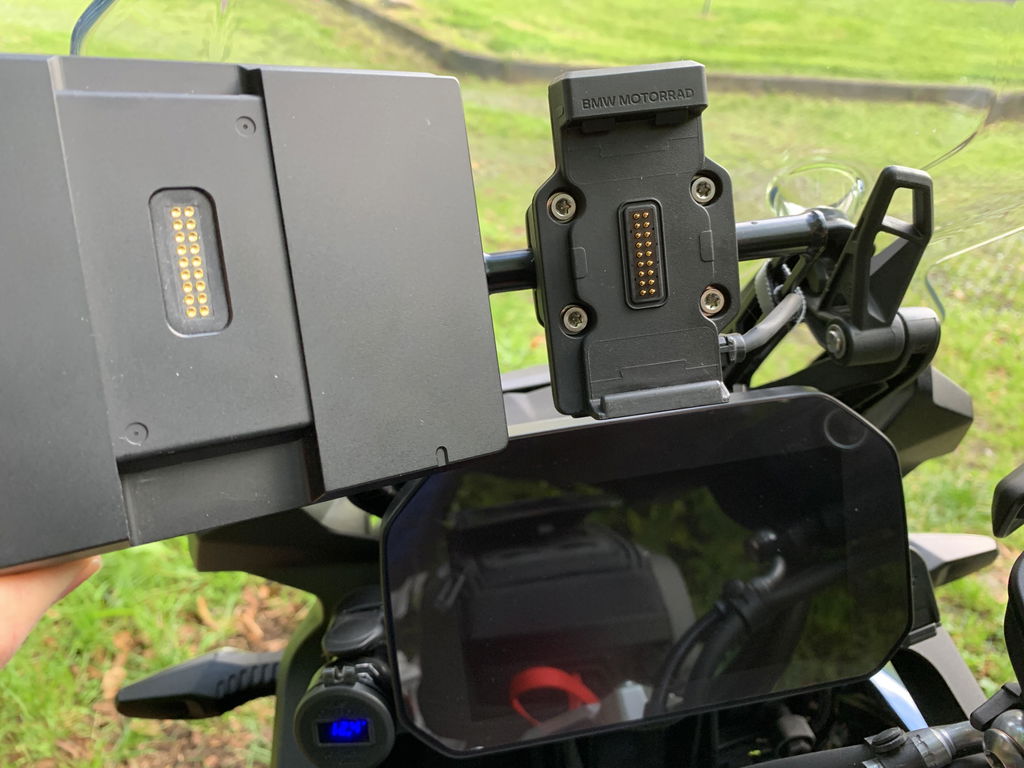
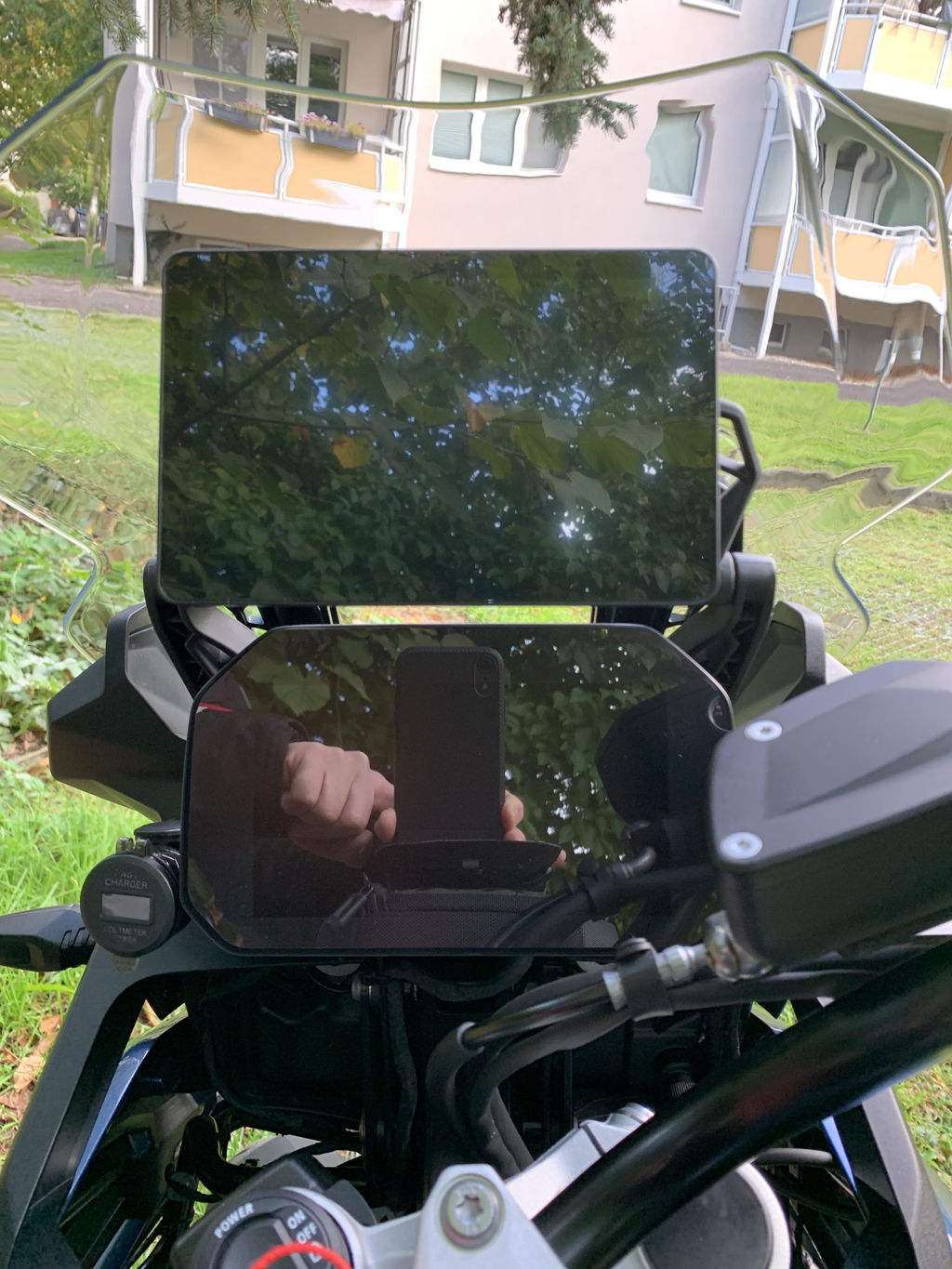
Schnell eingerichtet, Drehradsteuerung funktioniert. Top Preis-Leistungsverhältnis.
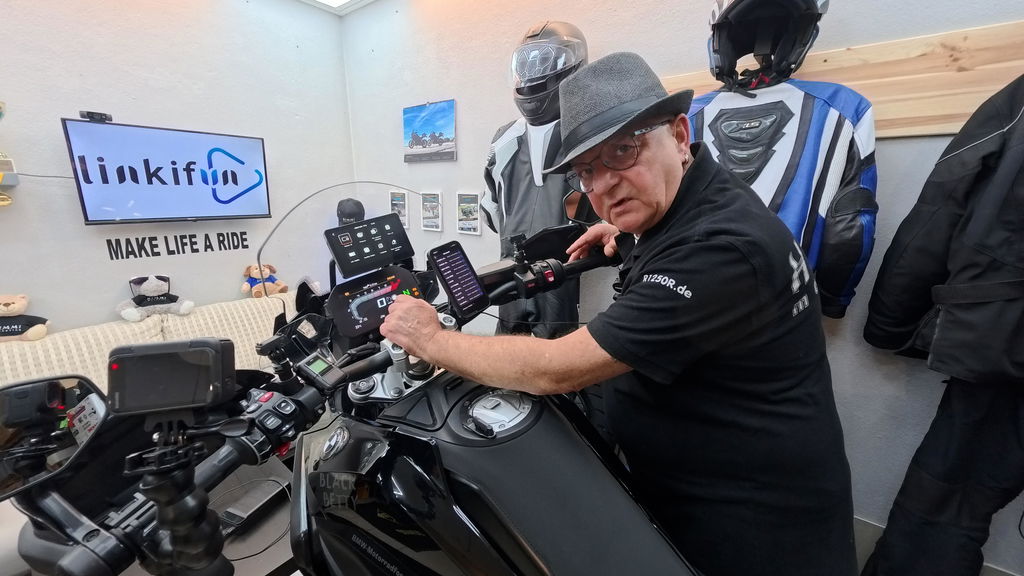
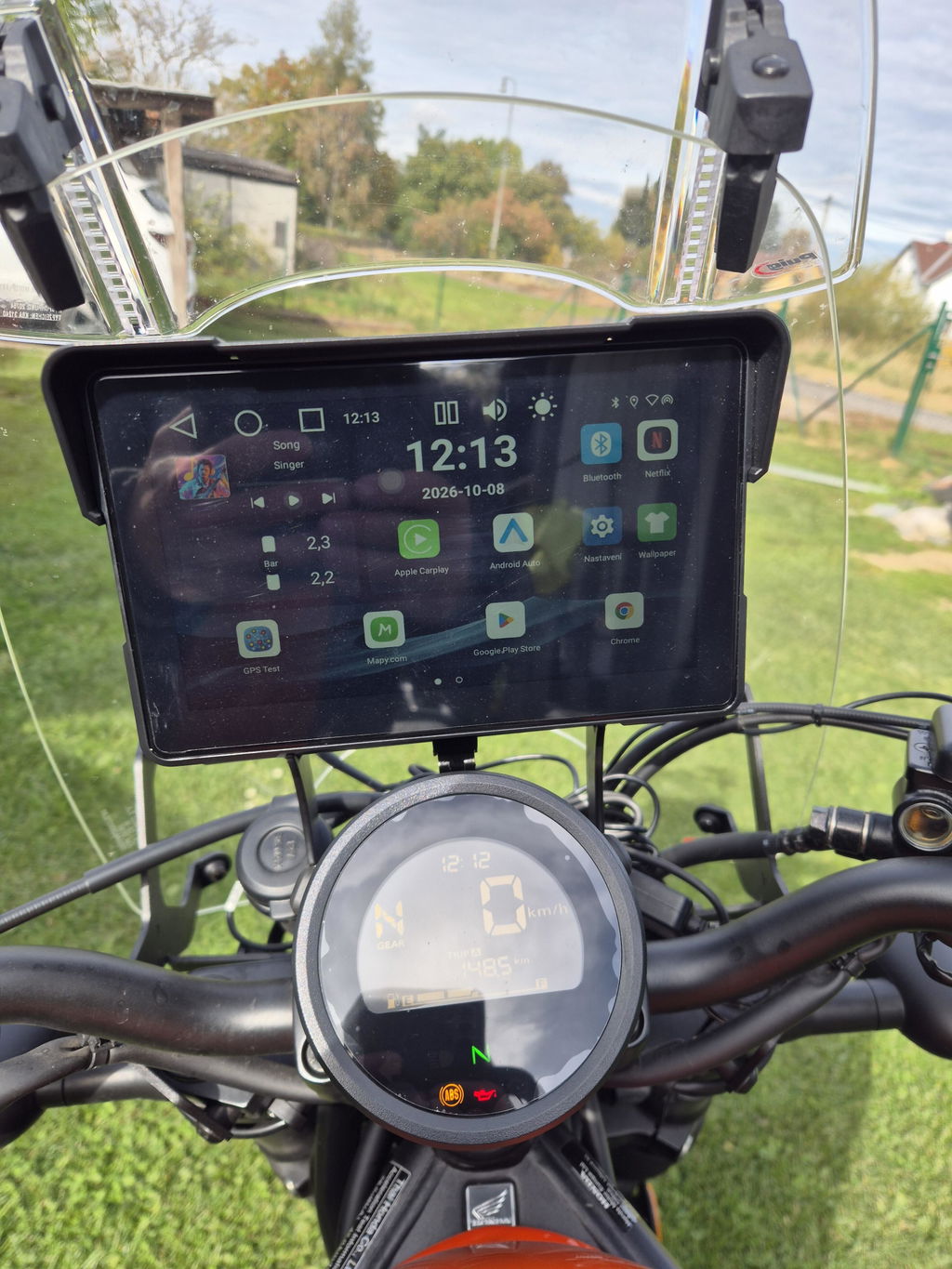
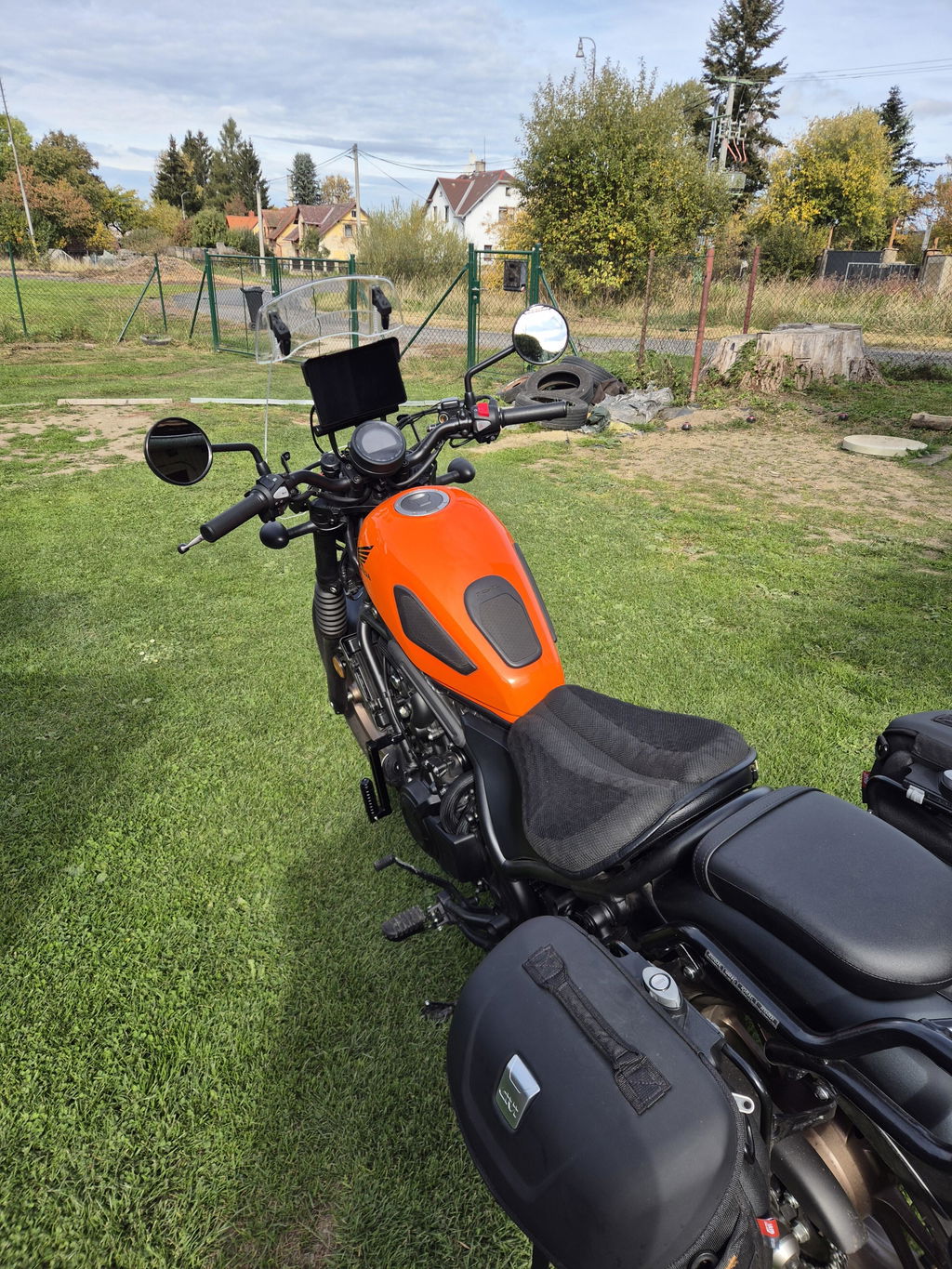
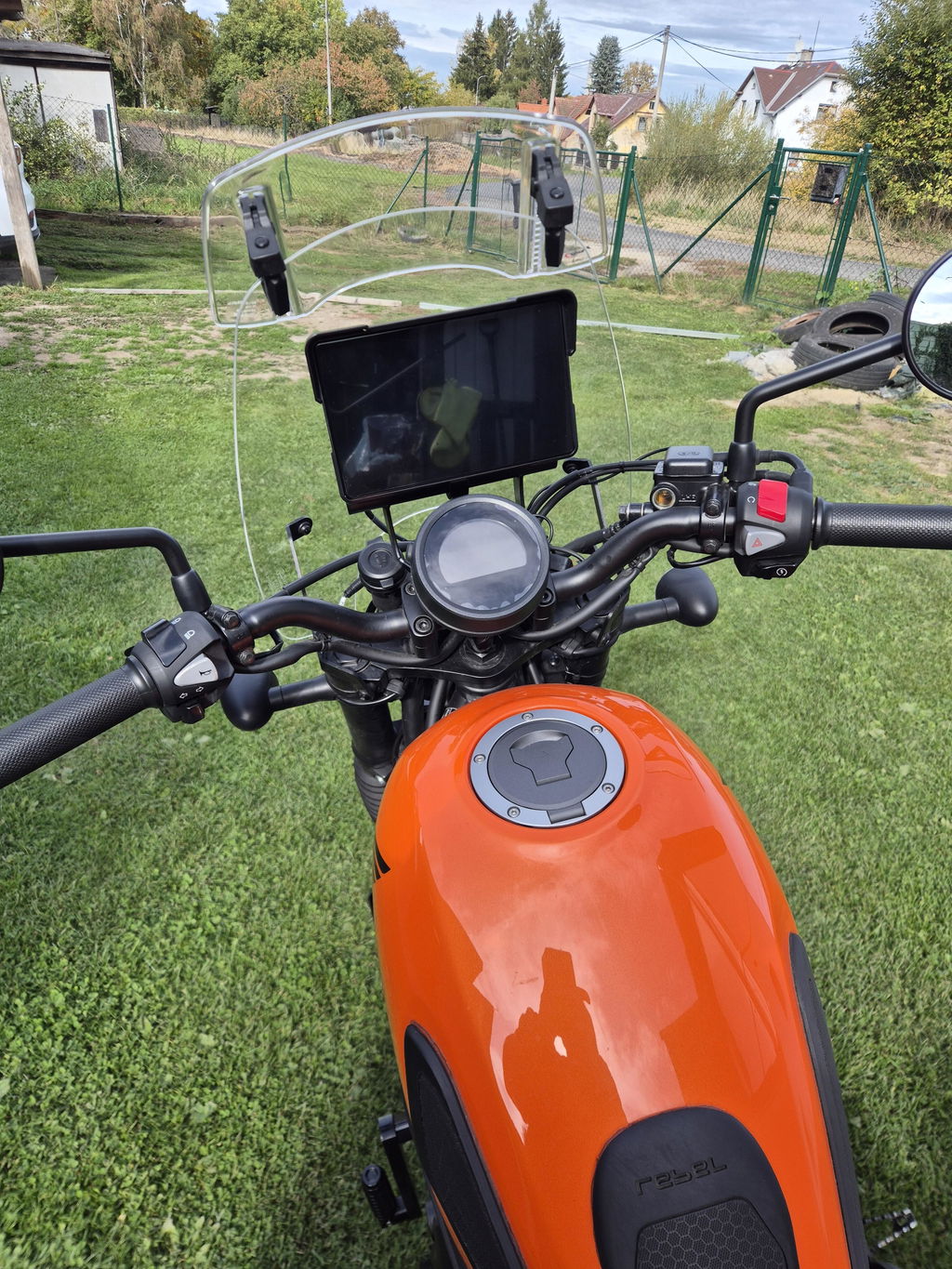
Meine Bestellung wurde schnell bearbeitet und kam bereits vor dem zugesicherten Liefertermin an. Das Gerätes passt perfekt in die Originalhalterung meiner R1250GS, ließ sich einfach in Betrieb nehmen und alle Funktionen lassen sich per Wonder Wheel sehr gut bedienen.
Das Smartphone ließ sich problemlos über Android Auto verbinden, die Kurviger App funktionierten im Test einwandfrei.
Nachdem ich bei Amazon nicht fündig geworden bin, habe ich den Linkifun Support kontaktiert, um noch einen zweiten Displayschutz zu kaufen. Es erfolgte eine sehr schnelle Rückmeldung und mit der Übernahme der Versandkosten durch mich wurden mir 2 Displayschutz kostenfrei zugeschickt.
Das Linkifun MT13 Pro ist aus meiner Sicht eine preisgünstige Alternative zum BMW Motorrad Connected Ride Smartphone Cradle. Über die Mirrorfunktion kann auch die BMW Connected App auf dem Display angezeigt, jedoch nicht gesteuert werden.
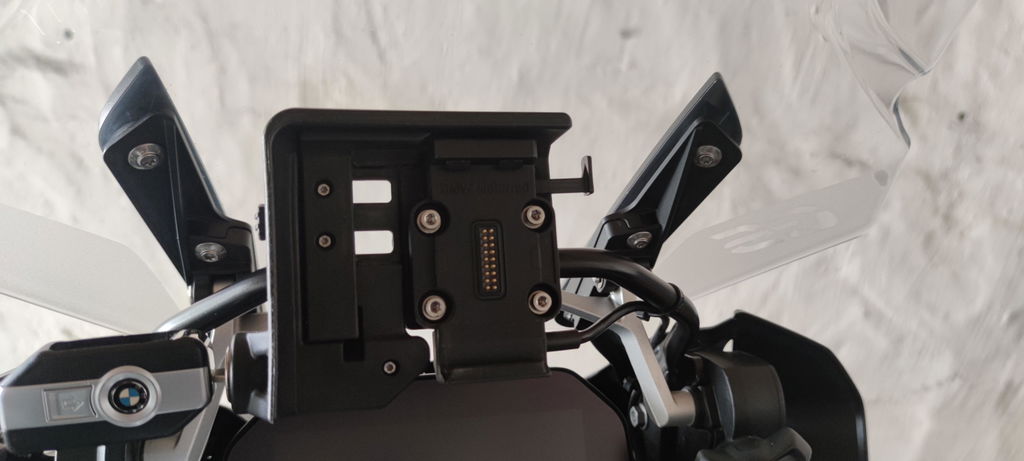
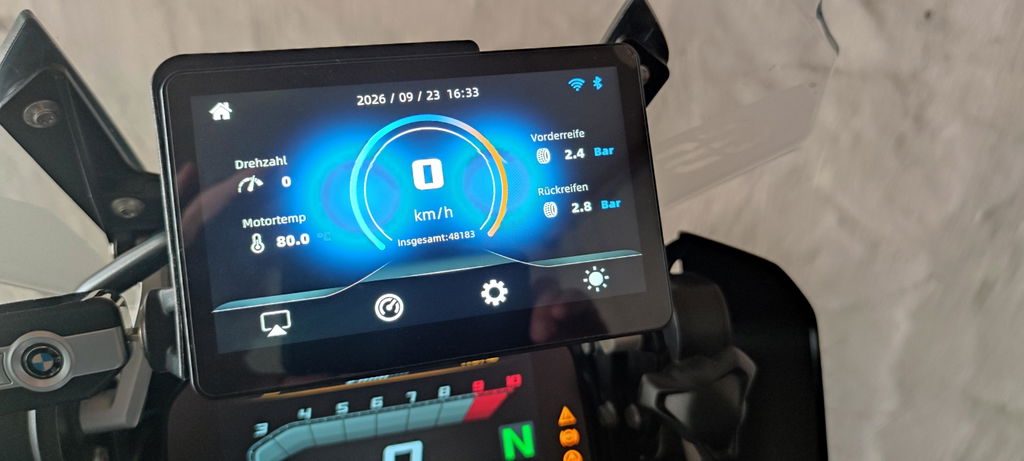
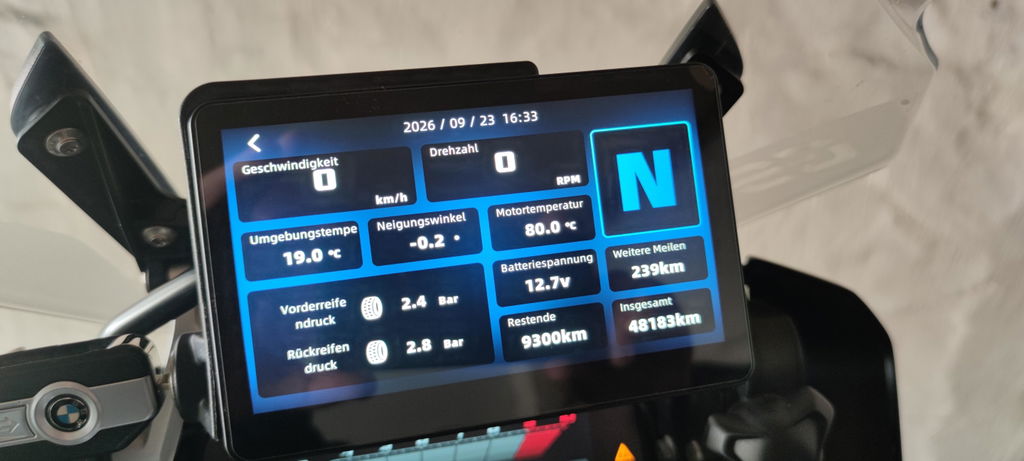
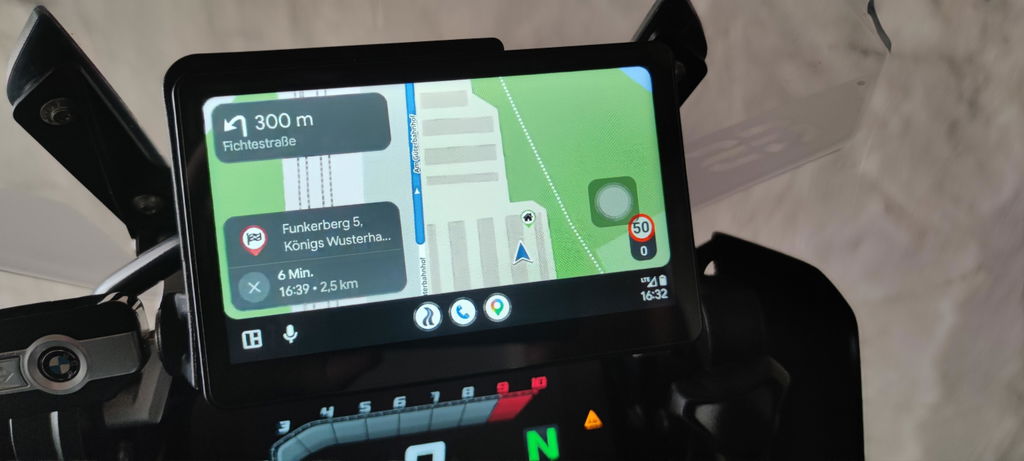
Excelente. Se agradece que esté incluído en el paquete.
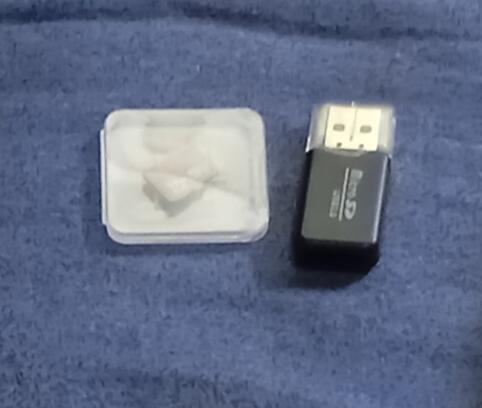
I would like to point out that the device is excellent, works as it should, and you can run Android software on the Tesla, as well as watch YouTube, CarPlay or Android Auto, and many other apps. I should also mention their support service, which answered every question I had quickly, and did not leave me until all the problems were resolved and everything worked smoothly.
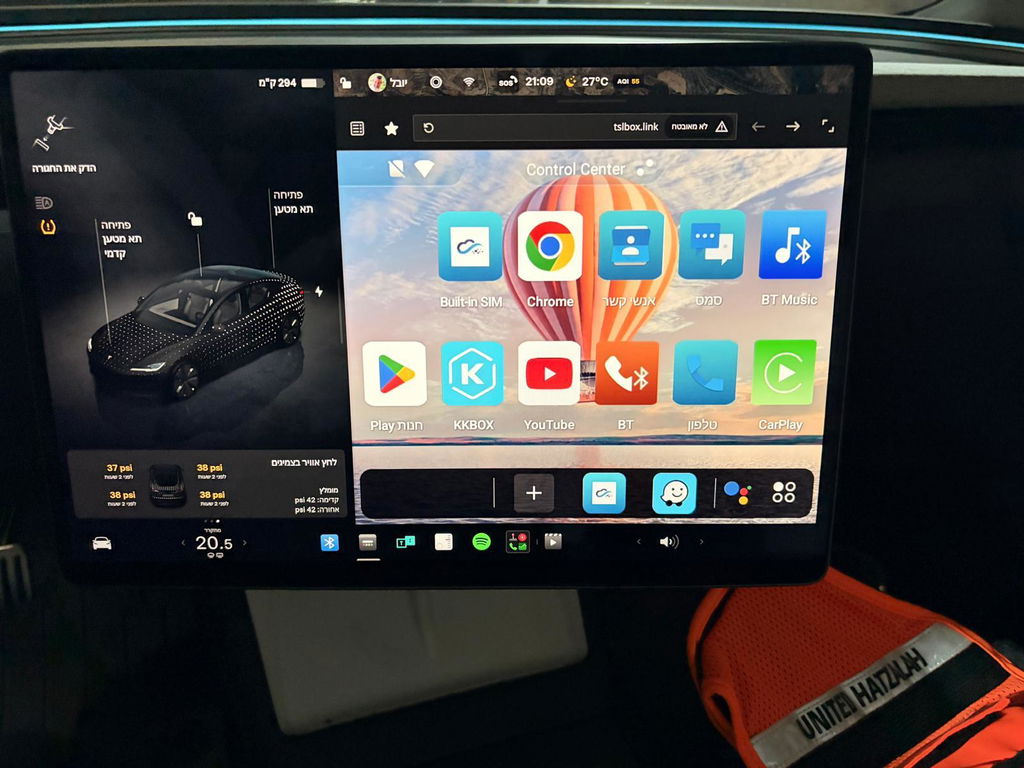
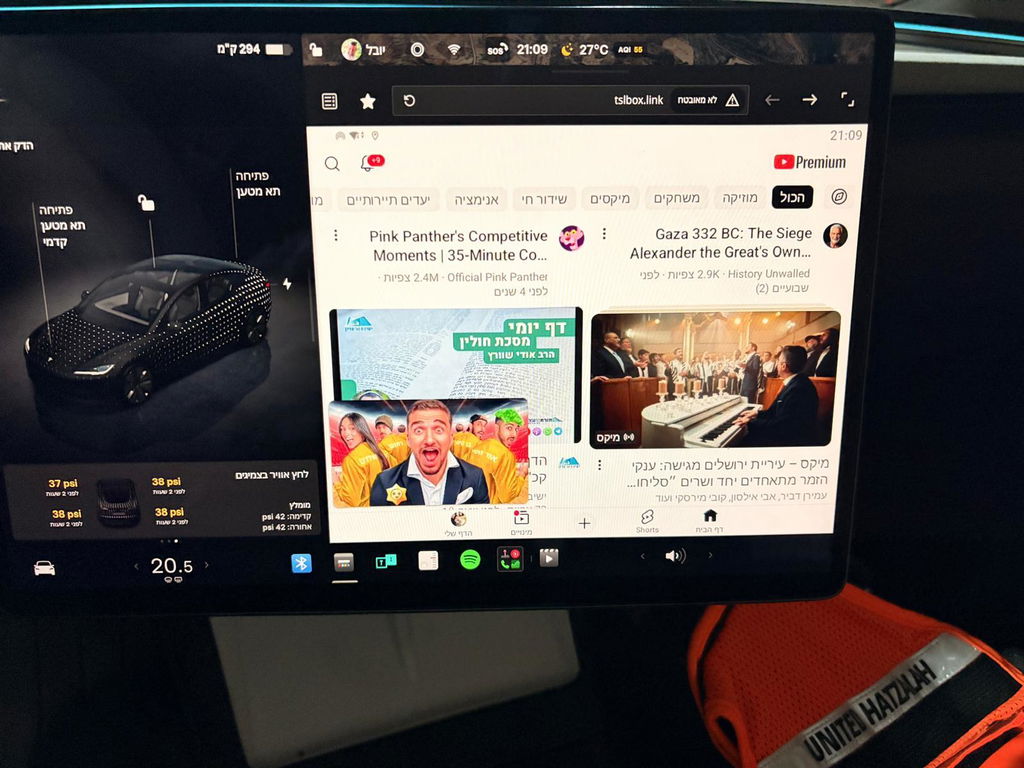
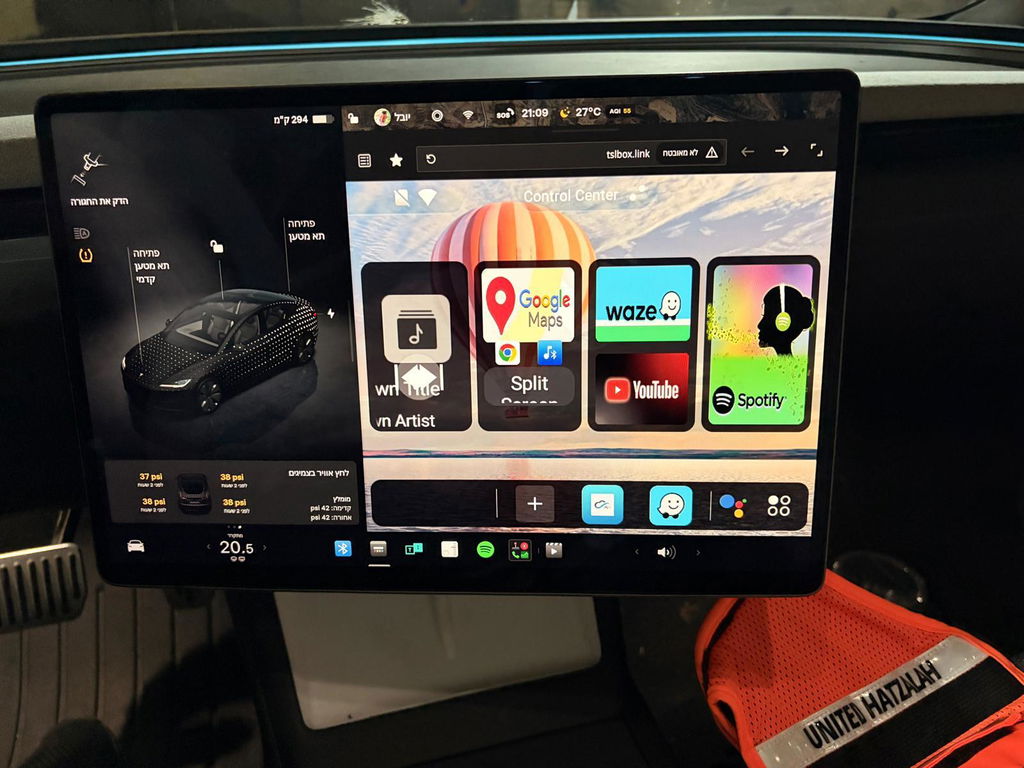
Excelente pantalla. Para mis necesidades de viaje es perfecta. La posibilidad de usar una tarjeta SIM e independizar la pantalla del teléfono es lo mejor, de hecho es la razón principal por la que la compré. Lo único que no me gusta es que el cable para conectar la pantalla con el GPS es más delgado que los demás y se siente un poco frágil. Además, aunque el uso de la pantalla es muy intuitivo, no estaría nada mal tener un manual en español. Por lo demás, prestaciones, accesorios y precio es una pantalla excelente.
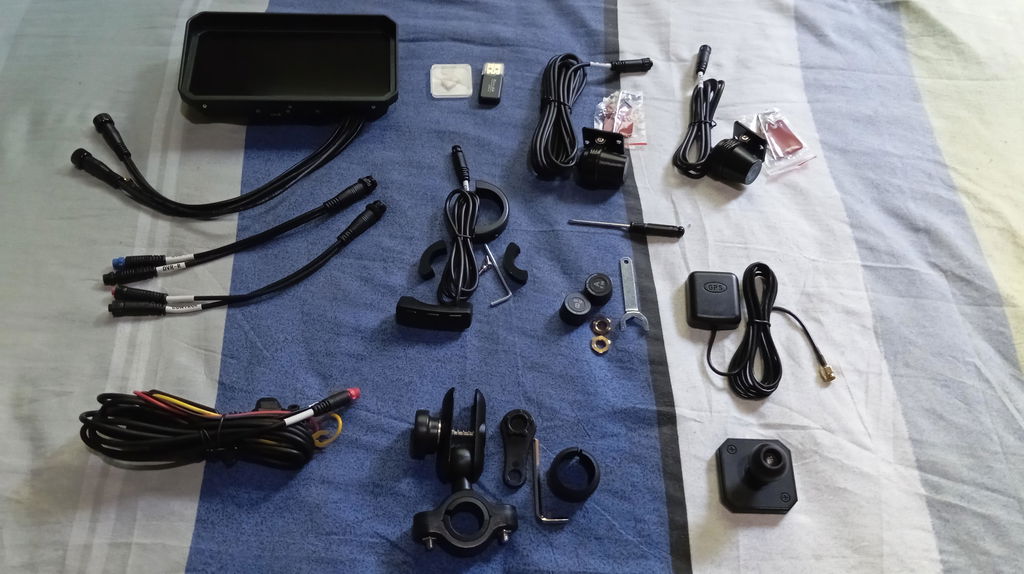
Only one out there that allows connection to usb port in addition to direct connection to battery. The display is clear and Android auto connection is seamless. Only suggestion i have is to make sure you purchase a usb-A to usb-C adapter if your bike only has usb-C ports. Overall this is a great product that adds a lot of functionality to my bike.