



SKU: L10

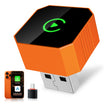
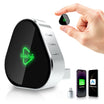
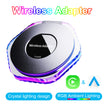
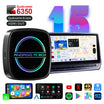
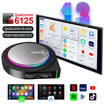
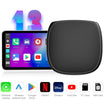
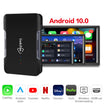
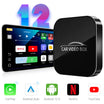
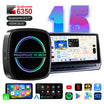
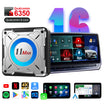
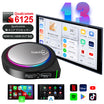
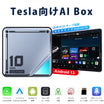
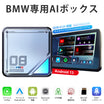
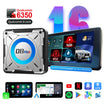
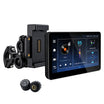
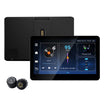
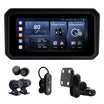
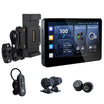
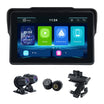
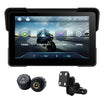
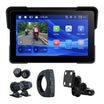
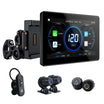
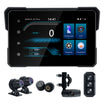
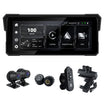
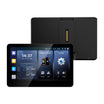
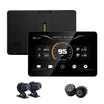
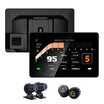
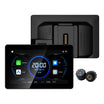
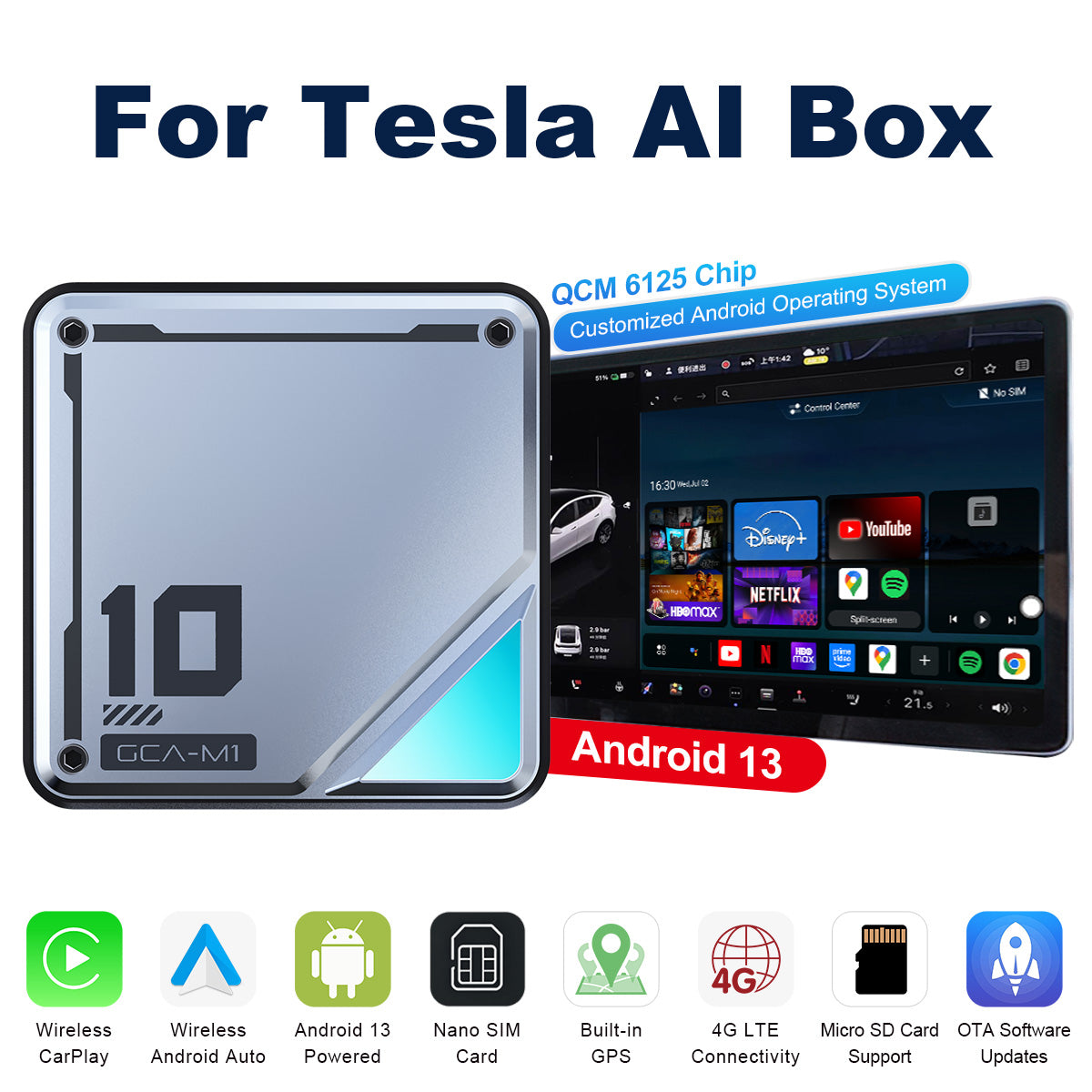
Linkifun™ L10 Android 13 AI Box for Tesla – Wireless CarPlay & Android Auto Support – Google Play, Google Maps, SIM Card & Plug-and-Play

Prezzo in saldo$295.00 Prezzo normale$398.00
Risparmia $103.00
WORLD CUP
20%
OFF
World Cup Special Sale
Get 20% OFF Sitewide. Use code GOAL20 at checkout.
GOAL20
PayPal Shop Pay Visa Mastercard Maestro JCB American Express Diners Club Discover Afterpay Klarna Google Pay Apple Pay
45-Day
Return
1-Year
Warranty
Free
Shipping
Fast
Support
Linkifun L10 Tesla Android 13 AI Box Video

Product Demonstration

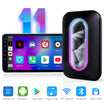
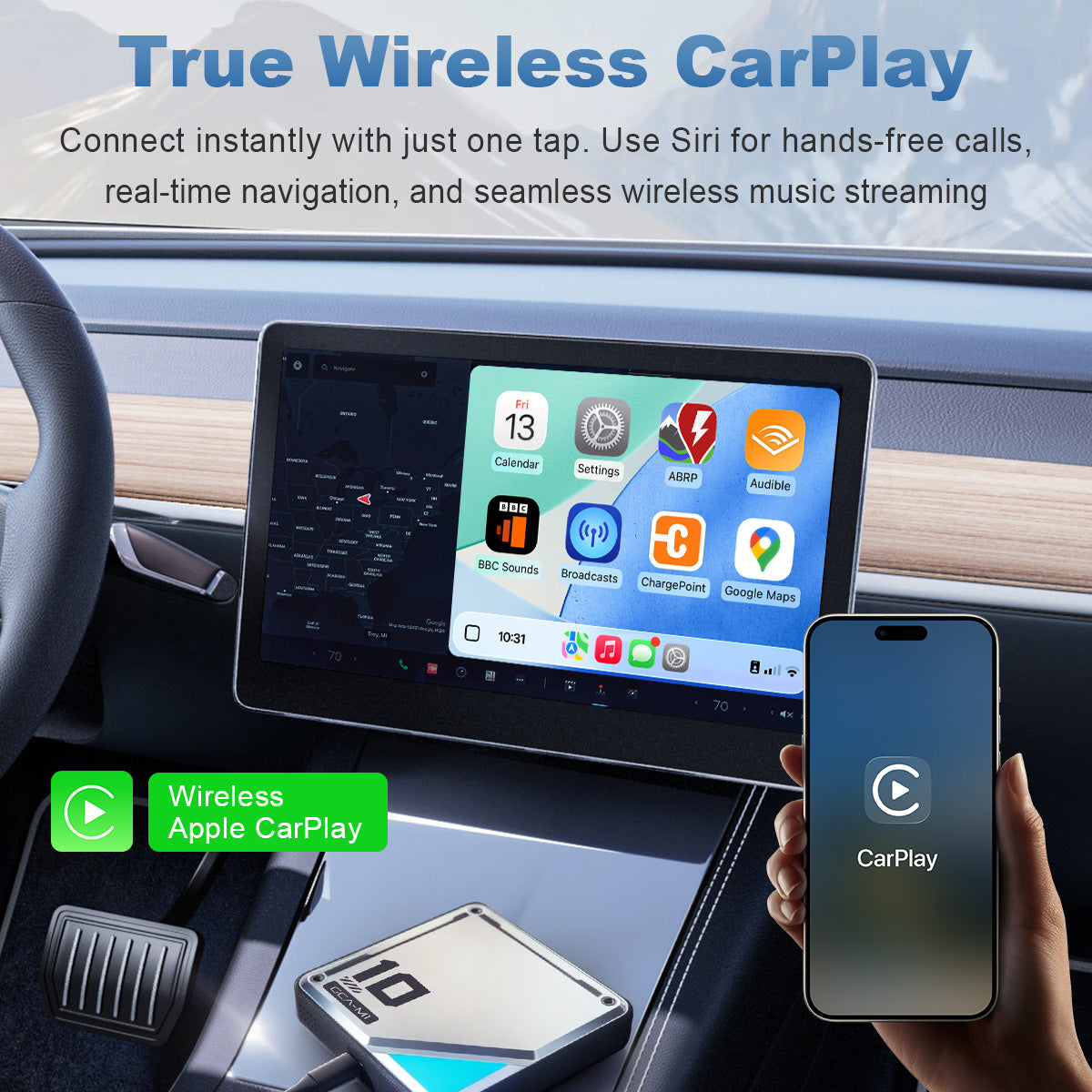
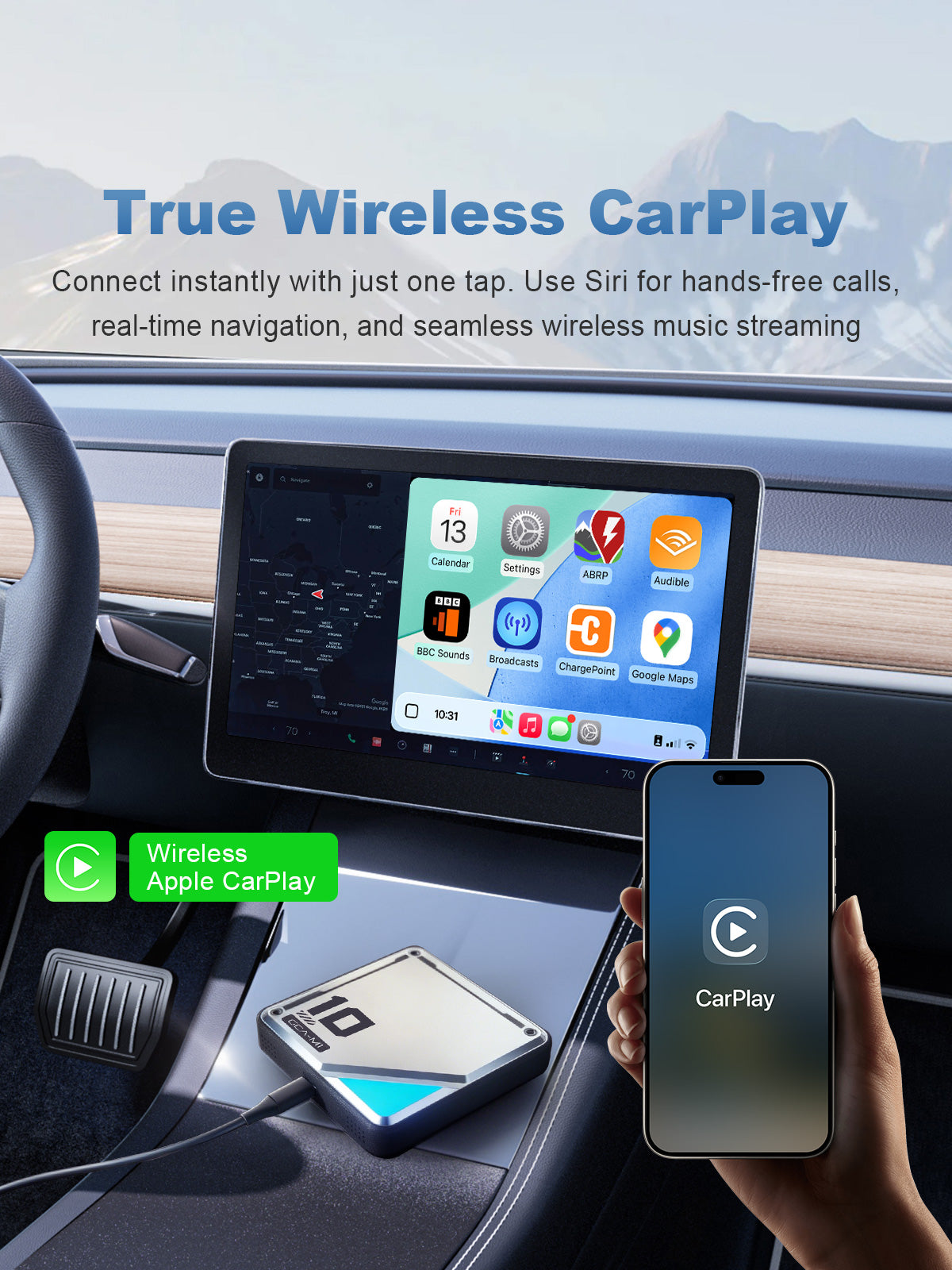
Linkifun L10 Tesla Android 13 AI Box with true wireless Apple CarPlay, Siri voice control, navigation, music, and hands-free calls

True Wireless Apple CarPlay

Connect your iPhone to your Tesla screen wirelessly and enjoy Apple Maps, music, messages, hands-free calls, and Siri voice control. With quick wireless pairing, the L10 makes your daily drive smoother, cleaner, and more convenient without extra cables.

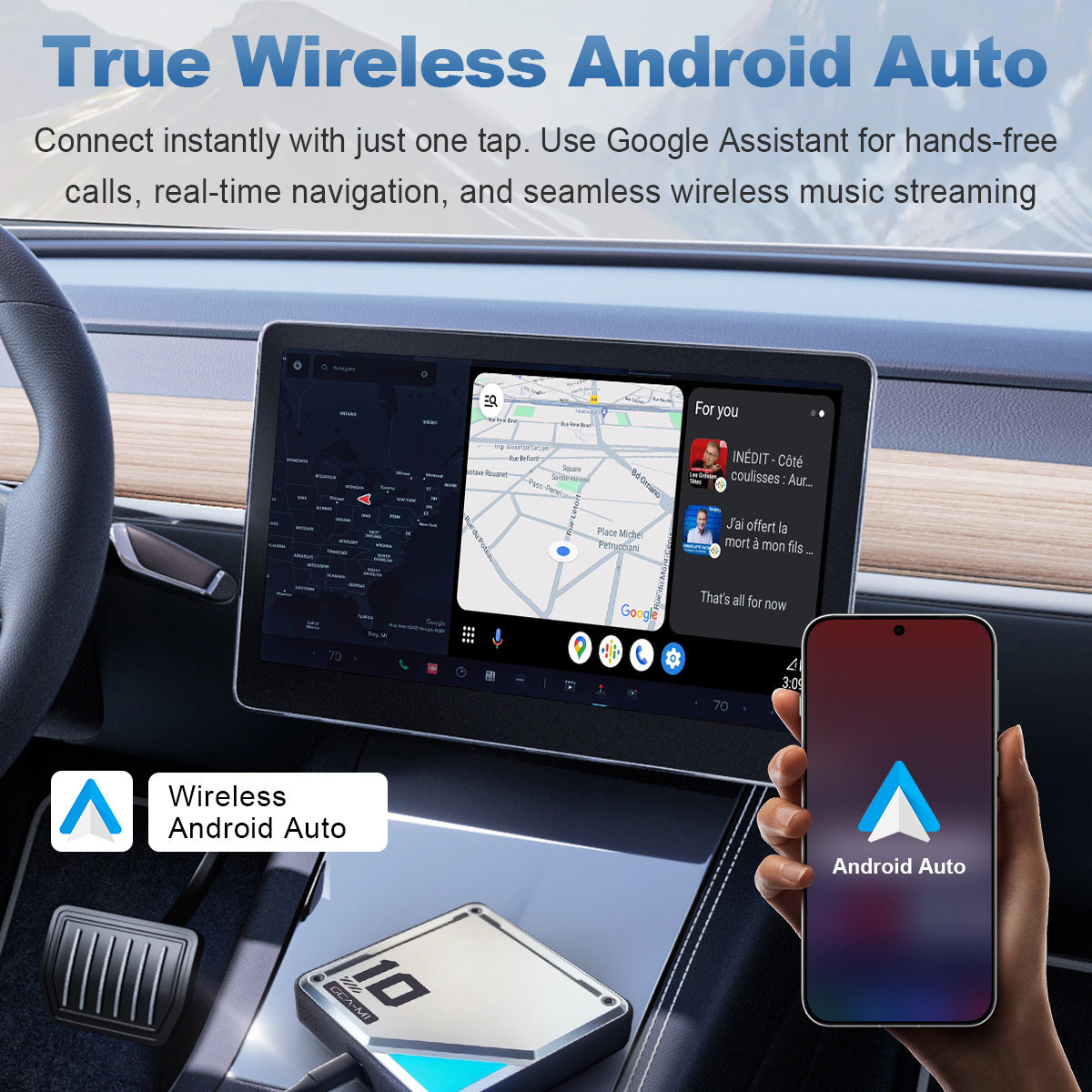
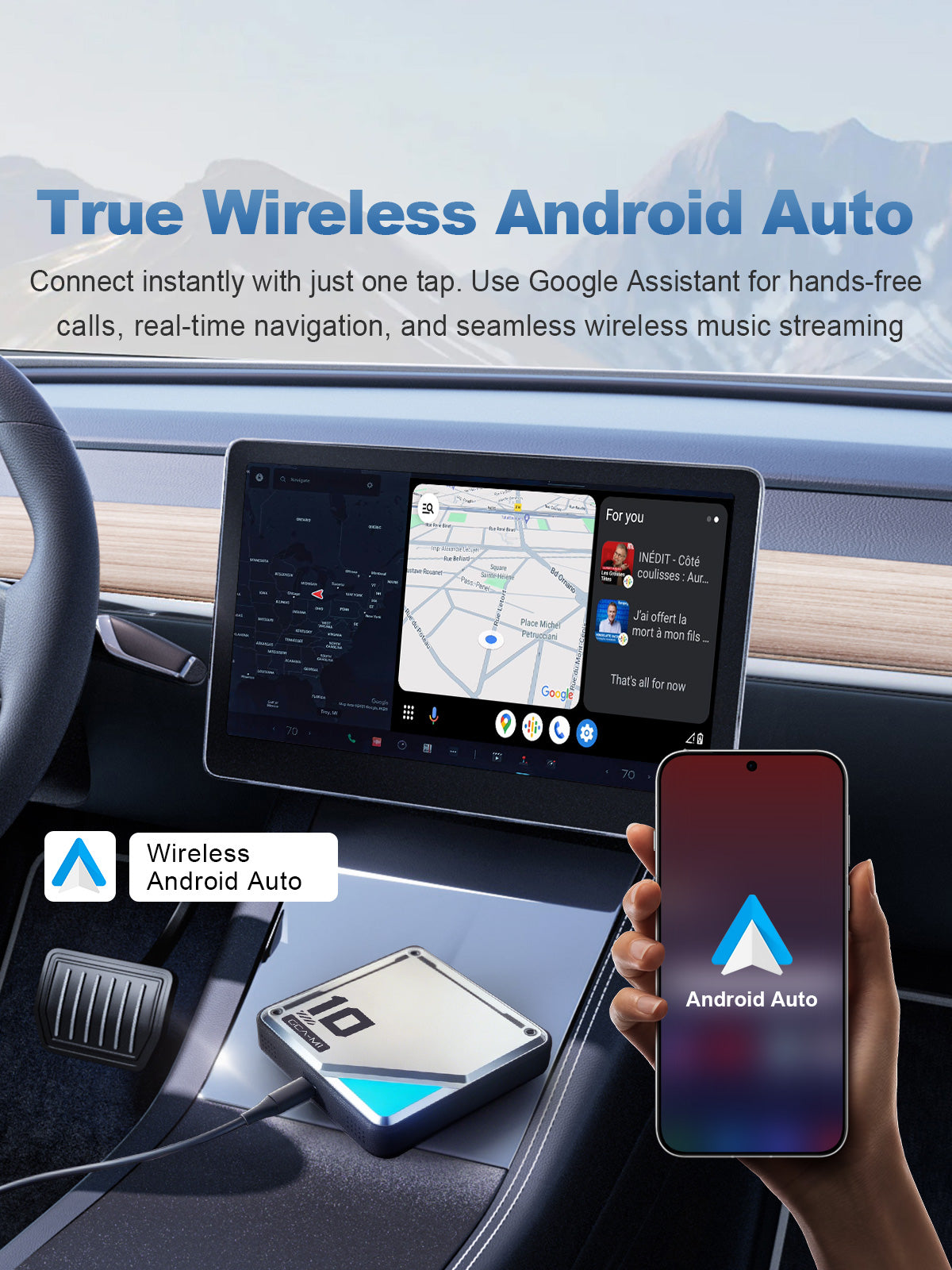
Linkifun L10 Tesla Android 13 AI Box with true wireless Android Auto, Google Maps, Google Assistant, music, and hands-free calls

True Wireless Android Auto

Pair your Android phone wirelessly to access Google Maps, music, messages, hands-free calls, and Google Assistant directly on your Tesla screen. The L10 provides a smarter Android Auto experience with easier navigation and seamless wireless connectivity.

Linkifun L10 Android 13 AI Box for Tesla with wireless CarPlay, wireless Android Auto, navigation, music streaming, and hands-free calls
01

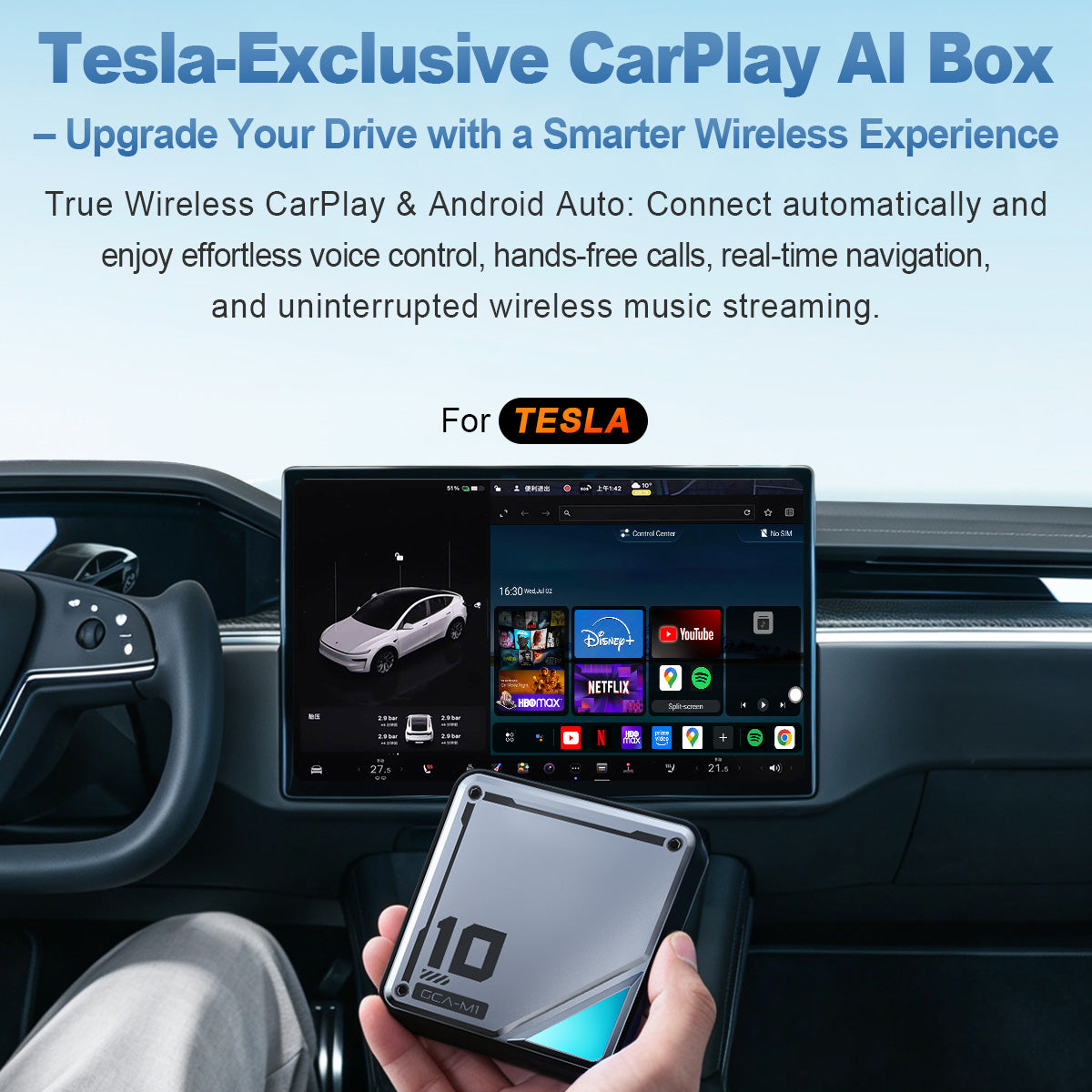
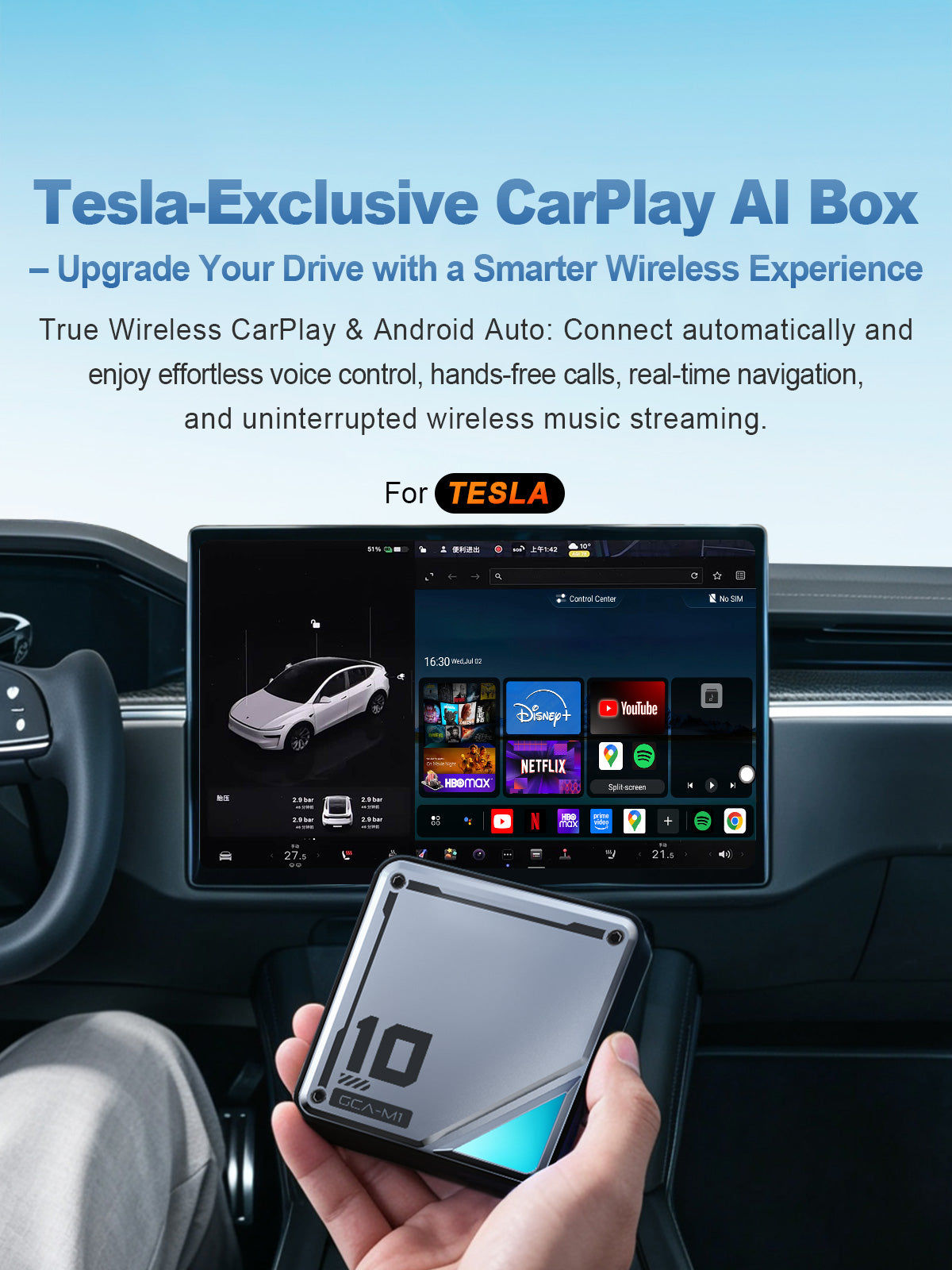
Tesla-Exclusive CarPlay AI Box

Upgrade your Tesla with a smarter wireless driving experience. Enjoy wireless Apple CarPlay and Android Auto for navigation, hands-free calls, voice control, and music streaming directly from your original screen.

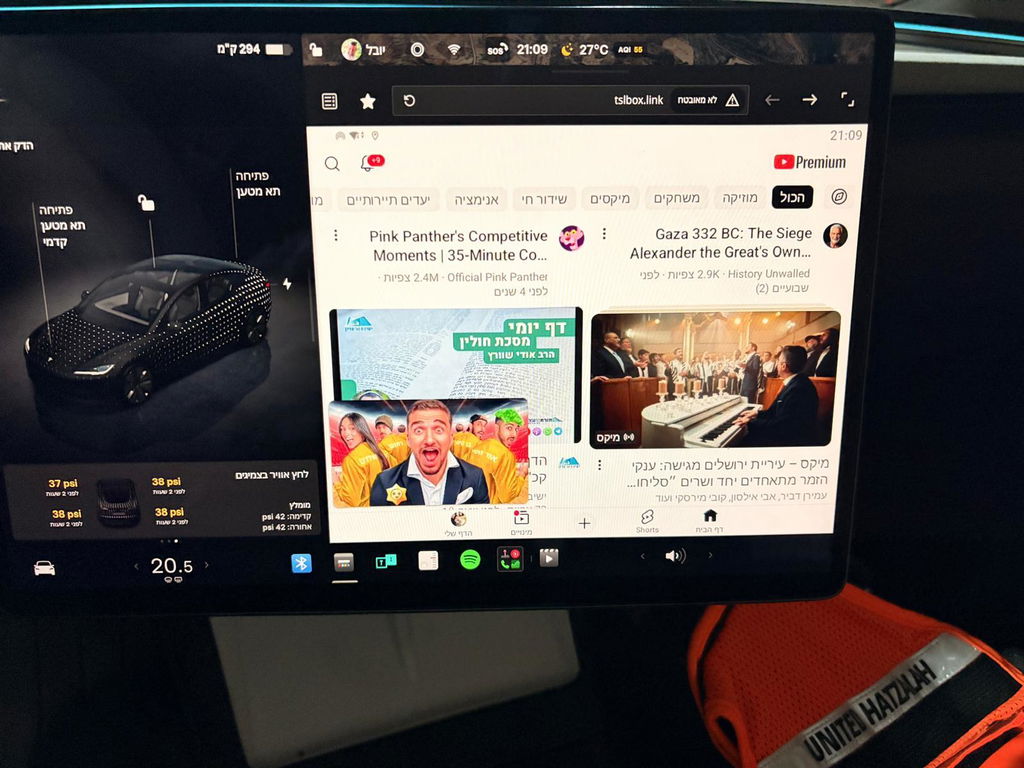
With the built-in Android 13 system, you can download apps from Google Play and access popular entertainment platforms such as YouTube, Netflix, Disney+, Spotify, and more. Whether you are charging, parked, or taking a break, it brings more navigation, media, and entertainment options to your Tesla’s center display.

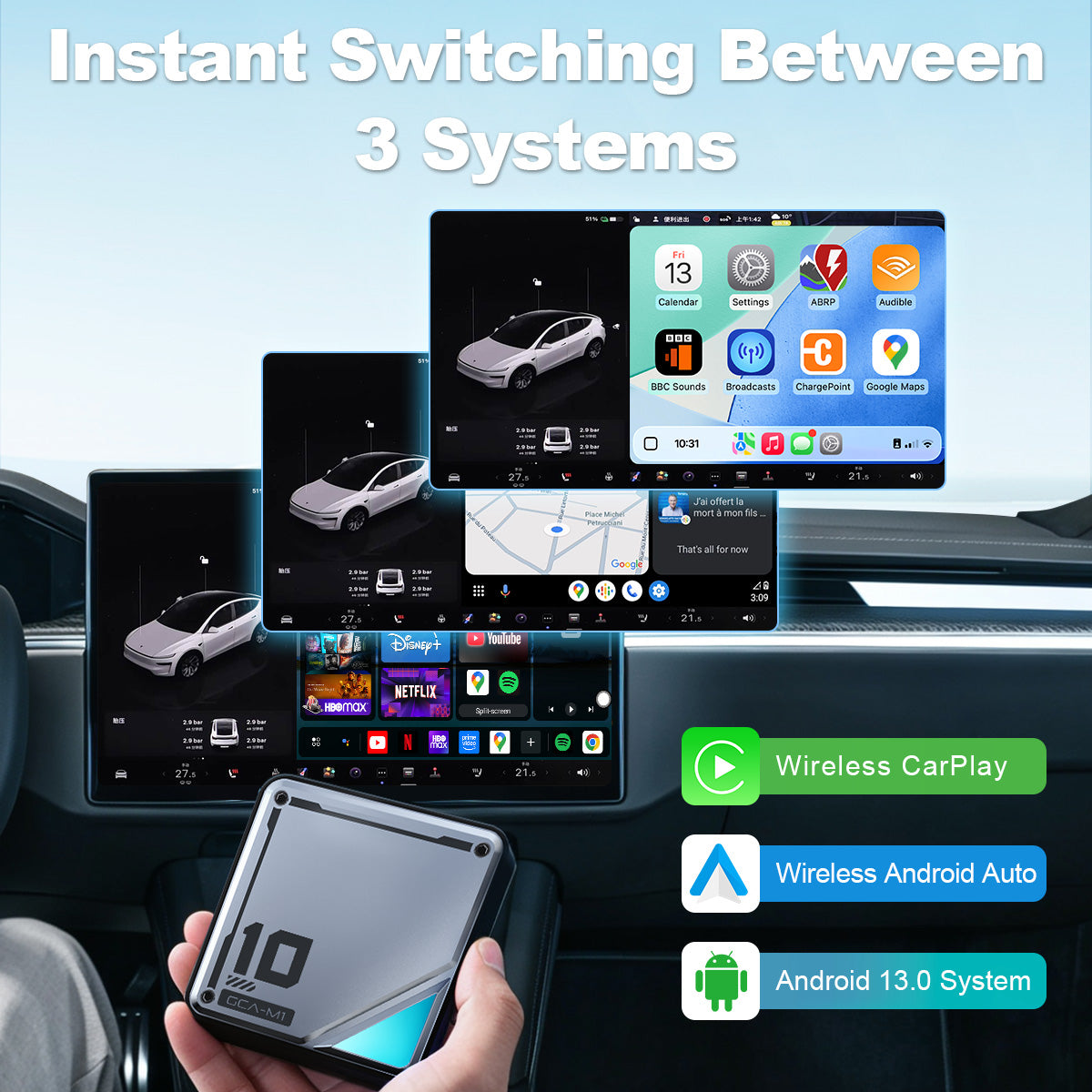
Linkifun L10 Tesla Android 13 AI Box with wireless CarPlay, wireless Android Auto, and 3-system switching
02

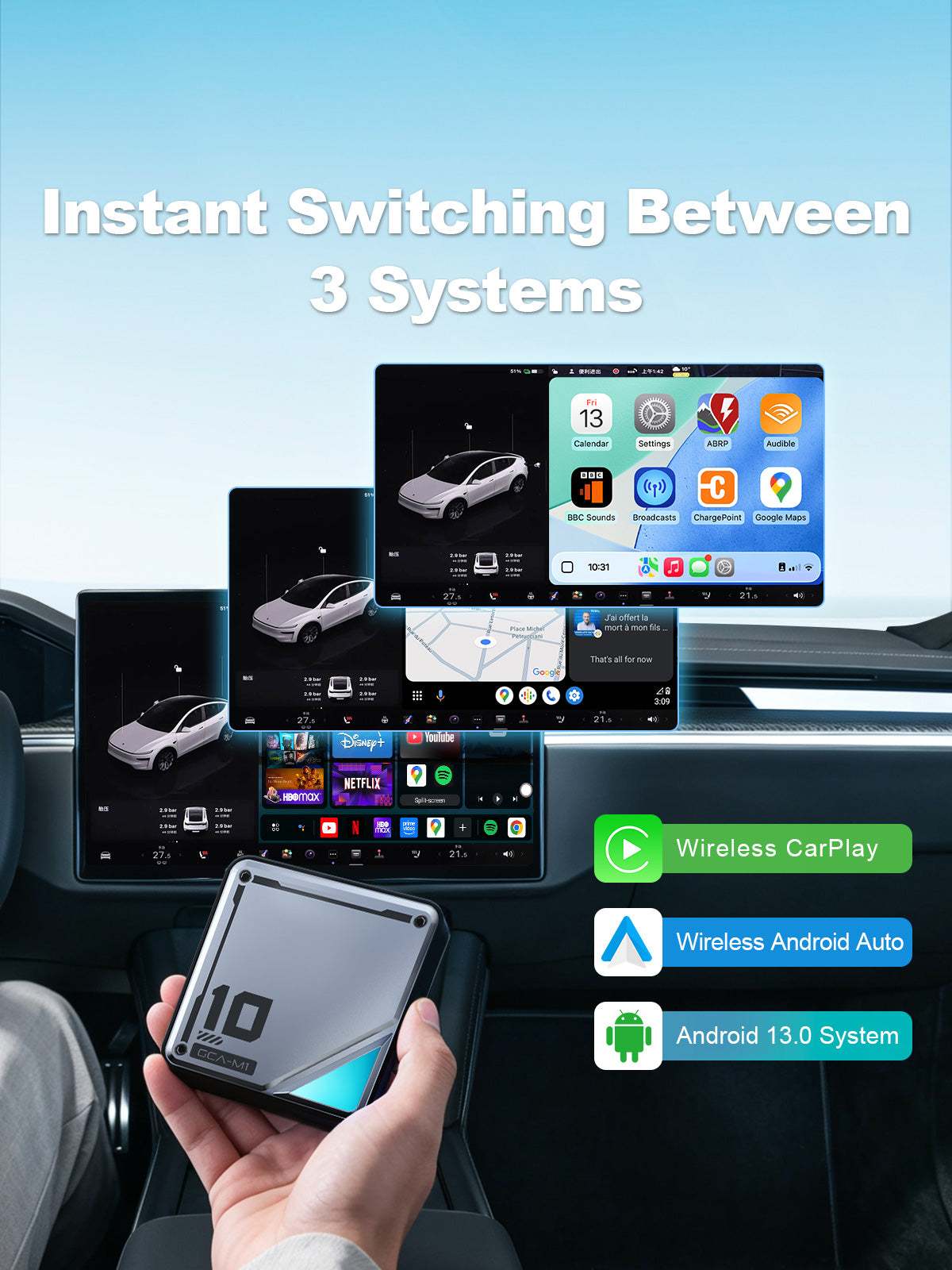
Instant 3-System Switching

Switch smoothly between Android 13, wireless Apple CarPlay, and wireless Android Auto on your Tesla screen. Whether you want to use Android apps, connect your iPhone through CarPlay, or pair an Android phone with Android Auto, the L10 gives you a more flexible and seamless in-car experience.

Linkifun L10 Tesla Android 13 AI Box with Google Play support, open Android system, YouTube, Netflix, TikTok, Spotify, and Google Maps apps
03

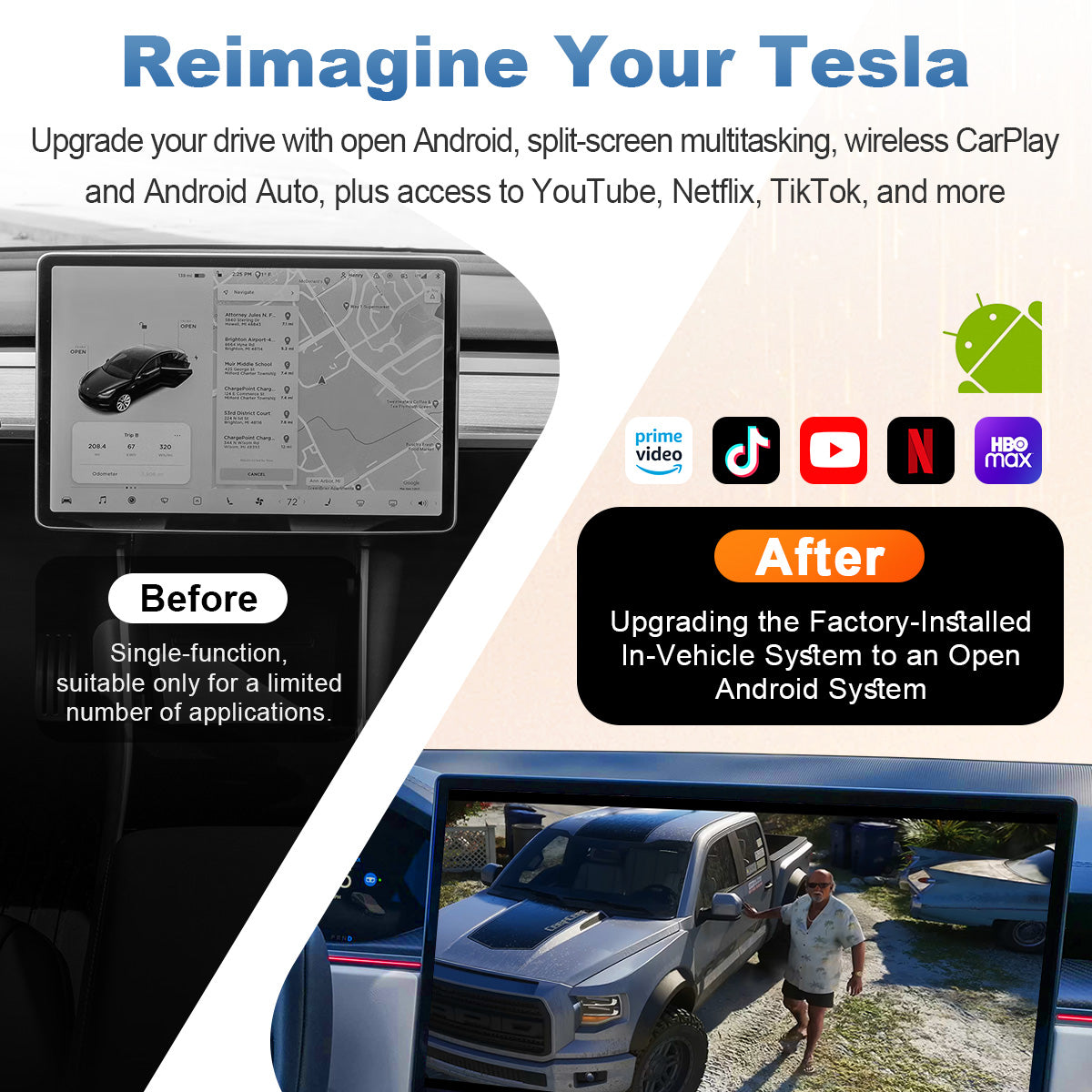
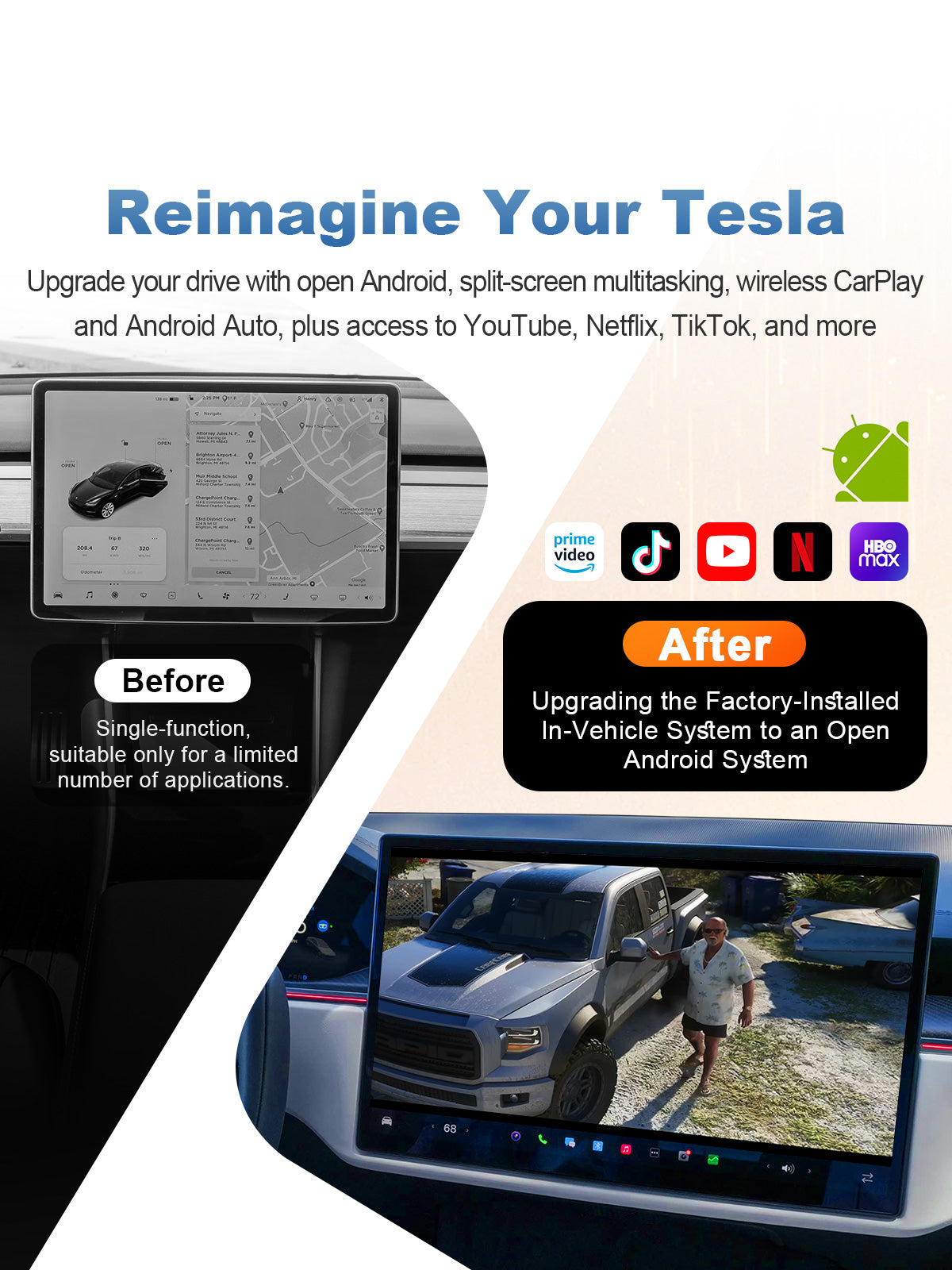
Reimagine Your Tesla with Open Android

Upgrade your Tesla screen with a more flexible Android-powered in-car experience. With Google Play support, you can download popular apps such as YouTube, Netflix, TikTok, Spotify, Google Maps, and more, giving your factory display more entertainment, navigation, and media options.

Whether you want to stream videos while parked, use online maps during a trip, listen to music, browse the web, or customize the apps you use most often, the open Android system makes your Tesla screen more practical and enjoyable for daily driving, charging stops, and long-distance travel.

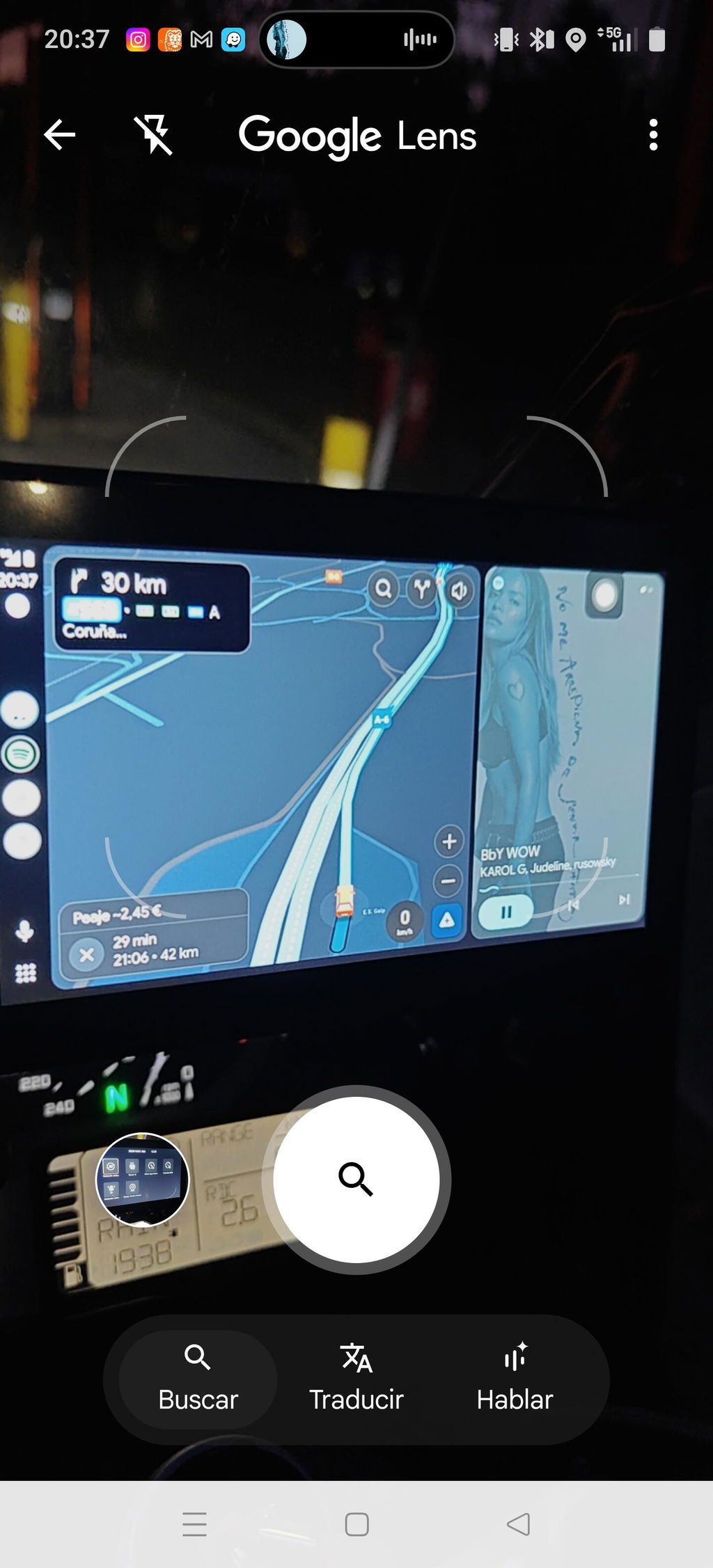
Linkifun L10 Tesla Android 13 AI Box with split-screen multitasking for navigation, music, video, and in-car entertainment
04

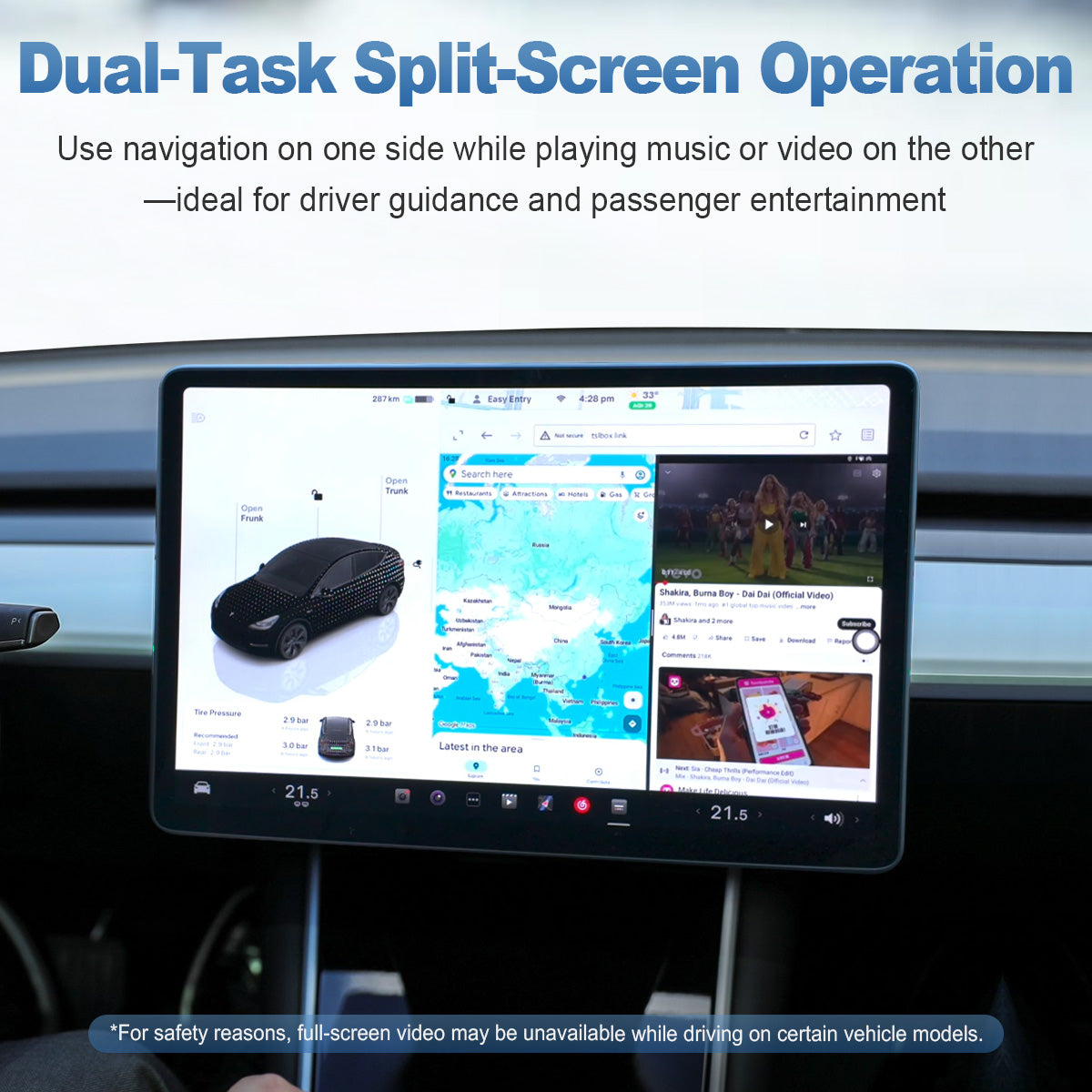
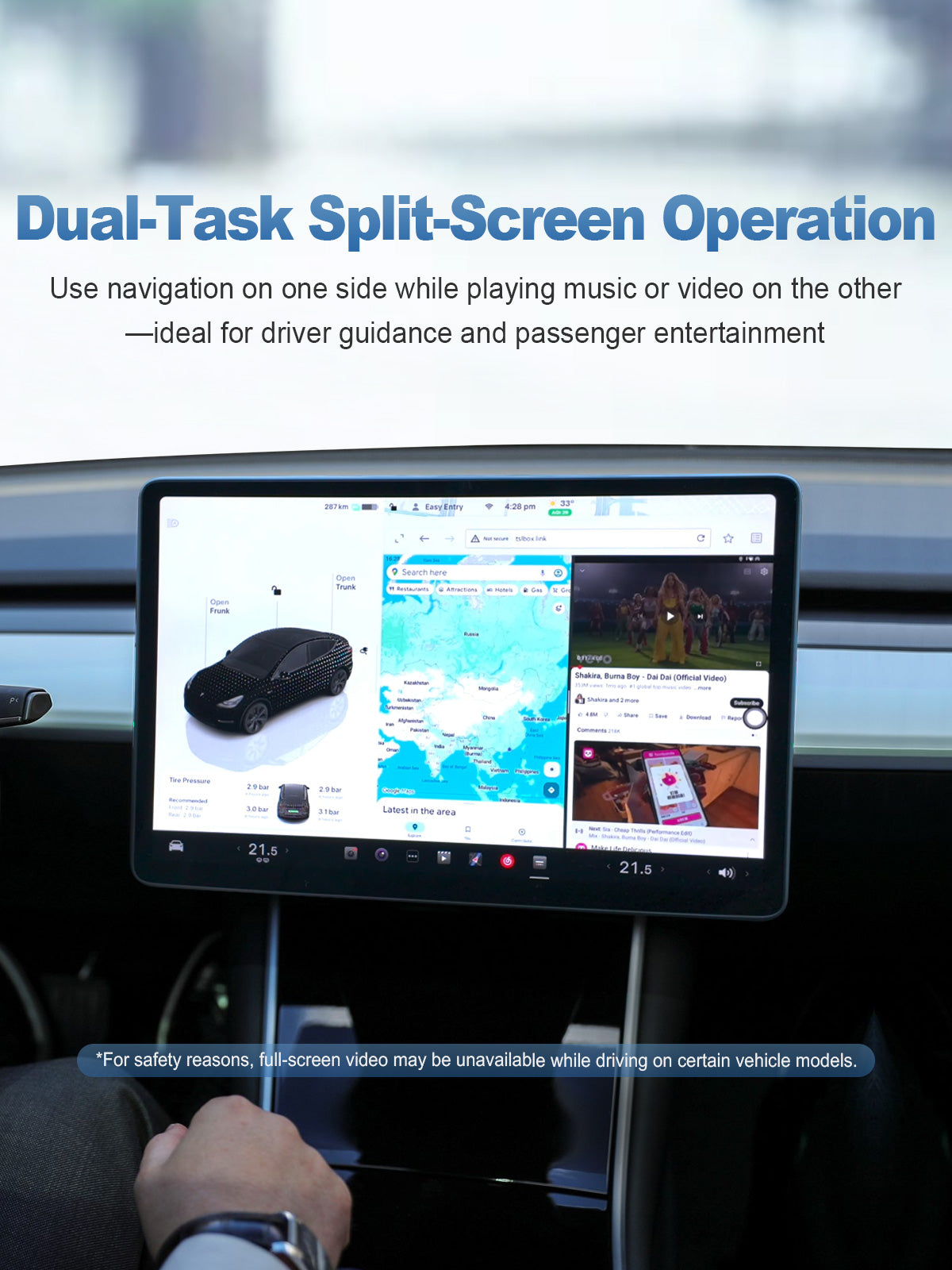
Dual-Task Split-Screen Operation

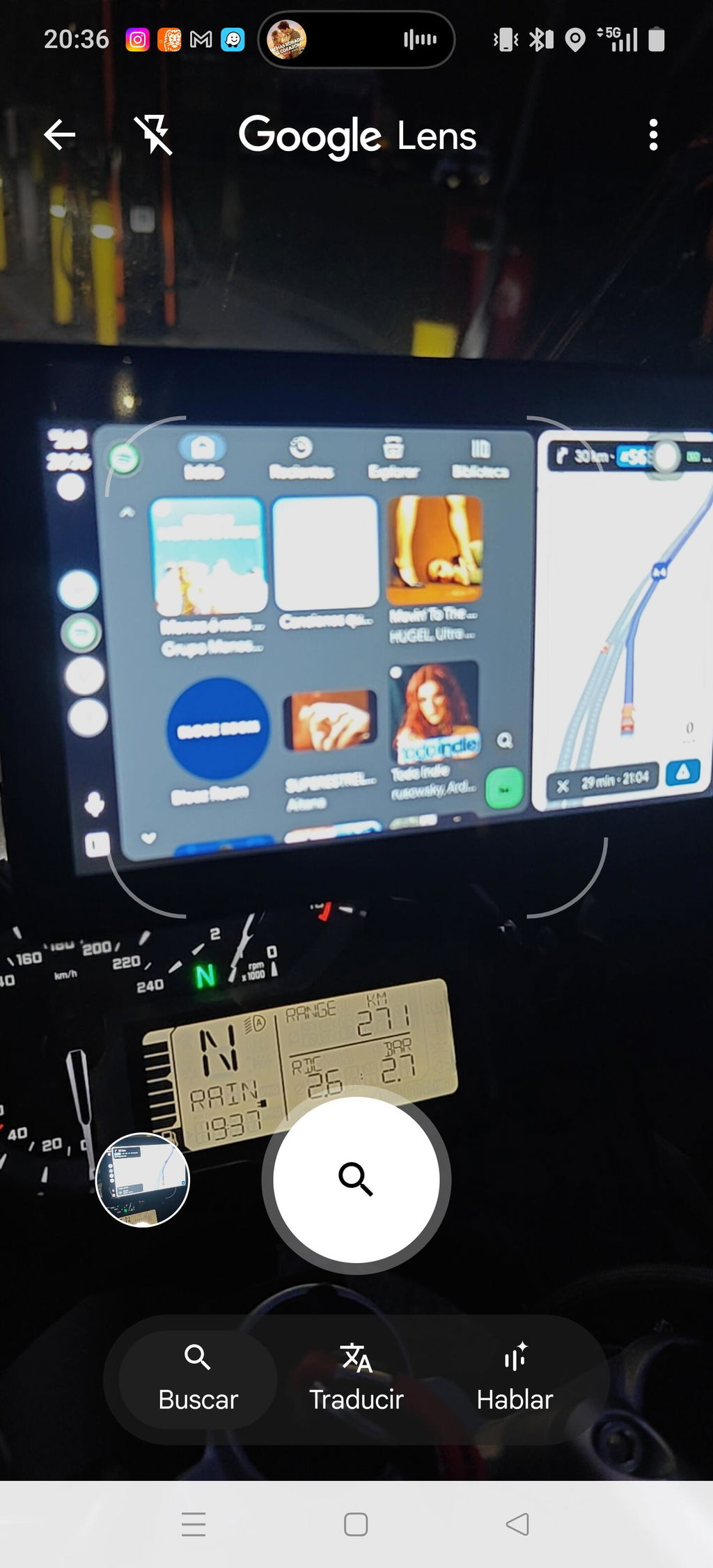
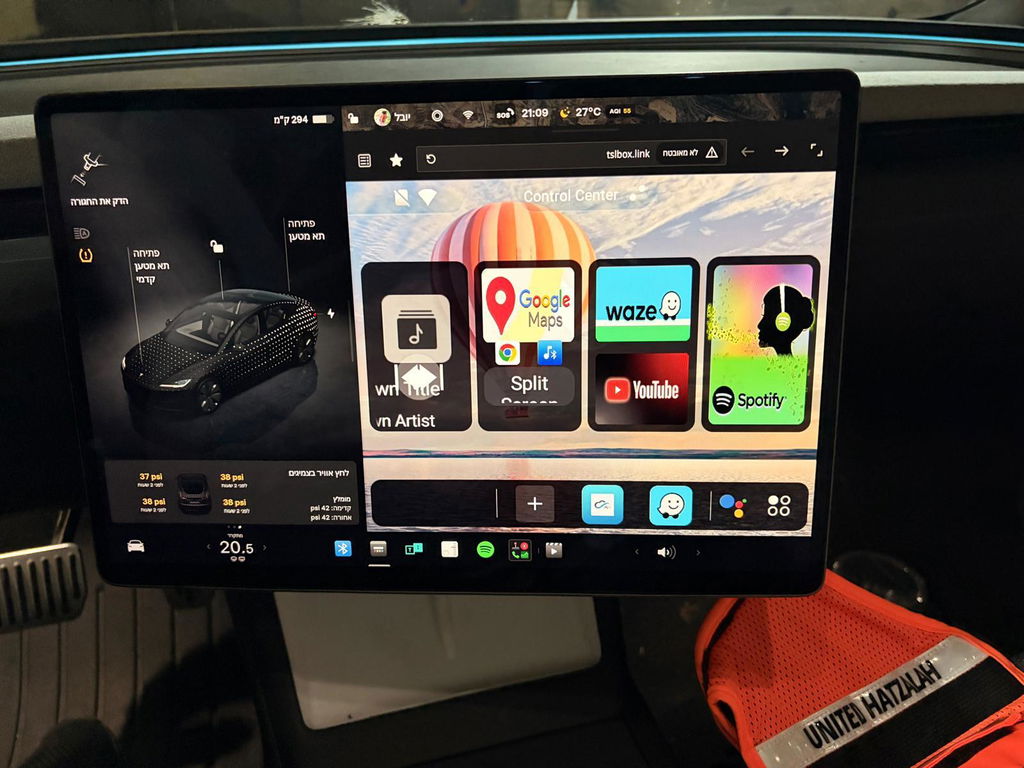
Use navigation and entertainment at the same time with split-screen multitasking on your Tesla display. You can keep maps on one side while playing music or video on the other, making it easier to balance driver guidance and passenger entertainment during every trip.

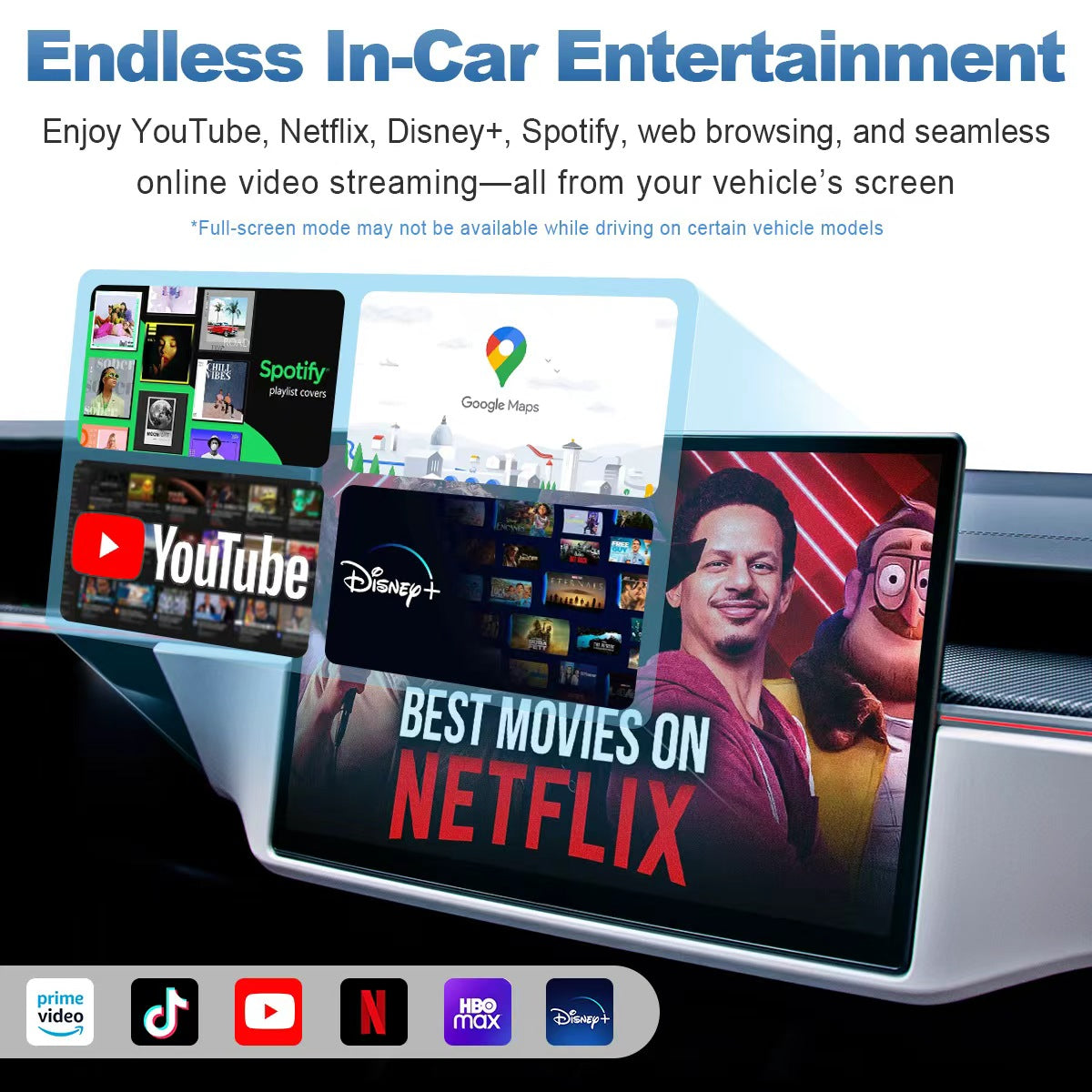
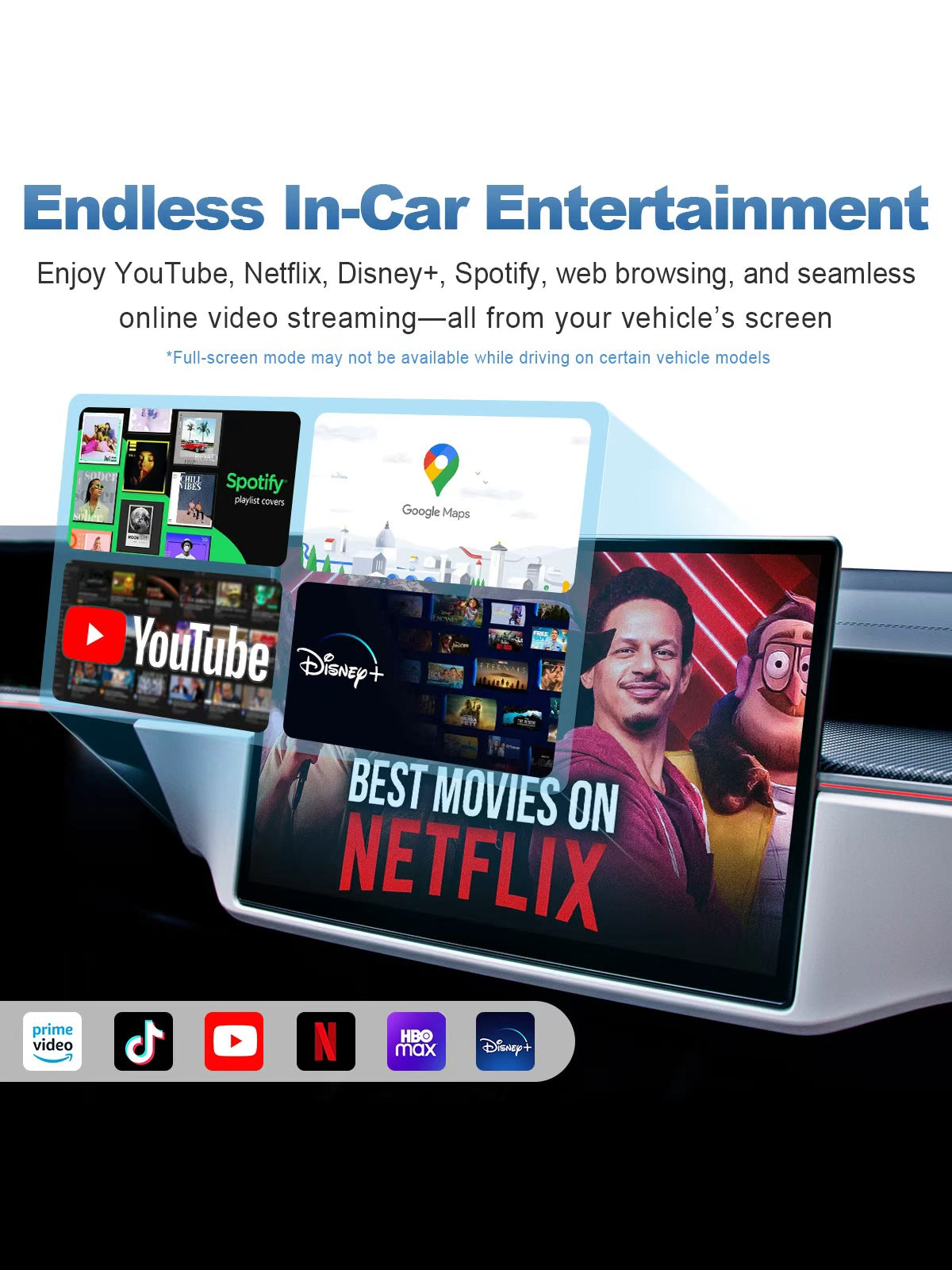
Linkifun L10 Tesla Android 13 AI Box with endless in-car entertainment, YouTube, Netflix, Disney Plus, Spotify, TikTok, Prime Video, HBO Max, Google Maps, and web browsing
05

Endless In-Car Entertainment

Turn your Tesla screen into a richer entertainment hub with built-in Android app support. With access to popular apps such as YouTube, Netflix, Disney+, Spotify, TikTok, Prime Video, HBO Max, Google Maps, and web browsing, you can enjoy online videos, music streaming, navigation, and more directly from your vehicle’s display.

Whether you are parked, charging, waiting, or letting passengers enjoy the ride, the open Android system gives you more freedom to customize your in-car experience. The larger Tesla screen makes video playback, app browsing, and media control more comfortable and intuitive than using a phone alone.

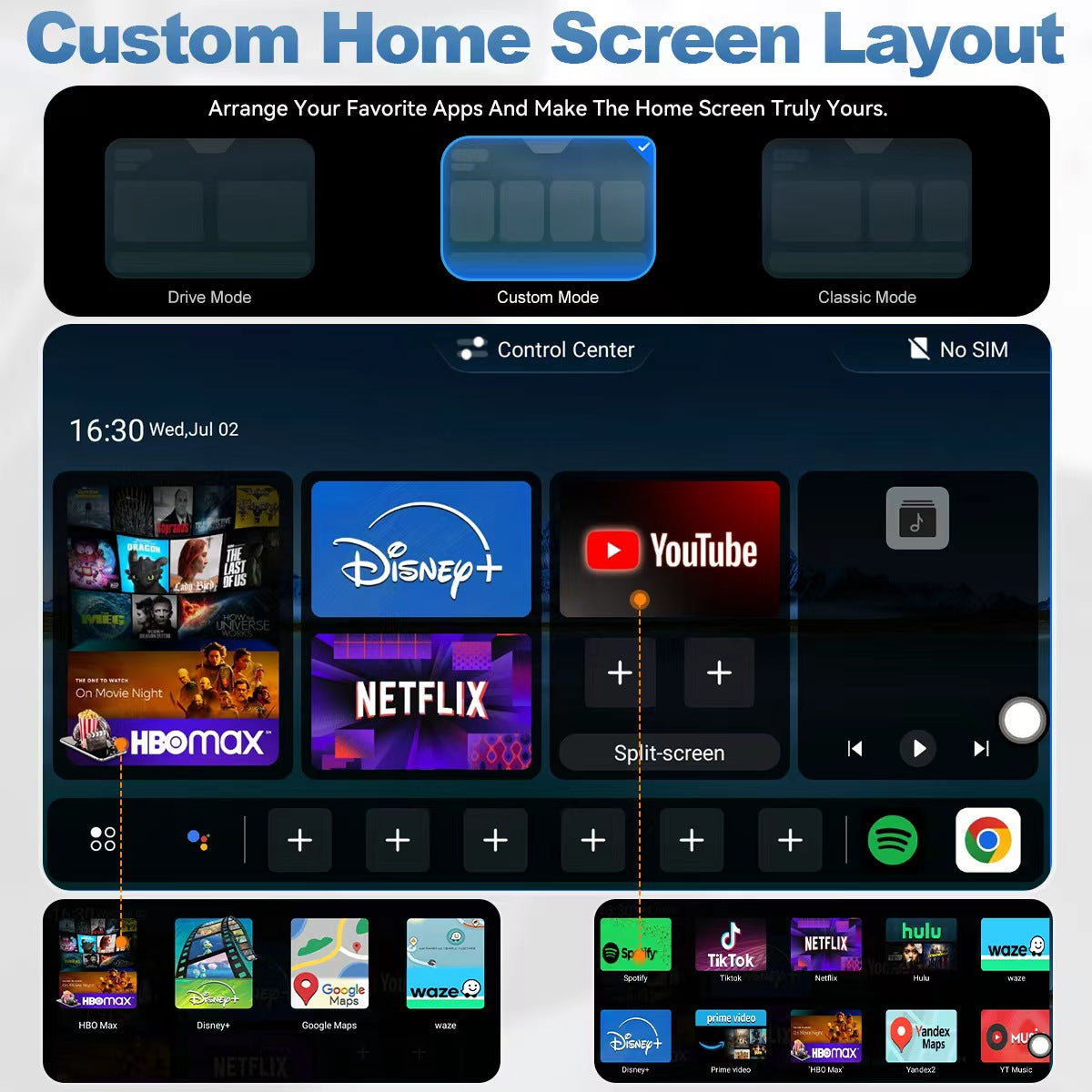
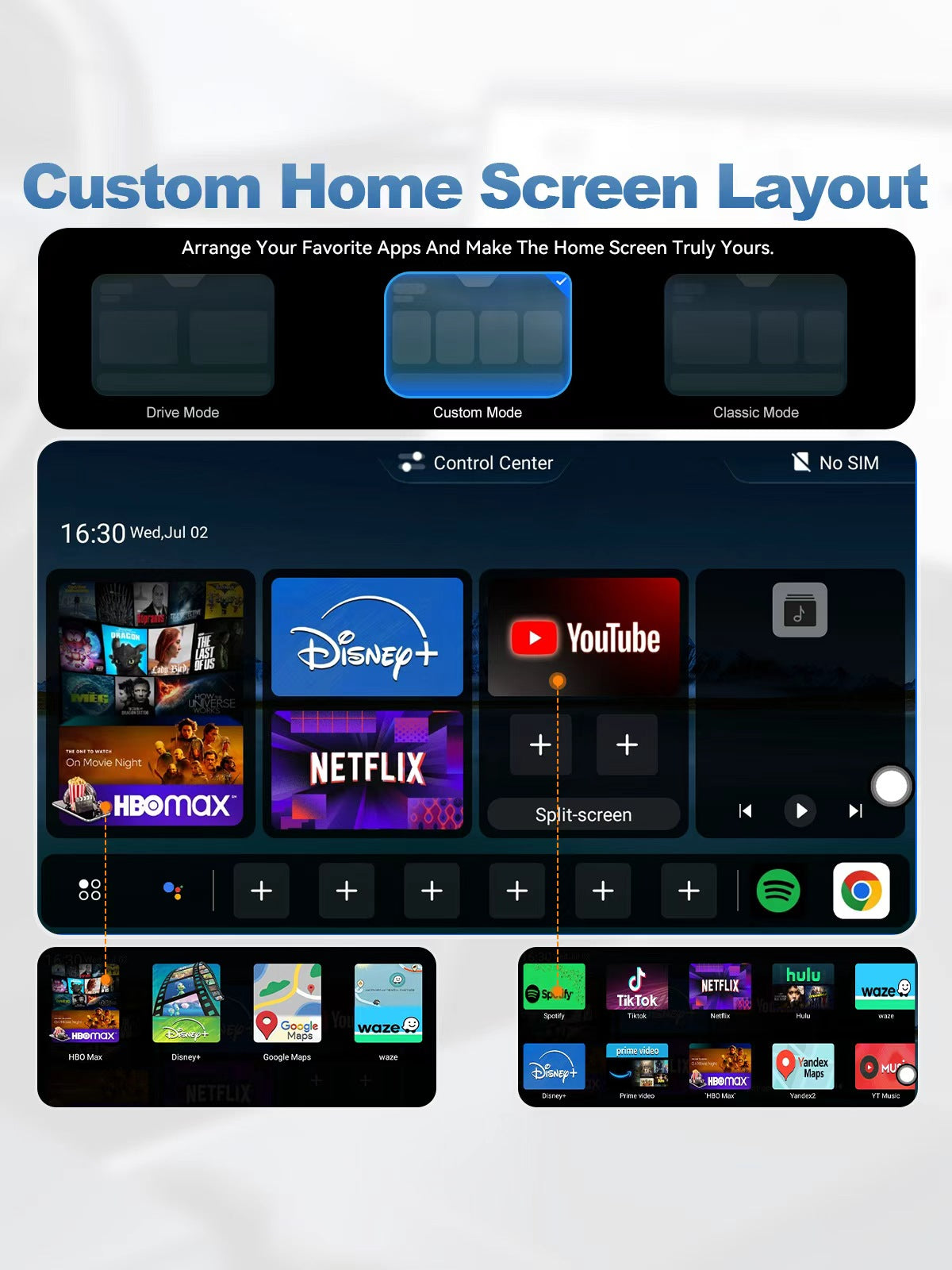
Linkifun L10 Tesla Android 13 AI Box with custom home screen layout, app shortcuts, Drive Mode, Custom Mode, and Classic Mode
06

Custom Home Screen Layout

Personalize your Tesla screen with a flexible Android 13 home interface. The L10 allows you to arrange your favorite apps, shortcuts, and entertainment tools based on your daily driving needs, making the home screen easier to use and truly your own.

Choose from different layout styles such as Drive Mode, Custom Mode, and Classic Mode to match your preferred viewing and control habits. Whether you want quick access to navigation apps, music platforms, streaming services, web browsing, or frequently used tools, the customizable home screen helps keep everything organized and within easy reach.

With a cleaner app layout and more flexible interface options, you can create a smarter in-car system that fits your driving style, passenger entertainment needs, and daily routine.

07

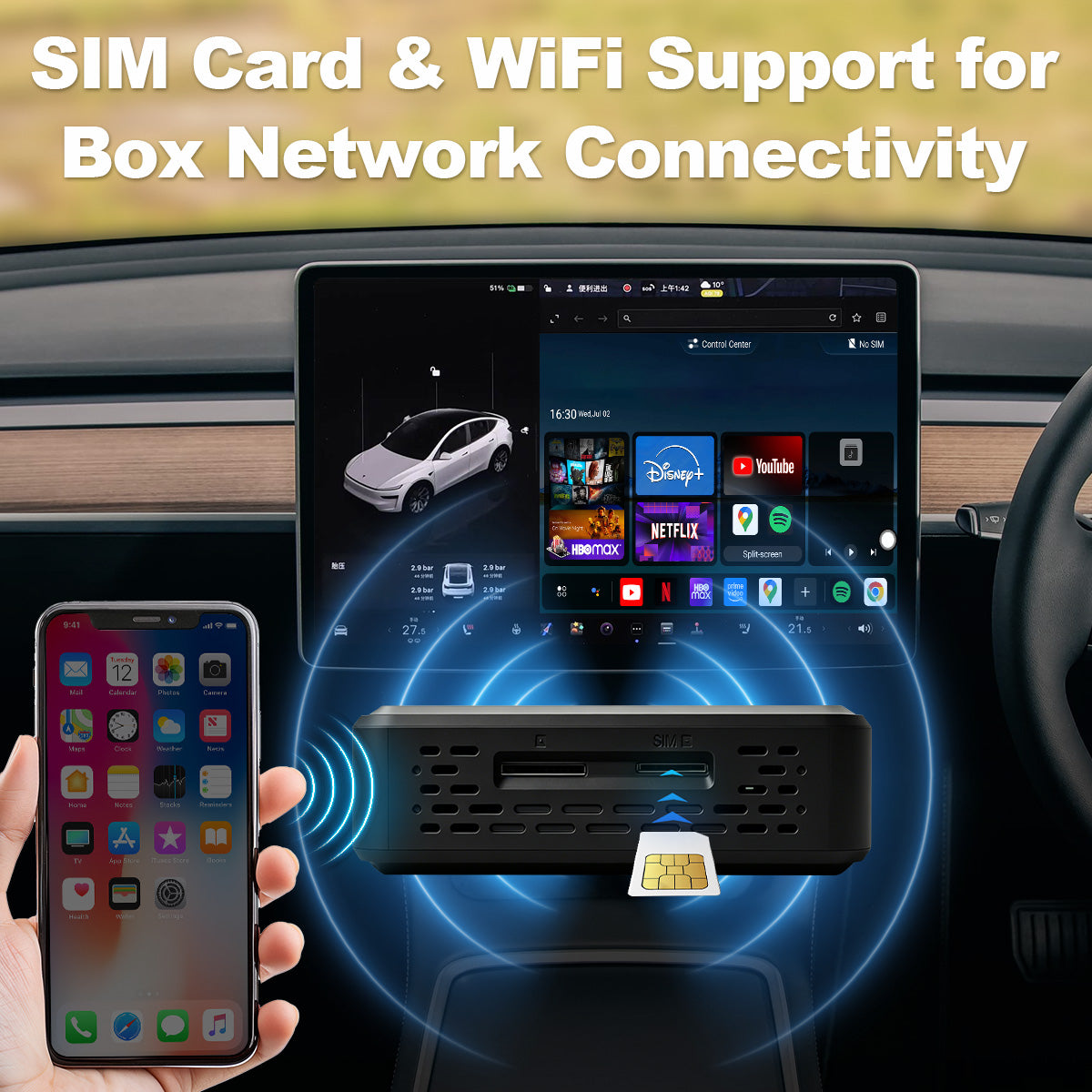
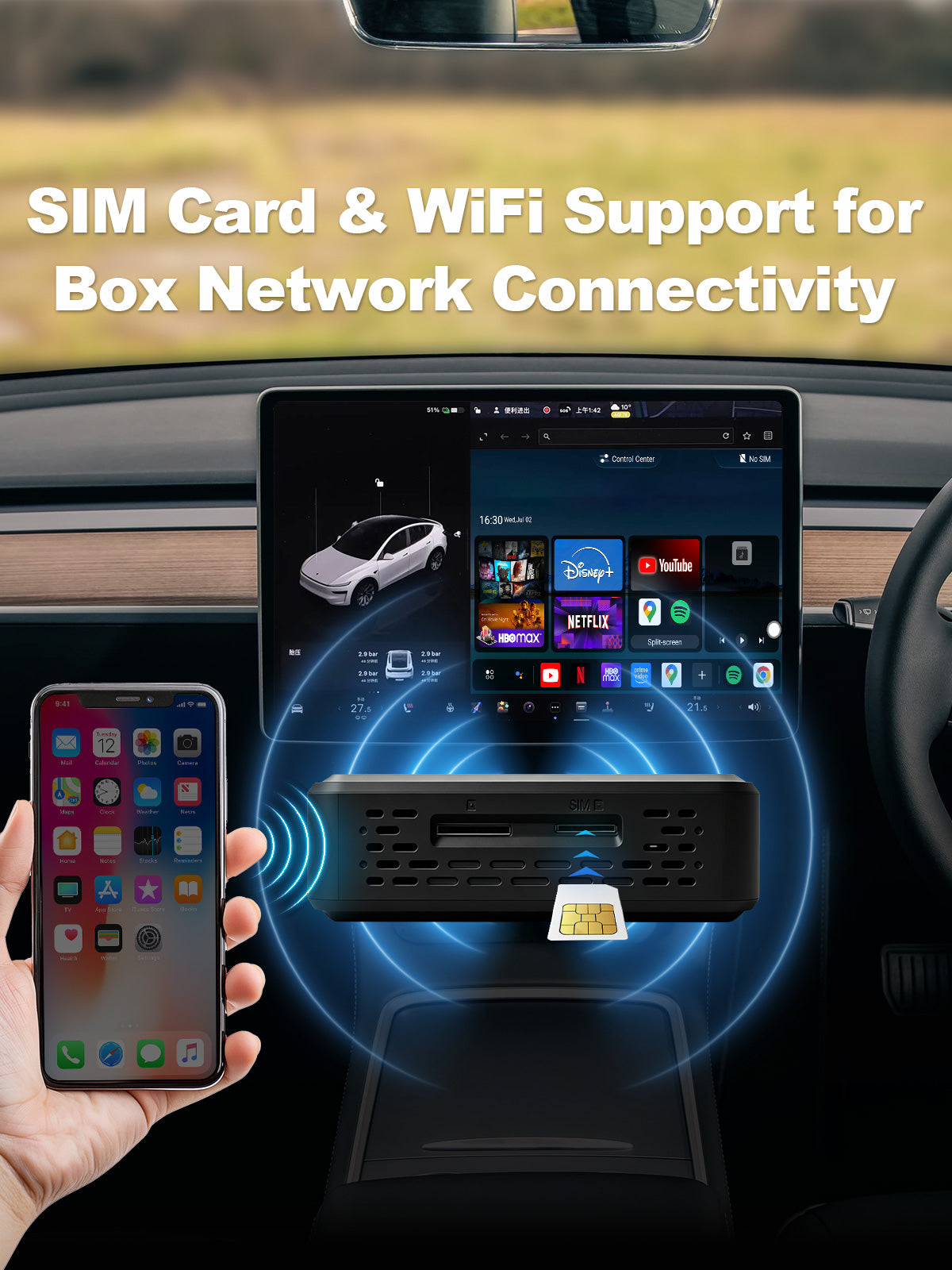
SIM Card Network Connectivity

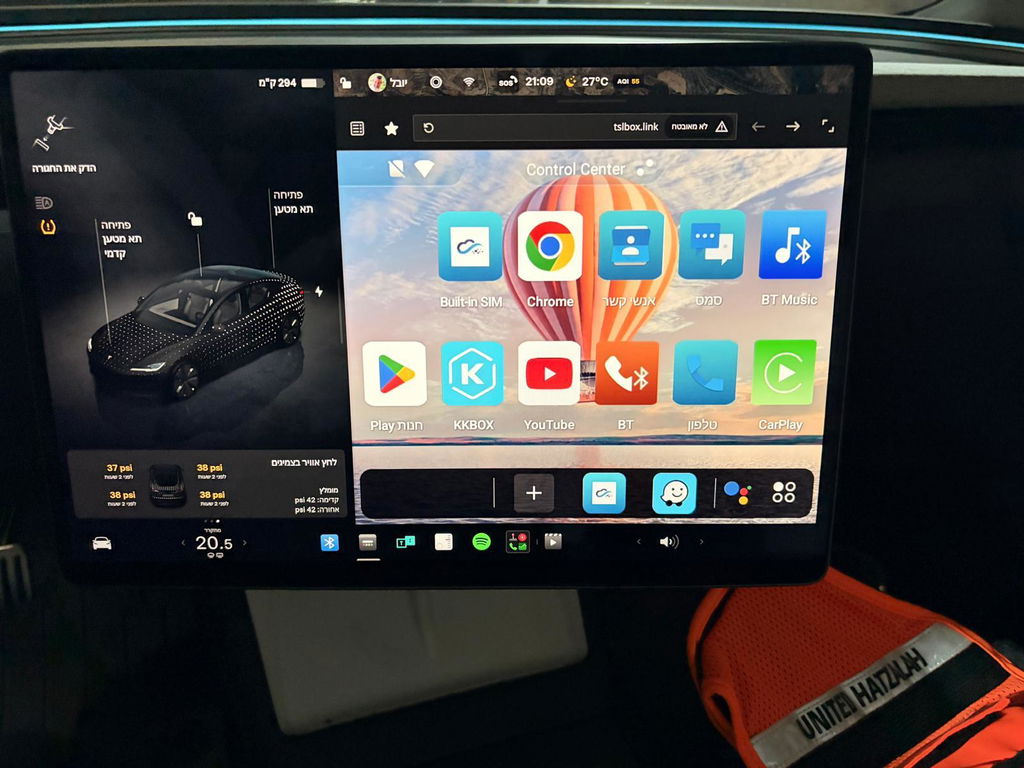
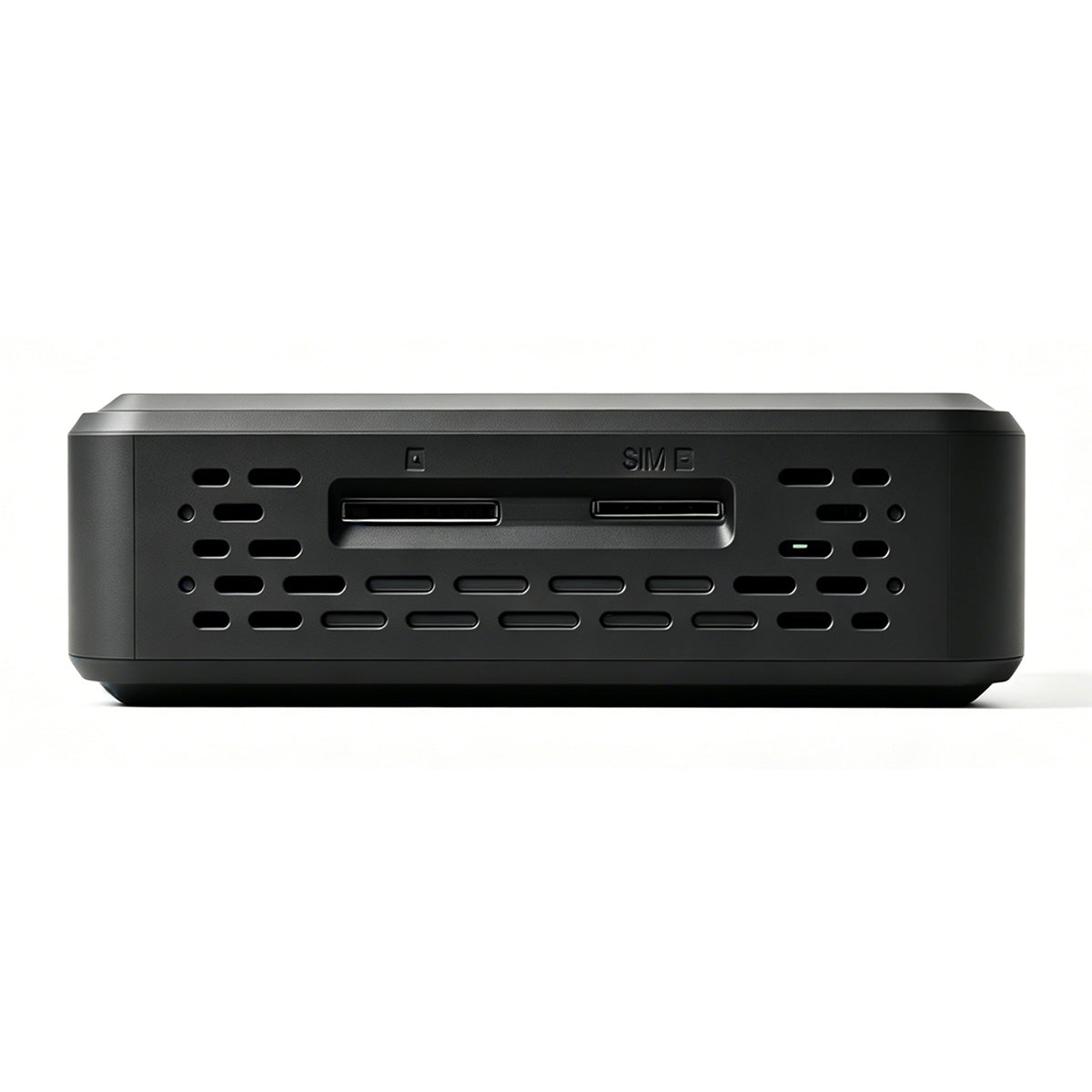
Insert a compatible SIM card to provide independent network access for the system, so your Tesla screen can use online apps without always relying on phone hotspot sharing. With mobile network support, you can access streaming apps, Google Maps, web browsing, music platforms, and other online services directly through the Android interface.

This makes daily driving, charging stops, long trips, and passenger entertainment more convenient. Whether you want to use navigation, watch online videos while parked, or stream music on the road, SIM card support helps keep the system connected and ready to use.

Note: SIM card network connectivity is only supported outside the United States and Canada.

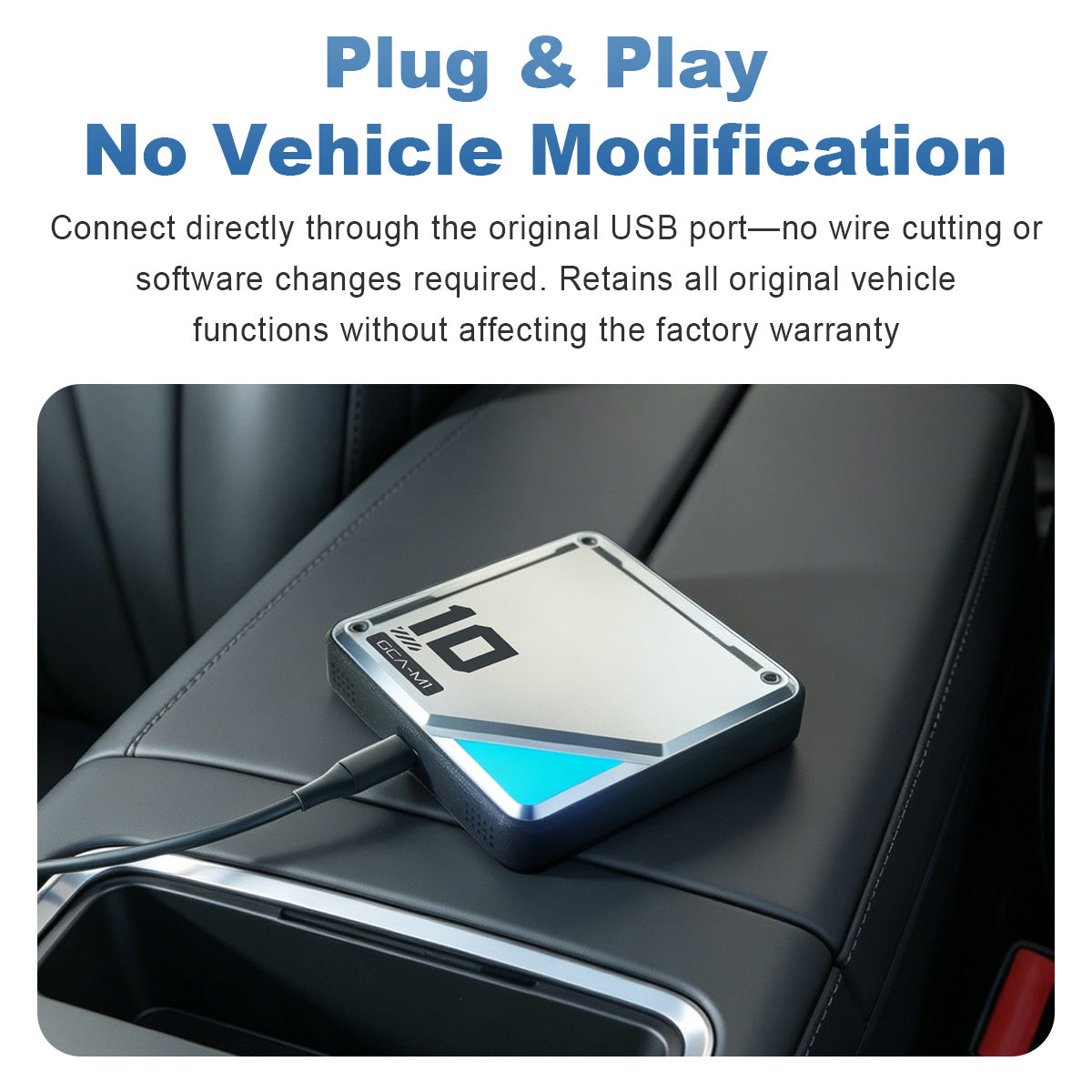
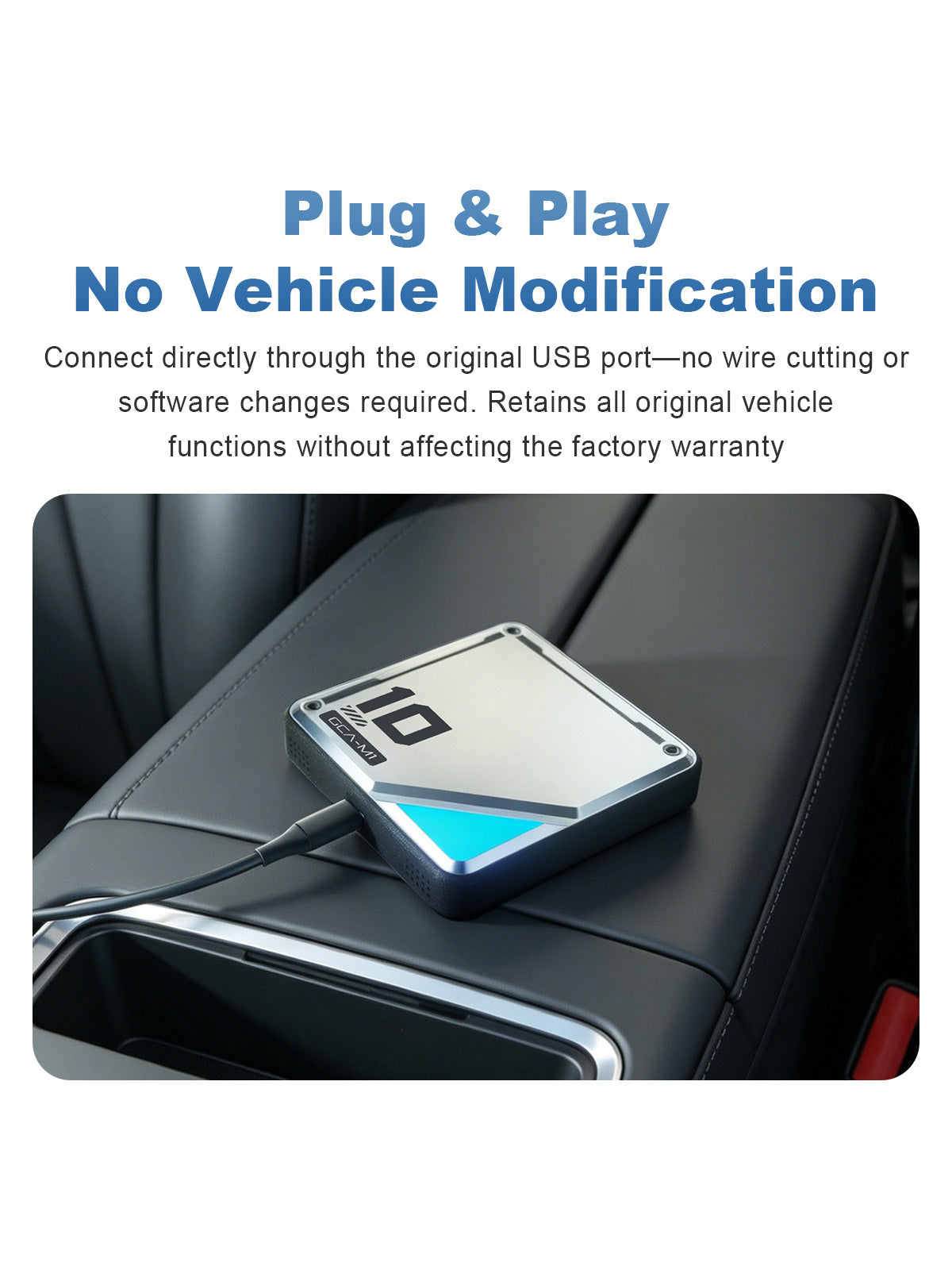
Linkifun L10 Tesla Android 13 AI Box with plug and play USB connection, no vehicle modification, wireless CarPlay, Android Auto, and original function retention
08

Plug & Play, No Vehicle Modification

Connect directly through the original USB port for a simple plug-and-play setup. No wire cutting, coding, or software modification is required, making installation easier, cleaner, and safer for daily use.

The system is designed to retain your vehicle’s original functions while adding wireless CarPlay, Android Auto, Android apps, and a smarter in-car experience. It helps upgrade your Tesla screen without changing the original vehicle structure or affecting the factory setup.

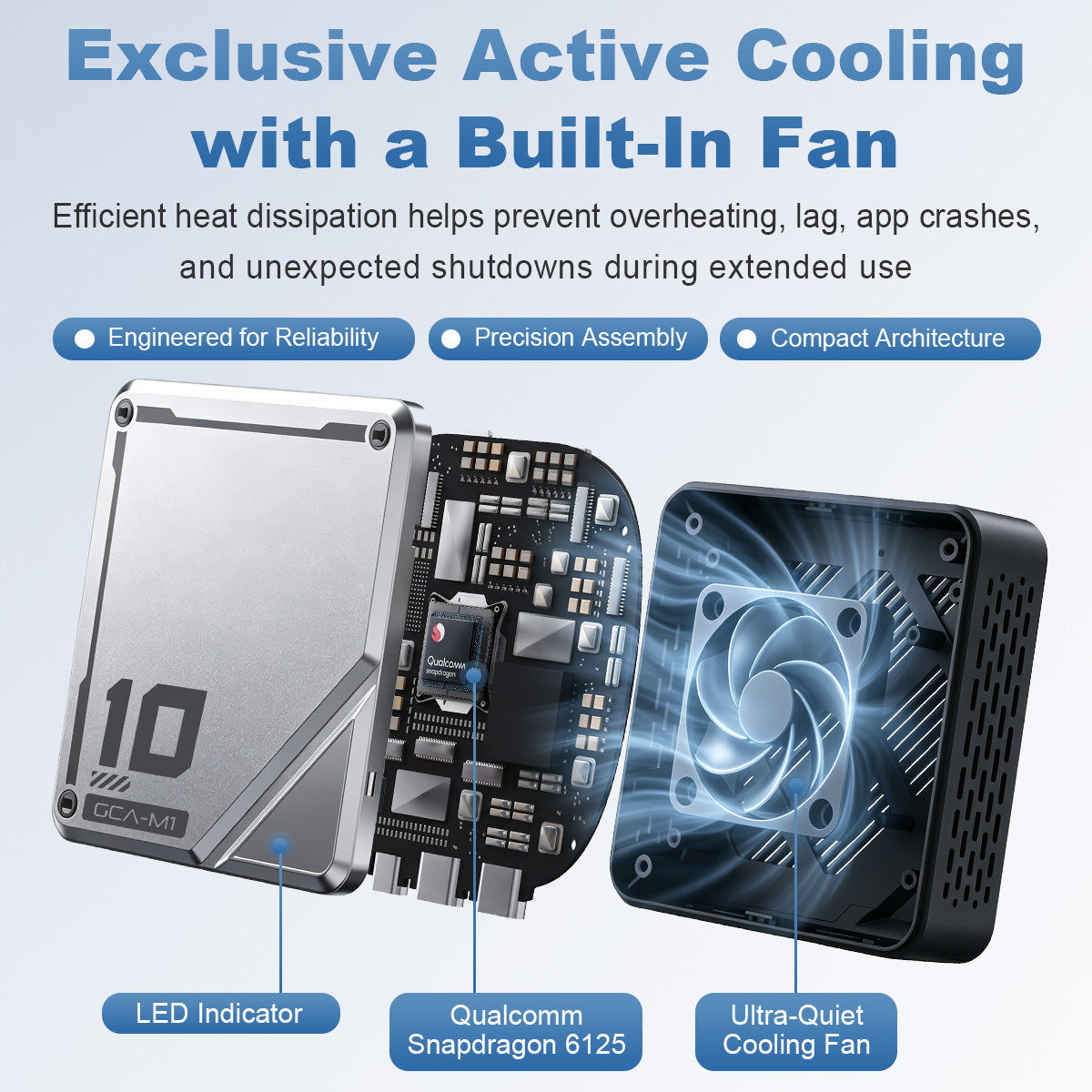
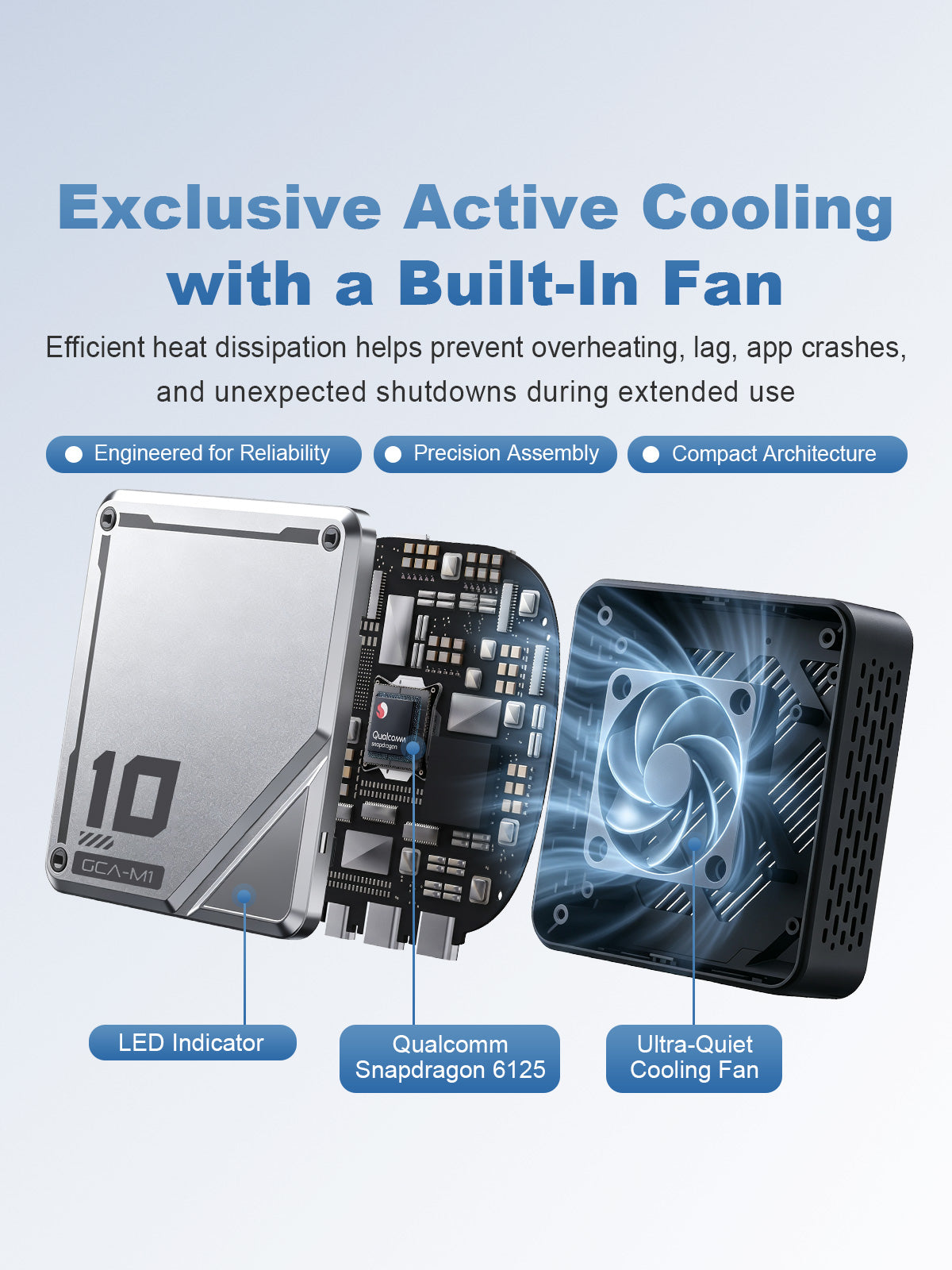
Linkifun L10 Tesla Android 13 AI Box with active cooling, built-in ultra-quiet fan, Qualcomm Snapdragon 6225 processor, and LED indicator
09

Active Cooling with Built-In Fan

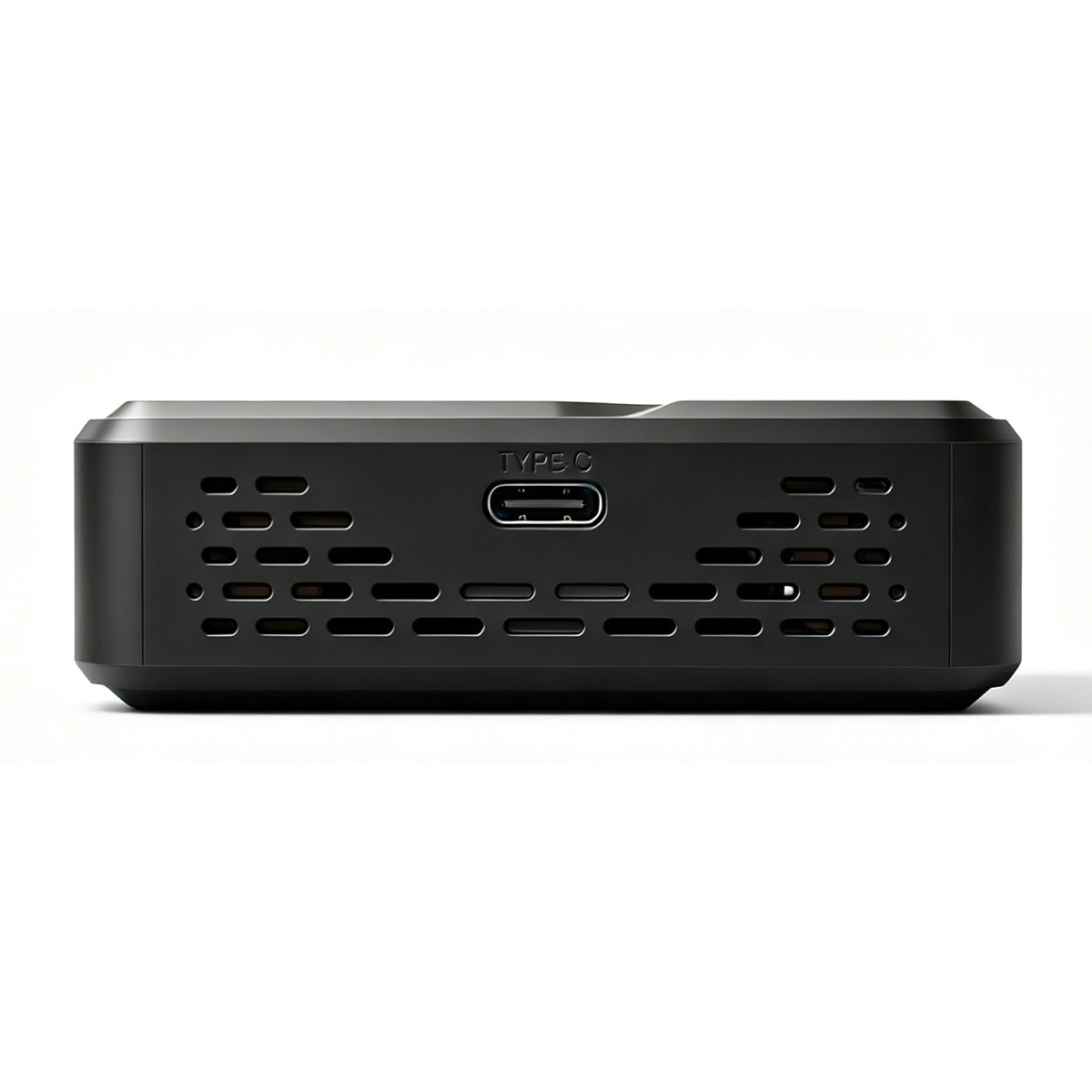
The built-in ultra-quiet cooling fan helps improve heat dissipation during extended use, reducing overheating, lag, app crashes, and unexpected shutdowns when running navigation, streaming apps, wireless CarPlay, Android Auto, or split-screen multitasking.

With a compact internal design, LED indicator, Qualcomm Snapdragon 6225 processor, and precise assembly, the system is built to deliver smoother and more stable performance for daily driving, long trips, and continuous in-car entertainment.

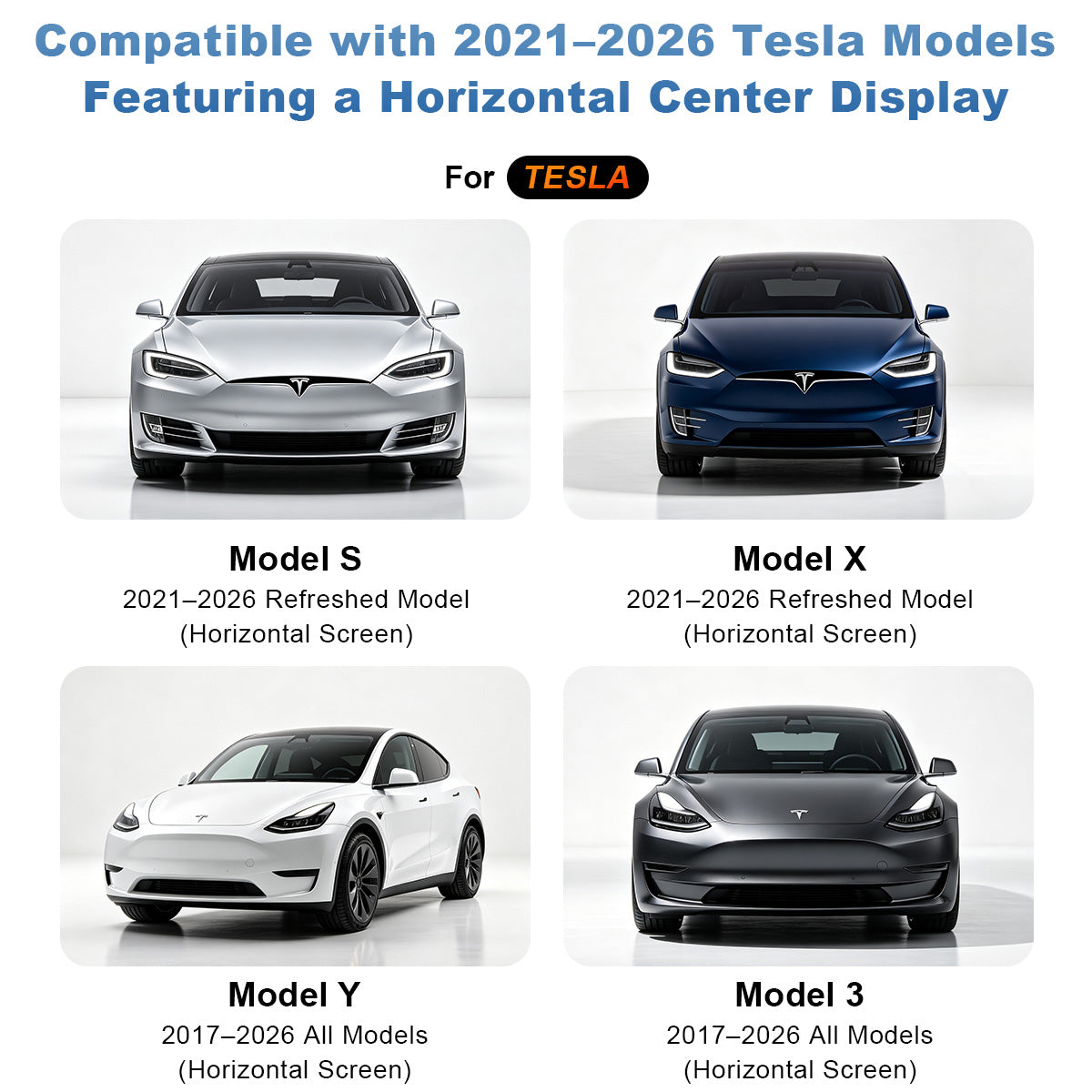
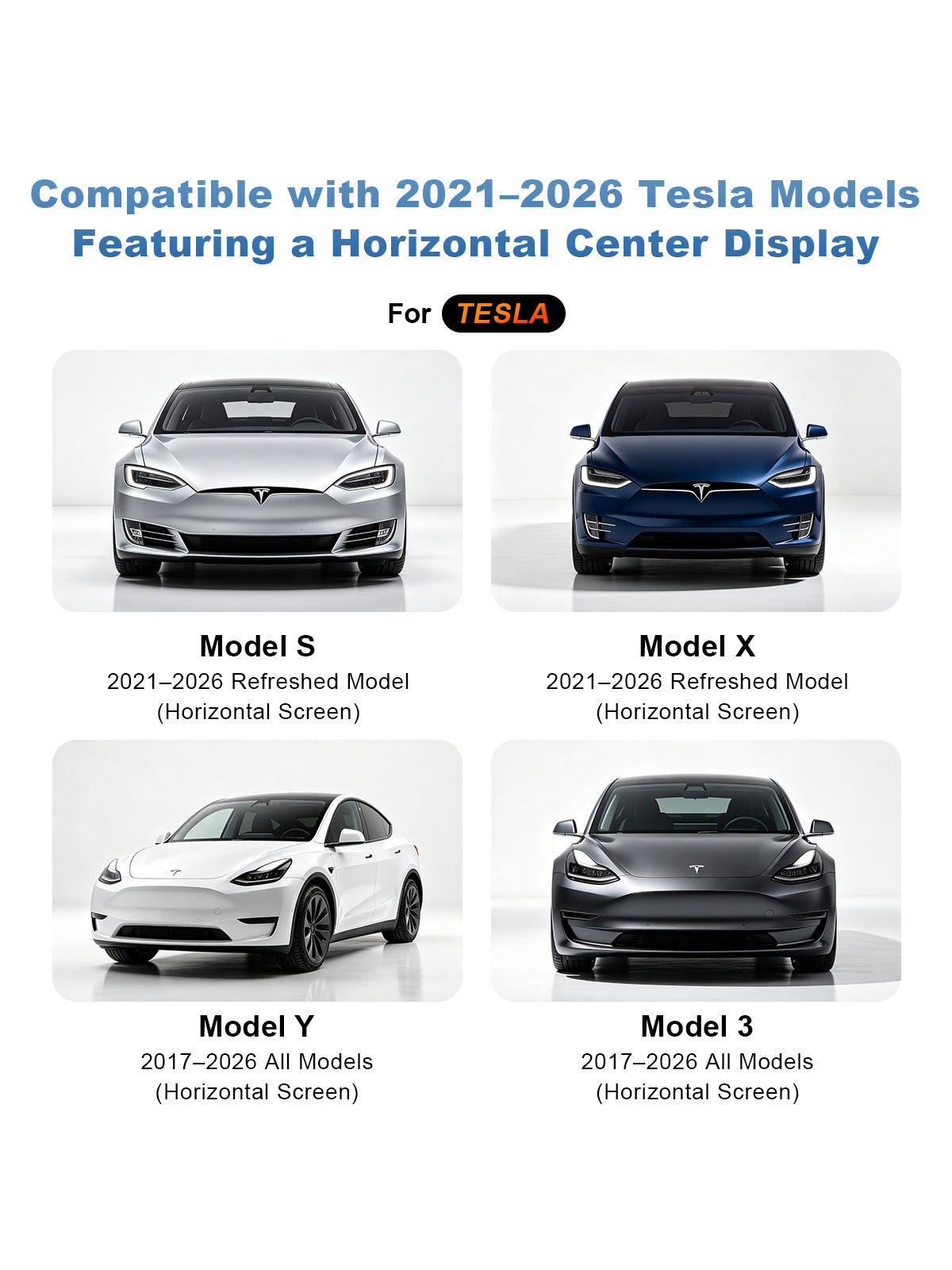
Linkifun L10 Tesla Android 13 AI Box compatible with 2021 to 2026 Model S Model X and 2017 to 2026 Model 3 Model Y with horizontal center display
10

Compatible with Tesla Horizontal Display Models

Designed for Tesla vehicles equipped with a horizontal center display, this upgrade supports 2021–2026 refreshed Model S and Model X, as well as 2017–2026 Model 3 and Model Y with horizontal screens.

Before purchasing, please confirm that your Tesla has a compatible horizontal center screen. Once connected, it adds wireless CarPlay, wireless Android Auto, Android app support, SIM card network access, split-screen multitasking, and a smarter in-car entertainment experience to your original Tesla display.

01

Tesla-Exclusive CarPlay AI Box

Upgrade your Tesla with a smarter wireless driving experience. Enjoy wireless Apple CarPlay and Android Auto for navigation, hands-free calls, voice control, and music streaming directly from your original screen.

With the built-in Android 13 system, you can download apps from Google Play and access popular entertainment platforms such as YouTube, Netflix, Disney+, Spotify, and more. Whether you are charging, parked, or taking a break, it brings more navigation, media, and entertainment options to your Tesla’s center display.

02

Instant 3-System Switching

Switch smoothly between Android 13, wireless Apple CarPlay, and wireless Android Auto on your Tesla screen. Whether you want to use Android apps, connect your iPhone through CarPlay, or pair an Android phone with Android Auto, the L10 gives you a more flexible and seamless in-car experience.

03

Reimagine Your Tesla with Open Android

Upgrade your Tesla screen with a more flexible Android-powered in-car experience. With Google Play support, you can download popular apps such as YouTube, Netflix, TikTok, Spotify, Google Maps, and more, giving your factory display more entertainment, navigation, and media options.

Whether you want to stream videos while parked, use online maps during a trip, listen to music, browse the web, or customize the apps you use most often, the open Android system makes your Tesla screen more practical and enjoyable for daily driving, charging stops, and long-distance travel.

04

Dual-Task Split-Screen Operation

Use navigation and entertainment at the same time with split-screen multitasking on your Tesla display. You can keep maps on one side while playing music or video on the other, making it easier to balance driver guidance and passenger entertainment during every trip.

05

Endless In-Car Entertainment

Turn your Tesla screen into a richer entertainment hub with built-in Android app support. With access to popular apps such as YouTube, Netflix, Disney+, Spotify, TikTok, Prime Video, HBO Max, Google Maps, and web browsing, you can enjoy online videos, music streaming, navigation, and more directly from your vehicle’s display.

Whether you are parked, charging, waiting, or letting passengers enjoy the ride, the open Android system gives you more freedom to customize your in-car experience. The larger Tesla screen makes video playback, app browsing, and media control more comfortable and intuitive than using a phone alone.

06

Custom Home Screen Layout

Personalize your Tesla screen with a flexible Android 13 home interface. The L10 allows you to arrange your favorite apps, shortcuts, and entertainment tools based on your daily driving needs, making the home screen easier to use and truly your own.

Choose from different layout styles such as Drive Mode, Custom Mode, and Classic Mode to match your preferred viewing and control habits. Whether you want quick access to navigation apps, music platforms, streaming services, web browsing, or frequently used tools, the customizable home screen helps keep everything organized and within easy reach.

With a cleaner app layout and more flexible interface options, you can create a smarter in-car system that fits your driving style, passenger entertainment needs, and daily routine.

07

SIM Card Network Connectivity

Insert a compatible SIM card to provide independent network access for the system, so your Tesla screen can use online apps without always relying on phone hotspot sharing. With mobile network support, you can access streaming apps, Google Maps, web browsing, music platforms, and other online services directly through the Android interface.

This makes daily driving, charging stops, long trips, and passenger entertainment more convenient. Whether you want to use navigation, watch online videos while parked, or stream music on the road, SIM card support helps keep the system connected and ready to use.

Note: SIM card network connectivity is only supported outside the United States and Canada.

08

Plug & Play, No Vehicle Modification

Connect directly through the original USB port for a simple plug-and-play setup. No wire cutting, coding, or software modification is required, making installation easier, cleaner, and safer for daily use.

The system is designed to retain your vehicle’s original functions while adding wireless CarPlay, Android Auto, Android apps, and a smarter in-car experience. It helps upgrade your Tesla screen without changing the original vehicle structure or affecting the factory setup.

09

Active Cooling with Built-In Fan

The built-in ultra-quiet cooling fan helps improve heat dissipation during extended use, reducing overheating, lag, app crashes, and unexpected shutdowns when running navigation, streaming apps, wireless CarPlay, Android Auto, or split-screen multitasking.

With a compact internal design, LED indicator, Qualcomm Snapdragon 6225 processor, and precise assembly, the system is built to deliver smoother and more stable performance for daily driving, long trips, and continuous in-car entertainment.

10

Compatible with Tesla Horizontal Display Models

Designed for Tesla vehicles equipped with a horizontal center display, this upgrade supports 2021–2026 refreshed Model S and Model X, as well as 2017–2026 Model 3 and Model Y with horizontal screens.

Before purchasing, please confirm that your Tesla has a compatible horizontal center screen. Once connected, it adds wireless CarPlay, wireless Android Auto, Android app support, SIM card network access, split-screen multitasking, and a smarter in-car entertainment experience to your original Tesla display.

Linkifun L10 Android 13 AI Box for Tesla with wireless CarPlay, wireless Android Auto, navigation, music streaming, and hands-free callsLinkifun L10 Tesla Android 13 AI Box with wireless CarPlay, wireless Android Auto, and 3-system switchingLinkifun L10 Tesla Android 13 AI Box with Google Play support, open Android system, YouTube, Netflix, TikTok, Spotify, and Google Maps appsLinkifun L10 Tesla Android 13 AI Box with split-screen multitasking for navigation, music, video, and in-car entertainmentLinkifun L10 Tesla Android 13 AI Box with endless in-car entertainment, YouTube, Netflix, Disney Plus, Spotify, TikTok, Prime Video, HBO Max, Google Maps, and web browsingLinkifun L10 Tesla Android 13 AI Box with custom home screen layout, app shortcuts, Drive Mode, Custom Mode, and Classic ModeLinkifun L10 Tesla Android 13 AI Box with plug and play USB connection, no vehicle modification, wireless CarPlay, Android Auto, and original function retentionLinkifun L10 Tesla Android 13 AI Box with active cooling, built-in ultra-quiet fan, Qualcomm Snapdragon 6225 processor, and LED indicatorLinkifun L10 Tesla Android 13 AI Box compatible with 2021 to 2026 Model S Model X and 2017 to 2026 Model 3 Model Y with horizontal center display
Linkifun L10 Tesla Android 13 AI Box product parameters with dimensions, 8GB RAM, 128GB storage, SIM card support, dual WiFi, 4G network, GPS positioning, accessories, and USB cables