
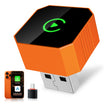
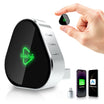
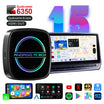

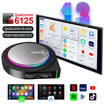
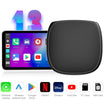
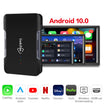
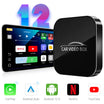
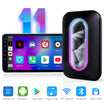
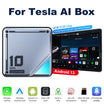
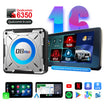
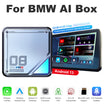
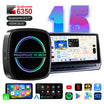
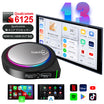
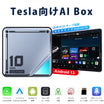
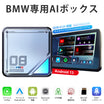
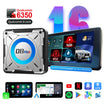
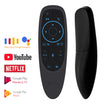
The device arrived quickly and makes a very good impression.
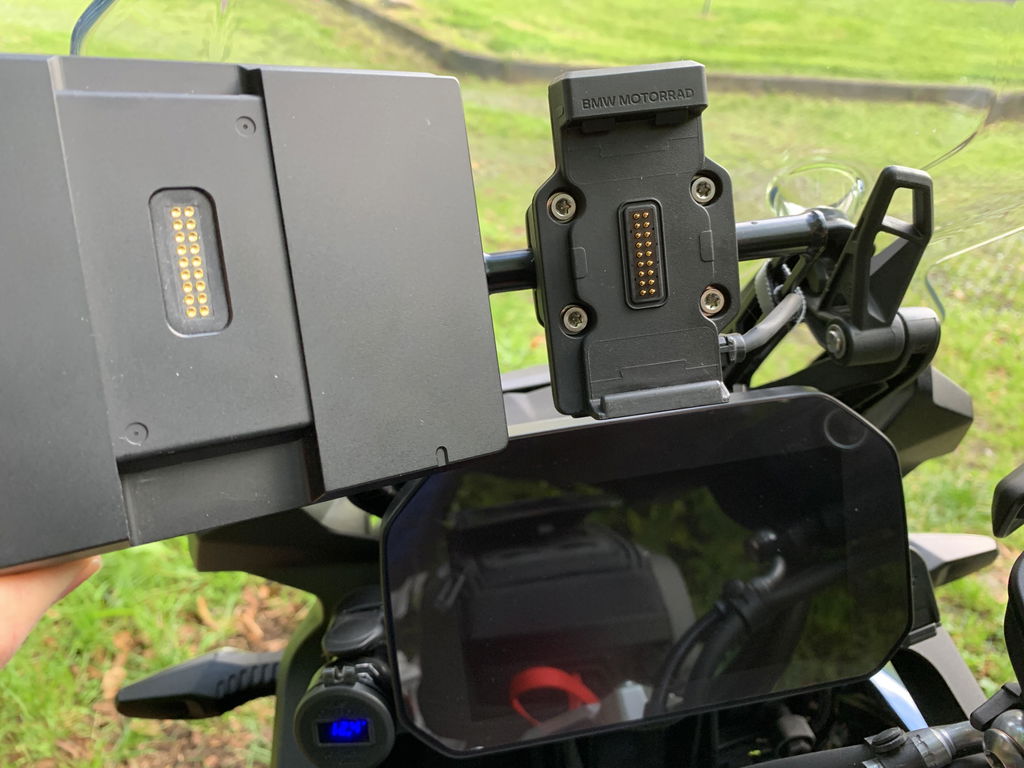
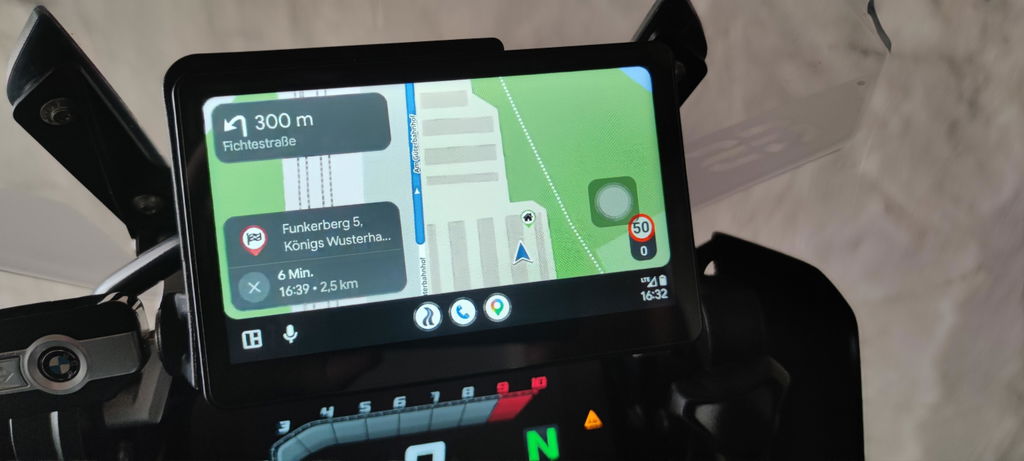
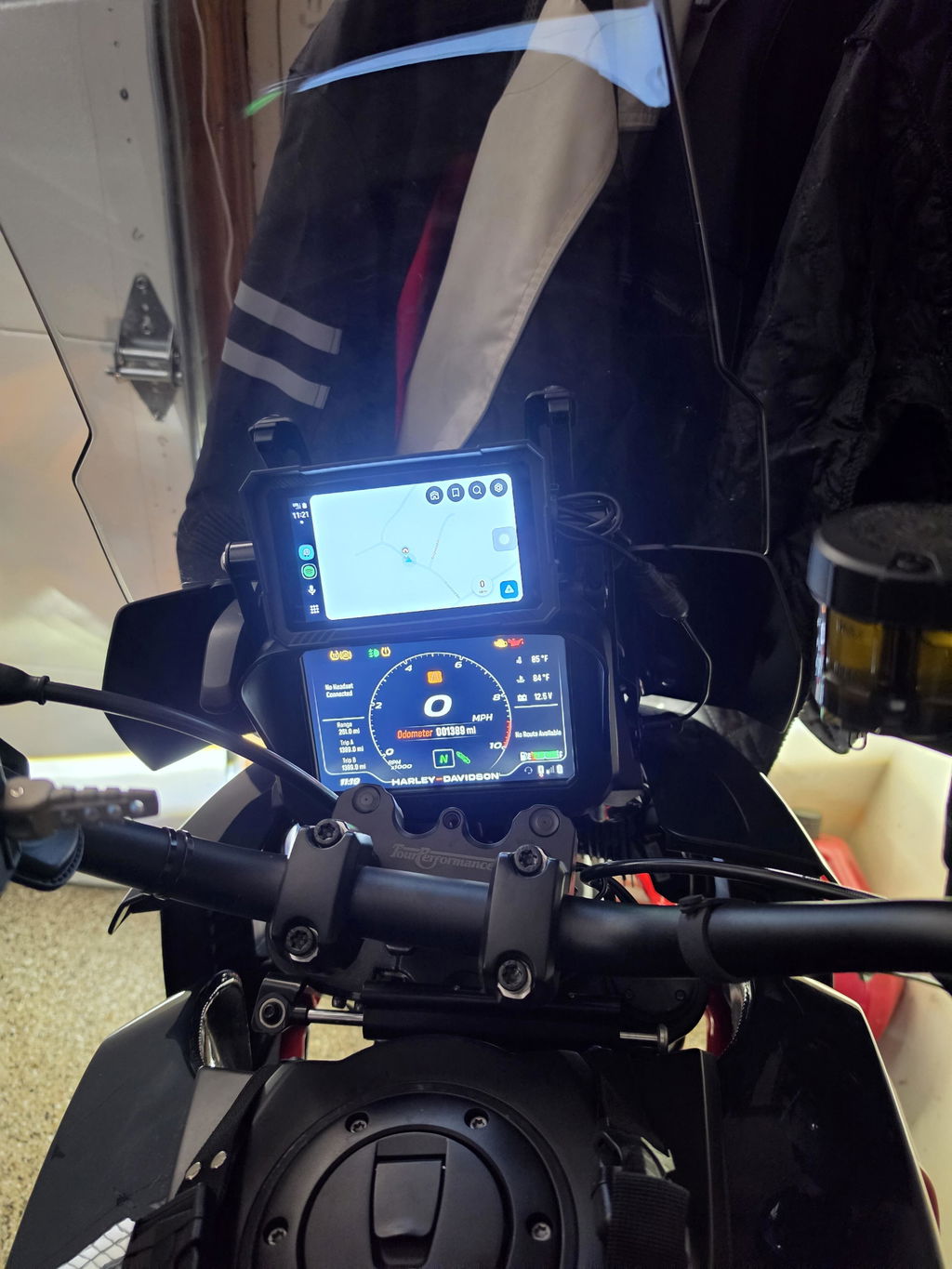
It works very well with both Android Auto and Apple CarPlay. It fits perfectly into BMW’s navigation preparation and, in my case, also works with BMW’s new keyless electromechanical navigation mount.
The price-to-performance ratio is definitely very good.
I only have a few suggestions for improvement:
- A small integrated battery or a buffered power supply using a capacitor circuit would be a great addition. This would prevent the device from restarting every time the engine is started.
- The USB port should be accessible without tools. This would make it much easier to adjust the connection settings when the device is not mounted on the motorcycle.
- Automatic brightness adjustment would be a useful feature, especially when riding in changing lighting conditions.
- Switching between Apple CarPlay and Android Auto can sometimes take a little while. During this process, the connection is occasionally not established for a short period of time. Improving the switching process would make the overall experience even smoother.
Overall, I am very satisfied with the device and would definitely recommend it. With these improvements, it could become an even better product.
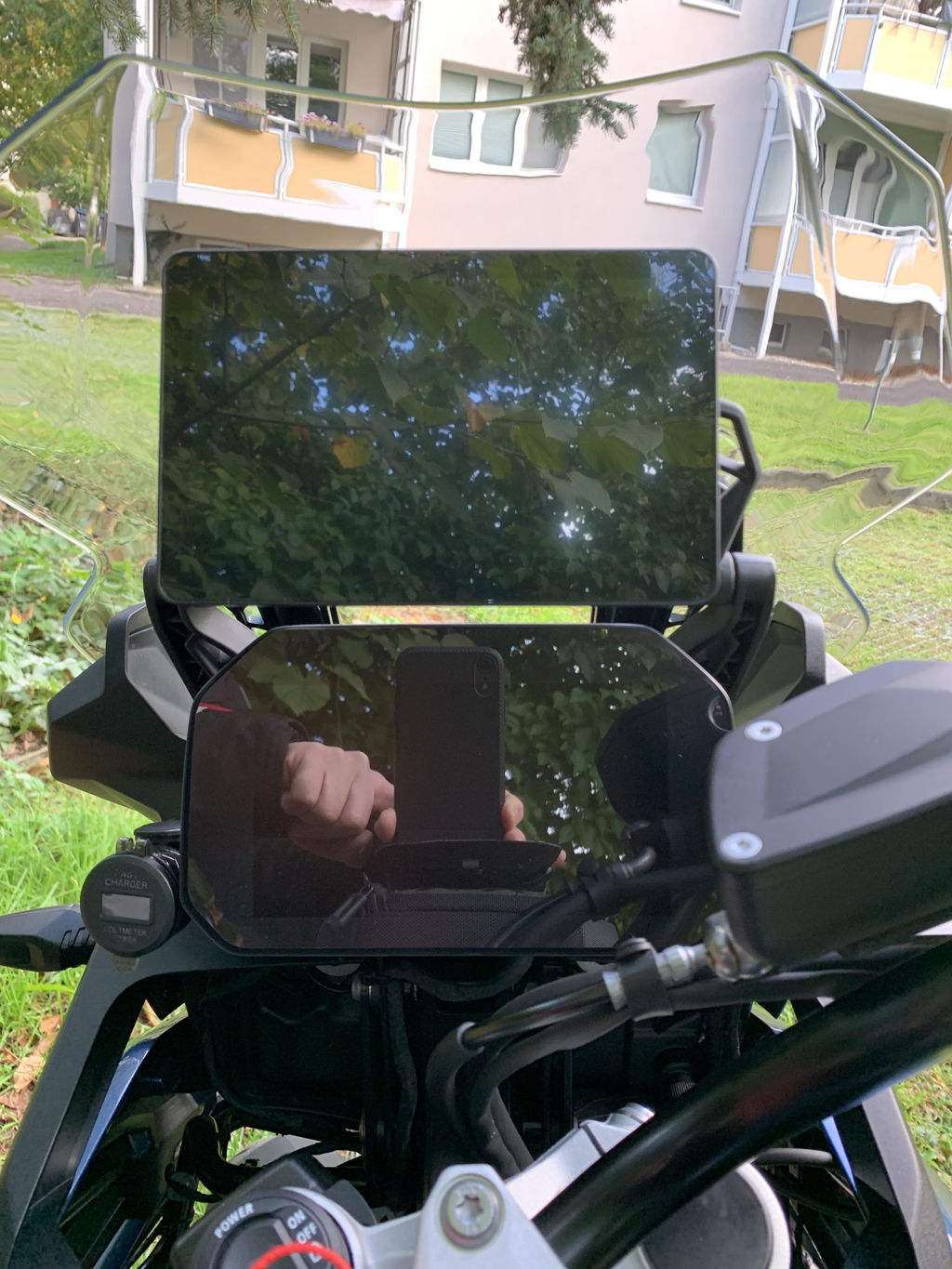
Schnell eingerichtet, Drehradsteuerung funktioniert. Top Preis-Leistungsverhältnis.
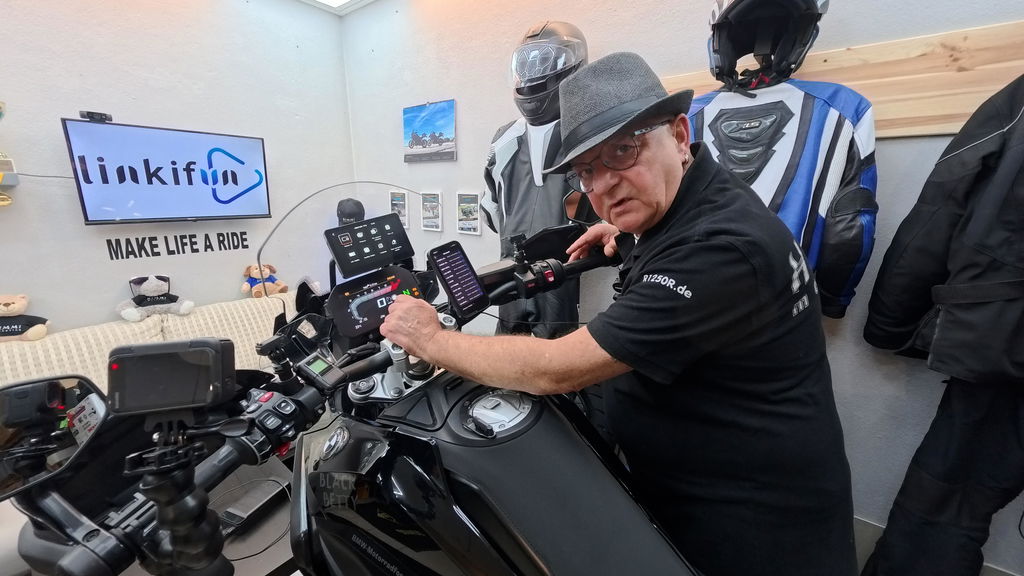
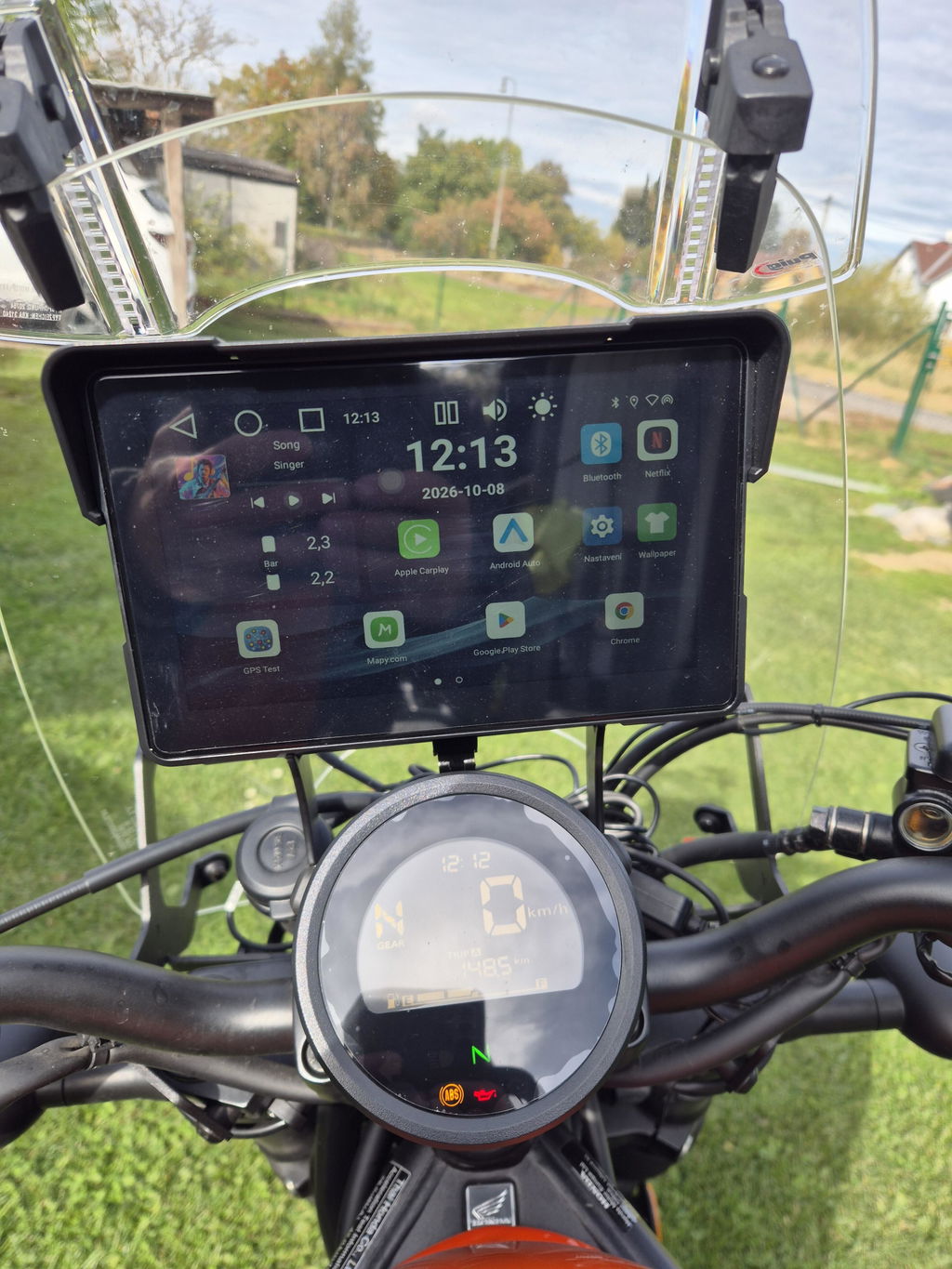
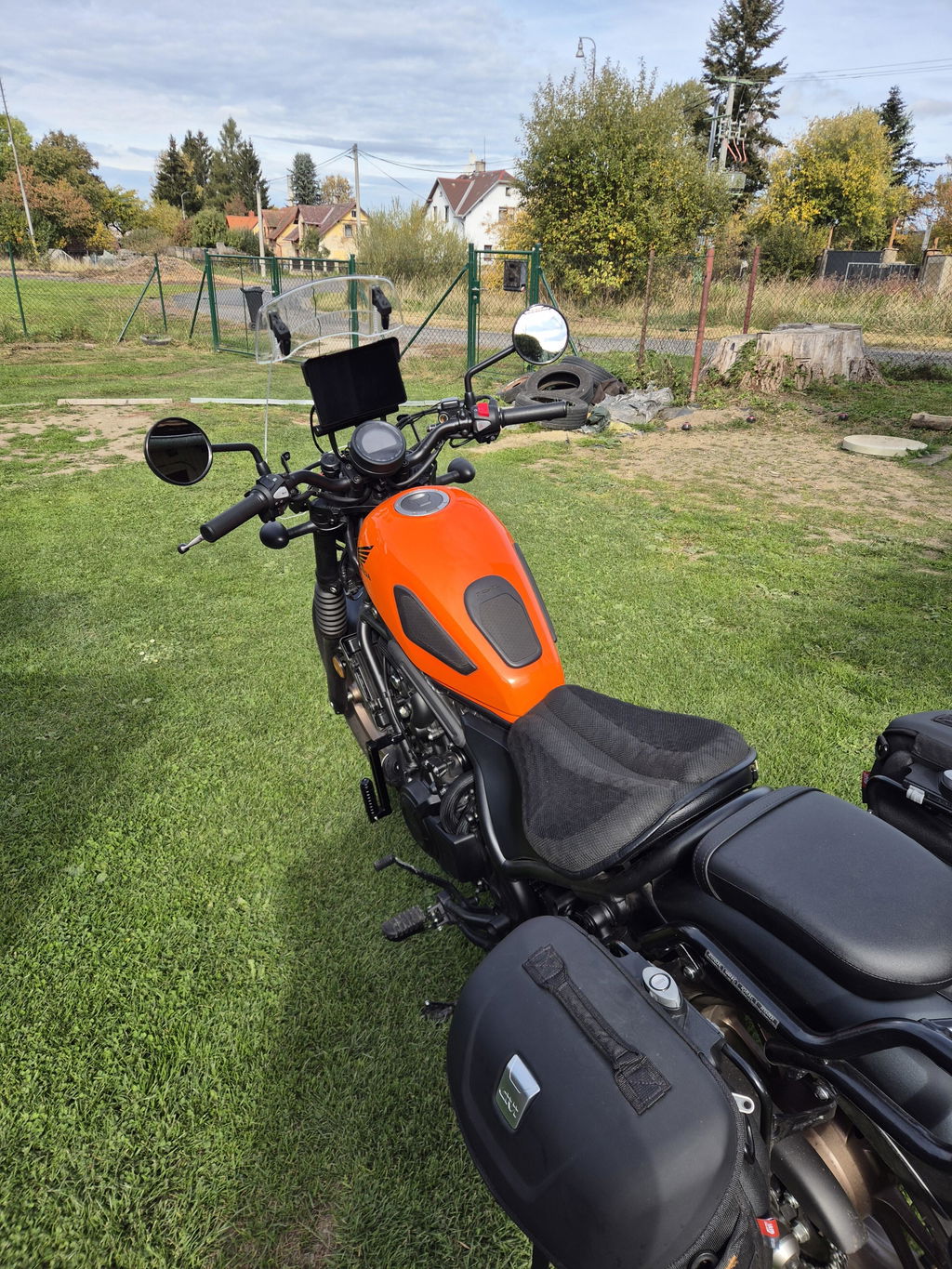
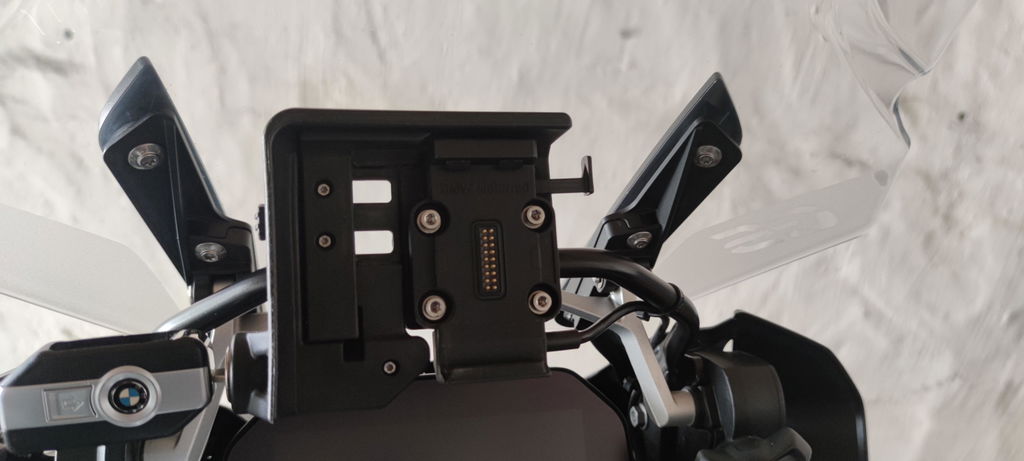
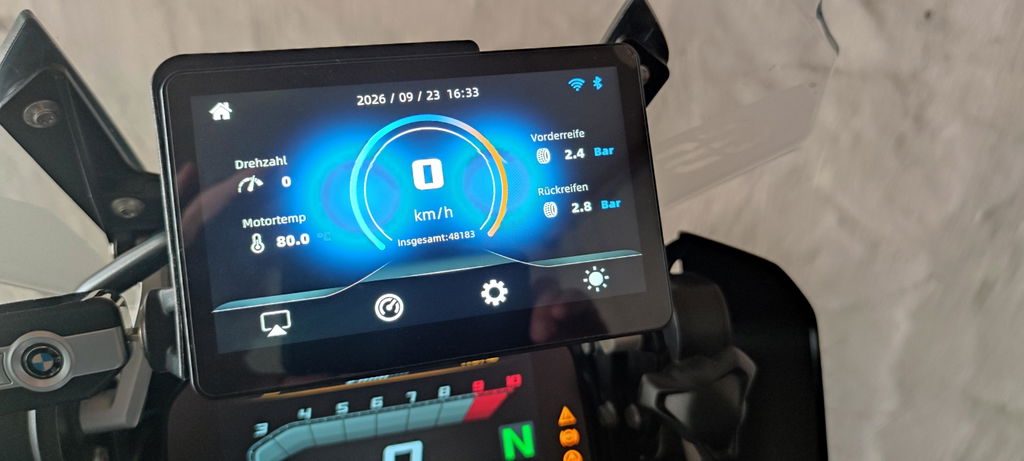
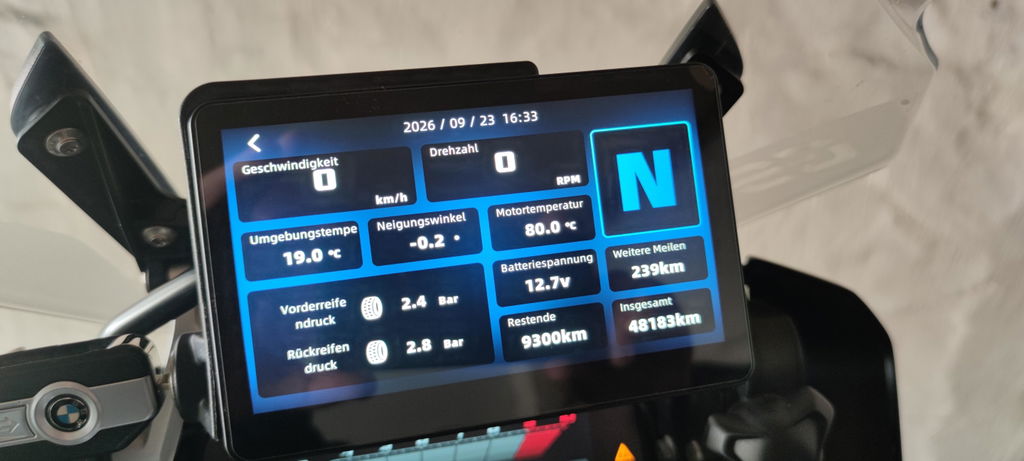
Meine Bestellung wurde schnell bearbeitet und kam bereits vor dem zugesicherten Liefertermin an. Das Gerätes passt perfekt in die Originalhalterung meiner R1250GS, ließ sich einfach in Betrieb nehmen und alle Funktionen lassen sich per Wonder Wheel sehr gut bedienen.
Das Smartphone ließ sich problemlos über Android Auto verbinden, die Kurviger App funktionierten im Test einwandfrei.
Nachdem ich bei Amazon nicht fündig geworden bin, habe ich den Linkifun Support kontaktiert, um noch einen zweiten Displayschutz zu kaufen. Es erfolgte eine sehr schnelle Rückmeldung und mit der Übernahme der Versandkosten durch mich wurden mir 2 Displayschutz kostenfrei zugeschickt.
Das Linkifun MT13 Pro ist aus meiner Sicht eine preisgünstige Alternative zum BMW Motorrad Connected Ride Smartphone Cradle. Über die Mirrorfunktion kann auch die BMW Connected App auf dem Display angezeigt, jedoch nicht gesteuert werden.
Excelente. Se agradece que esté incluído en el paquete.
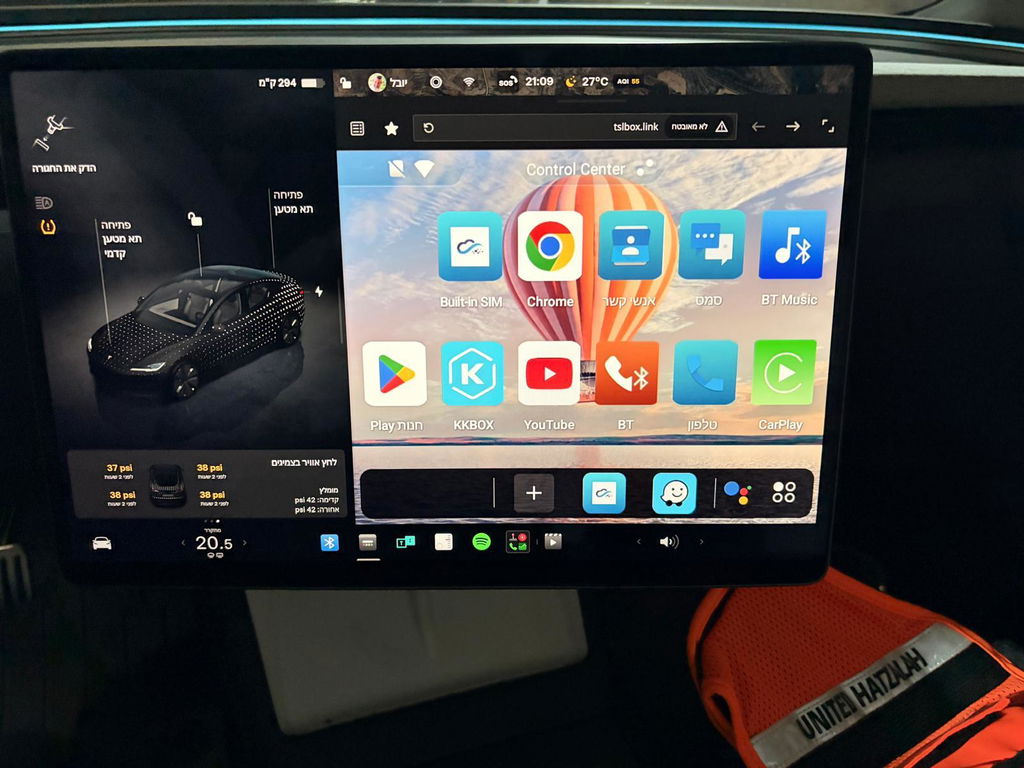
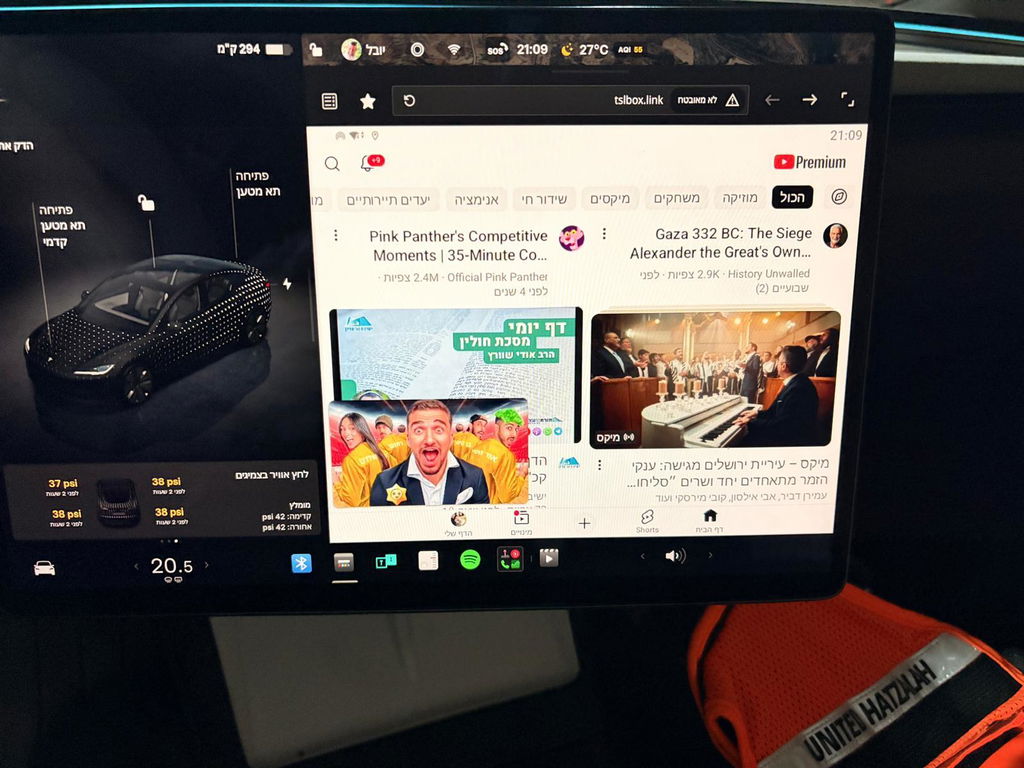
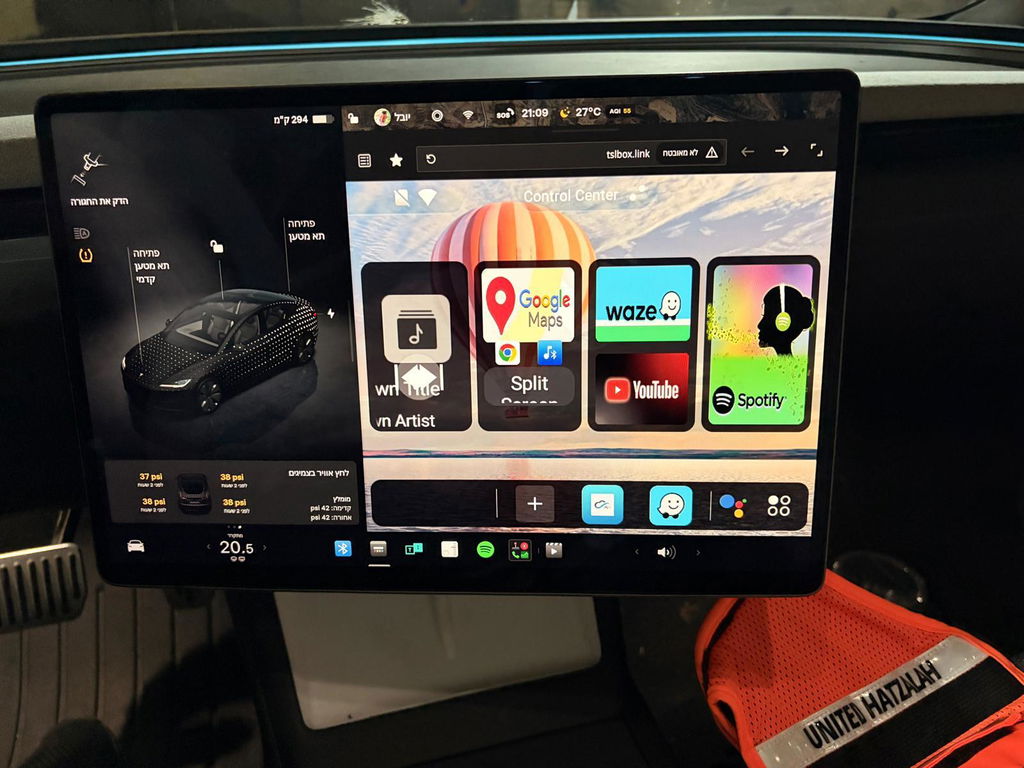
I would like to point out that the device is excellent, works as it should, and you can run Android software on the Tesla, as well as watch YouTube, CarPlay or Android Auto, and many other apps. I should also mention their support service, which answered every question I had quickly, and did not leave me until all the problems were resolved and everything worked smoothly.
Excelente pantalla. Para mis necesidades de viaje es perfecta. La posibilidad de usar una tarjeta SIM e independizar la pantalla del teléfono es lo mejor, de hecho es la razón principal por la que la compré. Lo único que no me gusta es que el cable para conectar la pantalla con el GPS es más delgado que los demás y se siente un poco frágil. Además, aunque el uso de la pantalla es muy intuitivo, no estaría nada mal tener un manual en español. Por lo demás, prestaciones, accesorios y precio es una pantalla excelente.
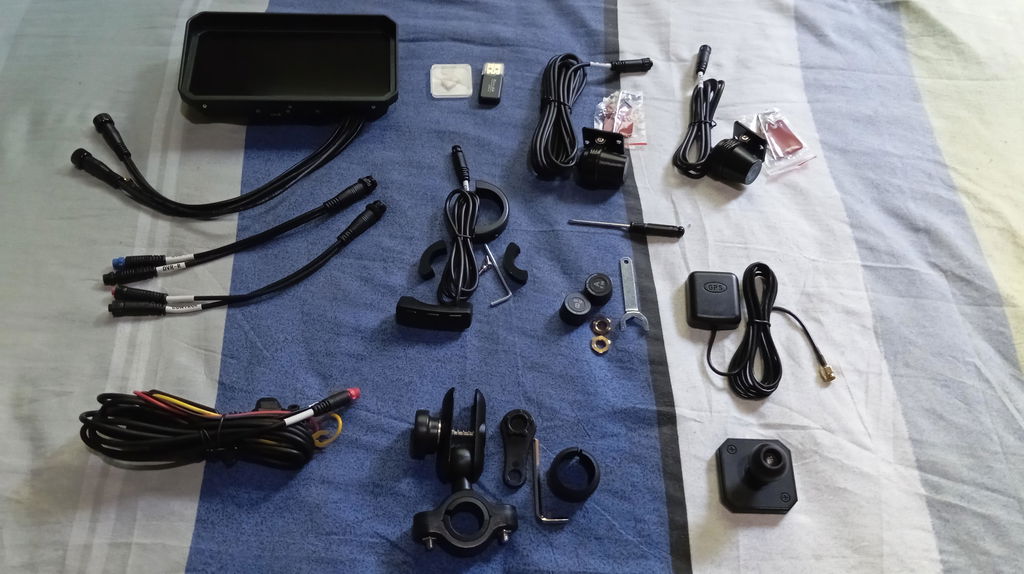
Only one out there that allows connection to usb port in addition to direct connection to battery. The display is clear and Android auto connection is seamless. Only suggestion i have is to make sure you purchase a usb-A to usb-C adapter if your bike only has usb-C ports. Overall this is a great product that adds a lot of functionality to my bike.
I bought this product because I was looking for a device that natively ran that ran MyRoute App planning and navigation application suite. I live in the UK but ride a motorcycle all over Central and Western Europe and was looking for an alternative navigation device to my Garmin Zumo XT which always insists on altering routes from that planned. To a motorcyclist the route to be followed is at least as important as the destination, if not more so. The Garmin is always a fight to get it to follow the pre-planned route even when it is a track!
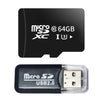
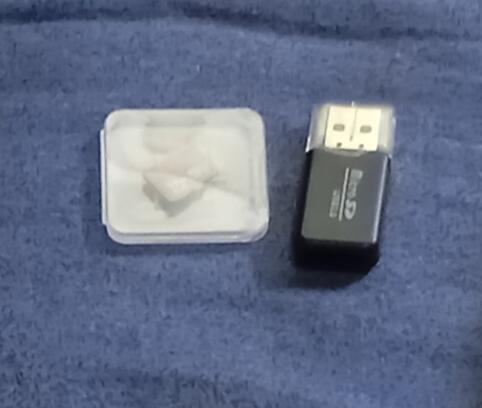
So, I was looking for a navigation device that did not involve my smart phone. After some research I found the Linkifun website and ordered the MT21. It was delivered quickly and well packaged, the only hiccup being they are limited to delivering to the UK mainland and not the extremities so alternatives may be needed depending where you live. The device is solidly made, comes with all the parts described including the very useful free add-ons of a microSD card and USB (A) microSD card holder for PC connection.
The device runs one of the later versions of the Android operating system and once logged into a Google account has full access to the Google store, providing access to the full range of Android compatible applications. I tried Car Play and that works really well.
The internet connection works very well, at least on WiFi 5, I have not tried the later variants
I haven't any experience of the other pre-installed applications or any other downloadable apps. As I said above I wanted this to run MyRoute app and that downloaded and ran without any problems at all. Once I logged in to MyRoute app it immediately had access to all my existing routes and favourites. As long as you either have off-line maps downloaded or are prepared to use a phone as an internet connection then the navigation features all work faultlessly.
The screen brightness is perfect and the ability for it to change to a night mode automatically is very helpful.
Now for the negative side of my experience.
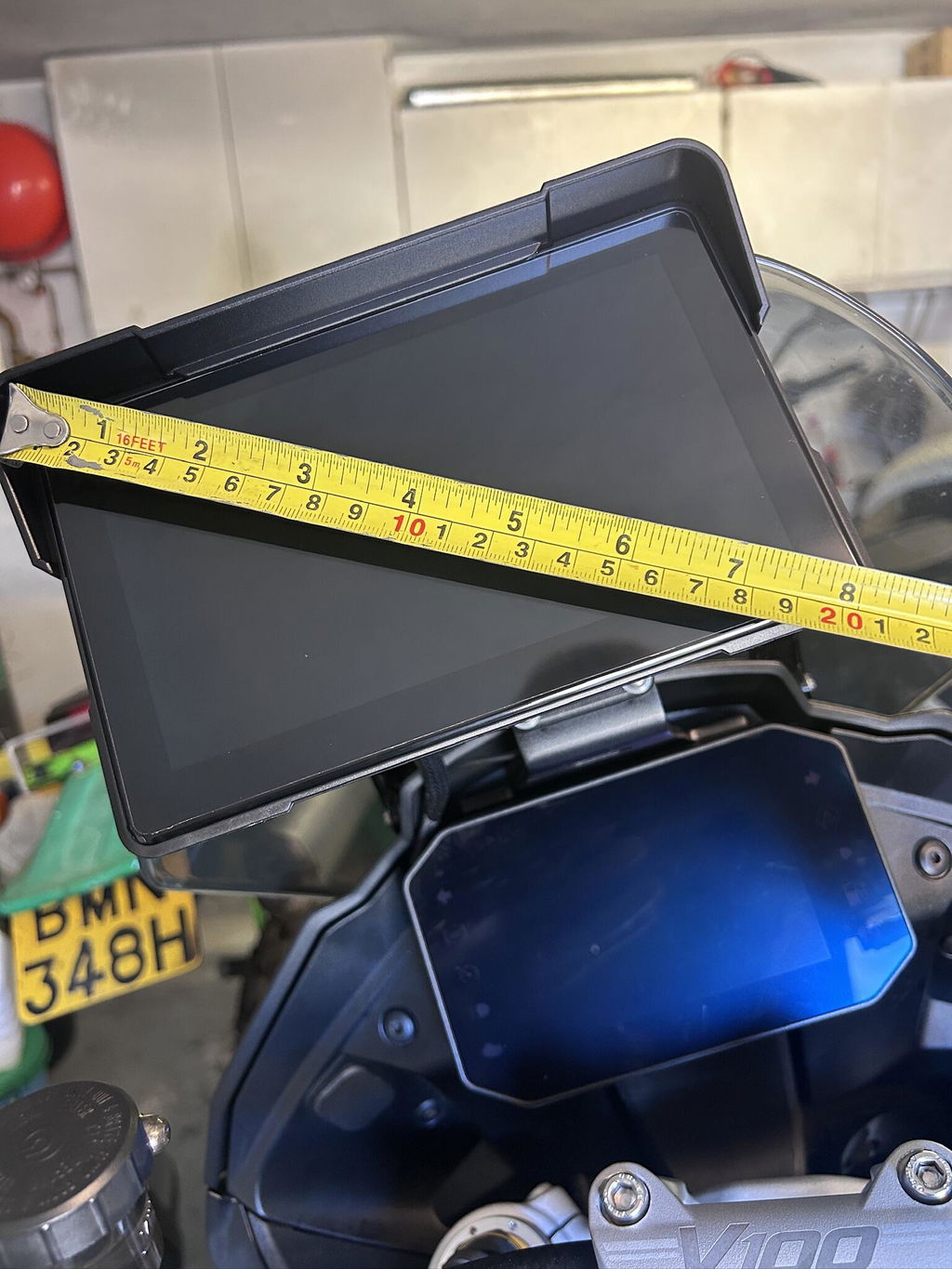
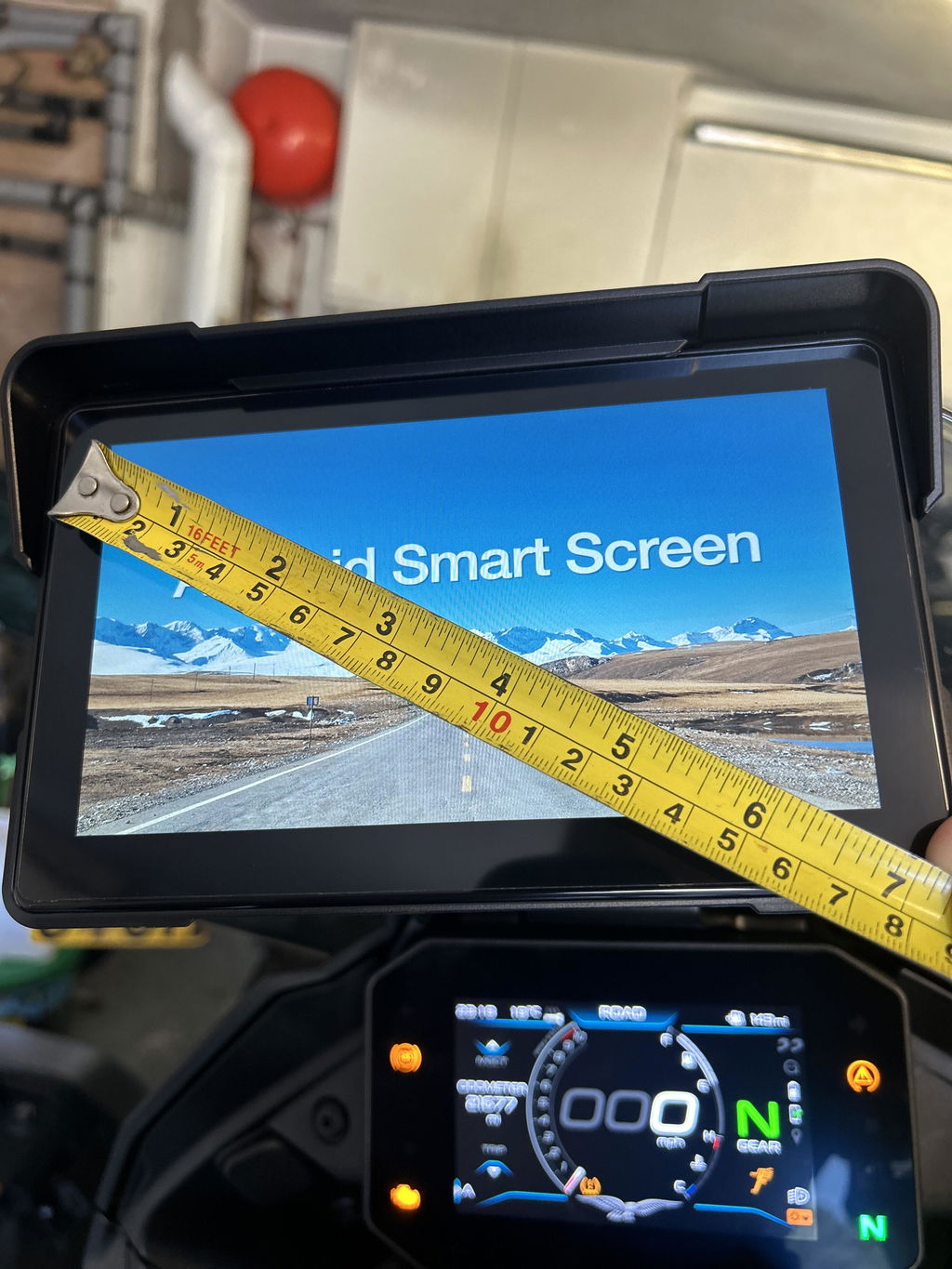
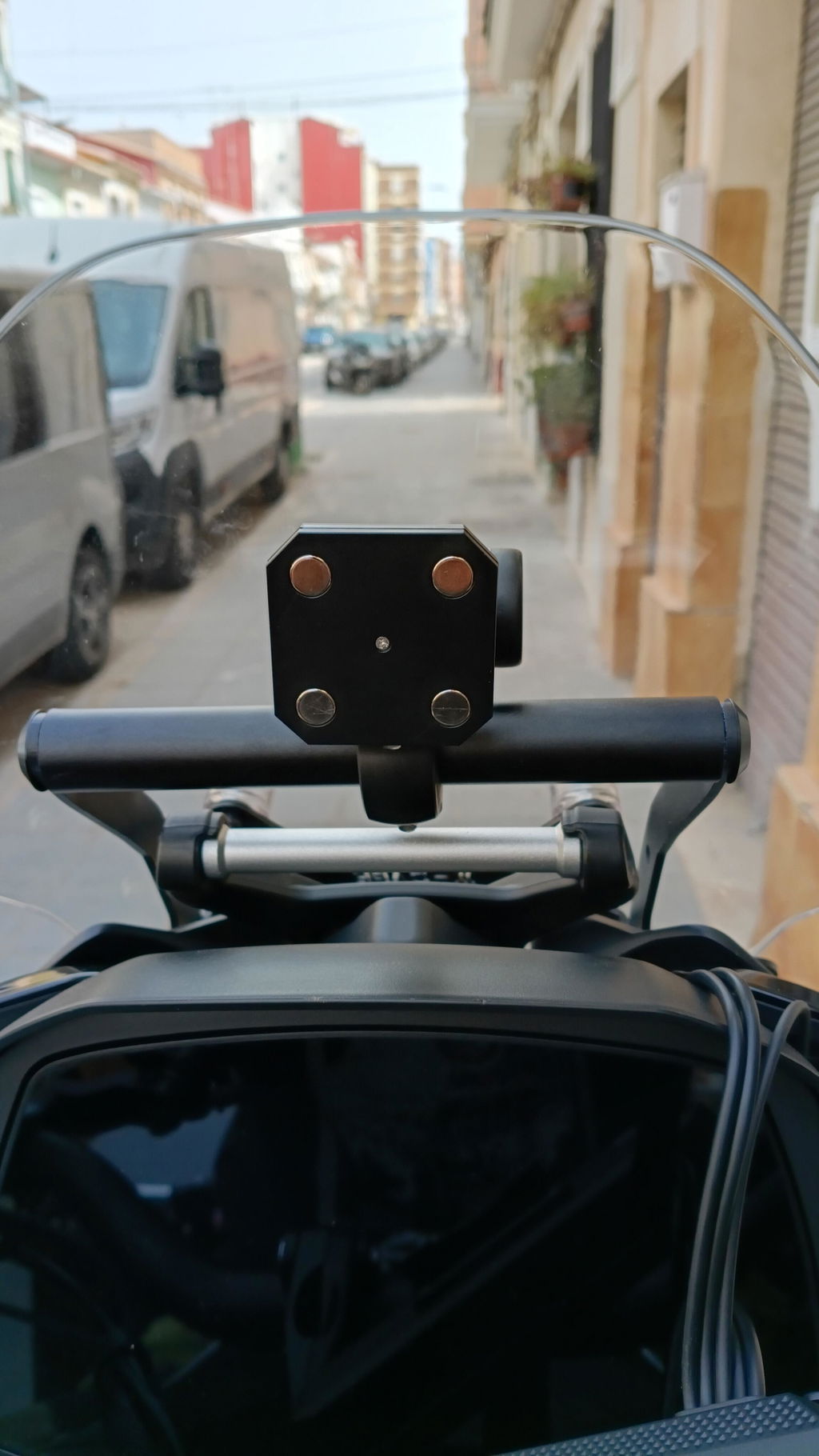
The unit is big! I know it says 7" but that refers to the visible screen, there is a border around the screen and the overall devices is 8" diagonally. It comes pre-fitted with a 1" RAM ball for mounting which due to the unit's size seriously limits possible mounting positions so it doesn't obscure any part of the motorcycle standard instrumentation.
It should be possible to power the device via its built-in USB (C) port, the specifications say 5v and 3 amps is required, but I couldn't get this to work as the device stuck on the Android splash screen. It also requires the cover over the USB port and microSD card to be left off if this is the planned way of using the device. Otherwise for use off the motorcycle you access to a 12v power source.
The device is delivered with all the cables needed, and they are definitely long enough with good quality connectors. The unit is specified to be permanently connected to the battery with a 3rd lead that connects to somewhere after the ignition which then starts the device when the ignition is turned on and causes the unit to shutdown when the ignition is turned off. The only strange behaviour is that if the power lead is disconnected from the unit and then re-connected, the device starts up irrespective of the ignition position. This is frustrating. It means that if you do dismount the device for overnight hotel stops you have to undo the mount and disconnect the power and GPS connectors. Re-connecting everything the following morning then means the unit powers up before you are necessarily ready to leave.
I note that though the item description says "built-in GPS" it does come with an external GPS aerial and long lead that needs to be connected to the device for the GPS to work.
The unit also takes around 30 seconds from being turned on to being ready to use, which tends to mean either waiting with the ignition on, or not operating until on the move! Also if you have a motorcycle that takes a big electrical effort to crank the engine the unit can switch off and then start up again once the voltage comes back up.
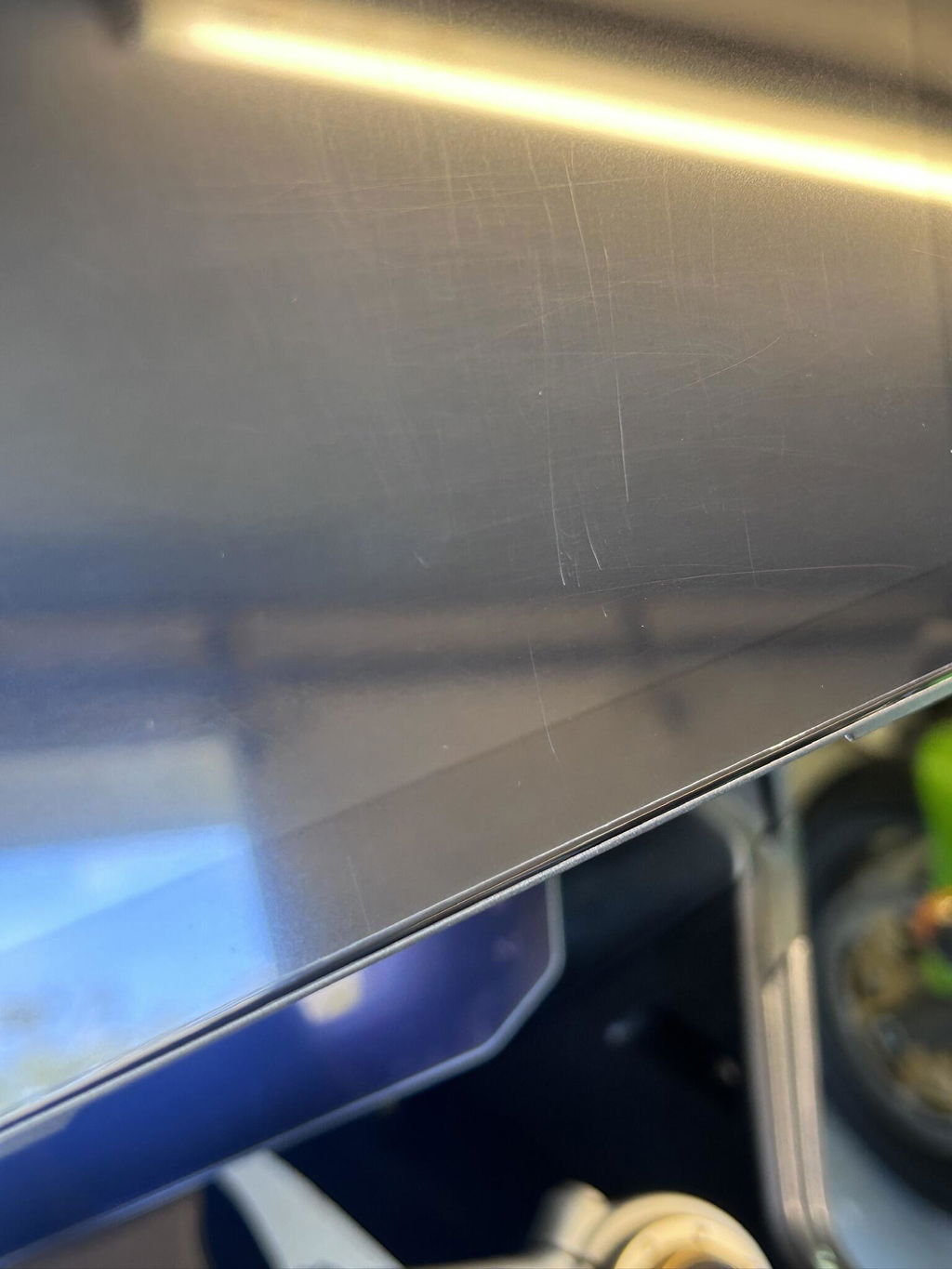
The touch screen is sensitive and can be used with motorcycle gloves but the screen as delivered is very 'soft'. Mine has scratched quite badly after just a few days use. It is not hindering visibility at the moment but I am reluctant to try and polish these out as it may make the problem worse.
The last challenge I have may be a combination of the Linkifun and MyRoute app but the offline maps take an age to download. The download appears to run at around 0.083 Mbytes per second which is well below my internet connection which is around 10 Mbytes per second.
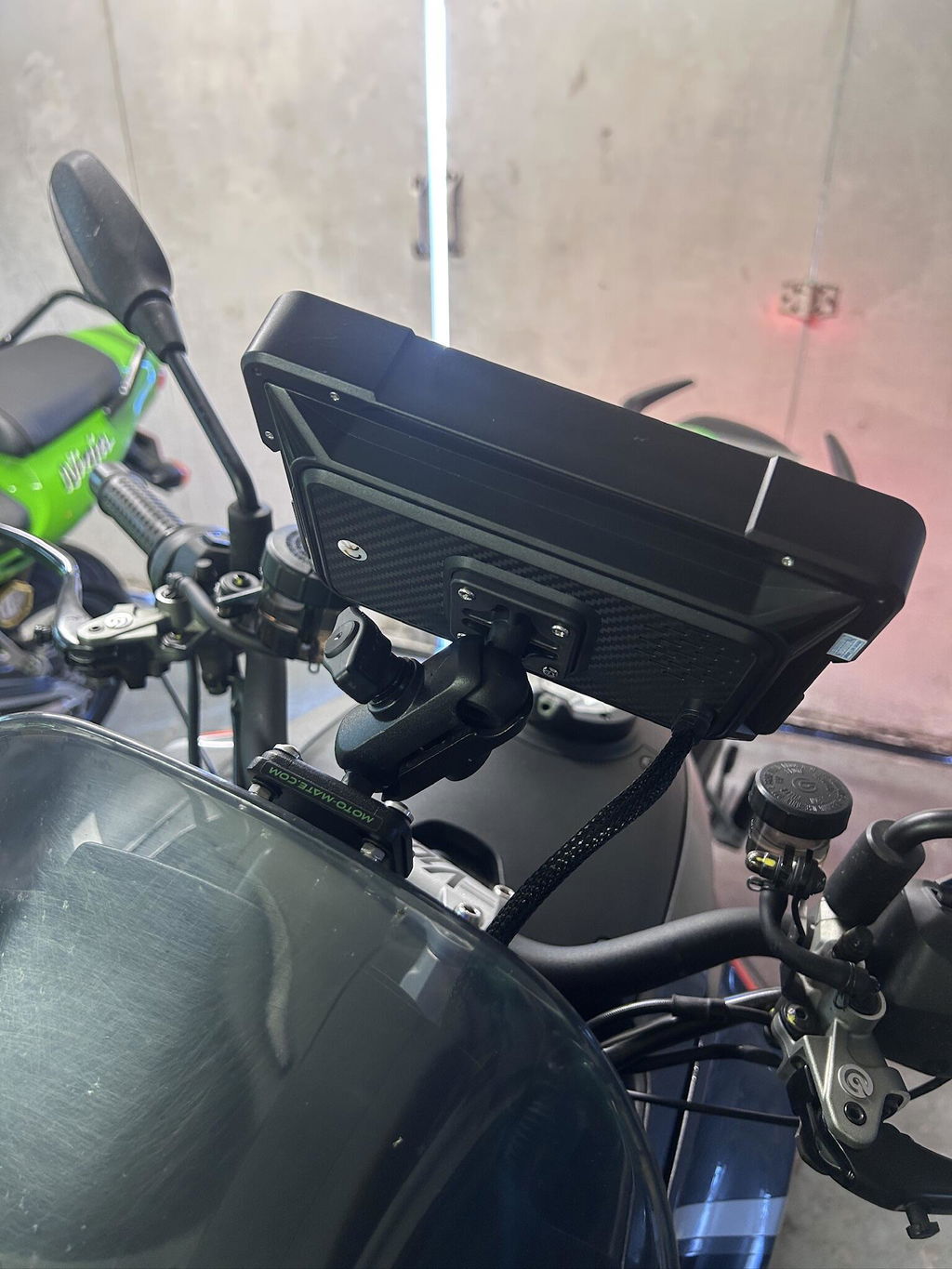
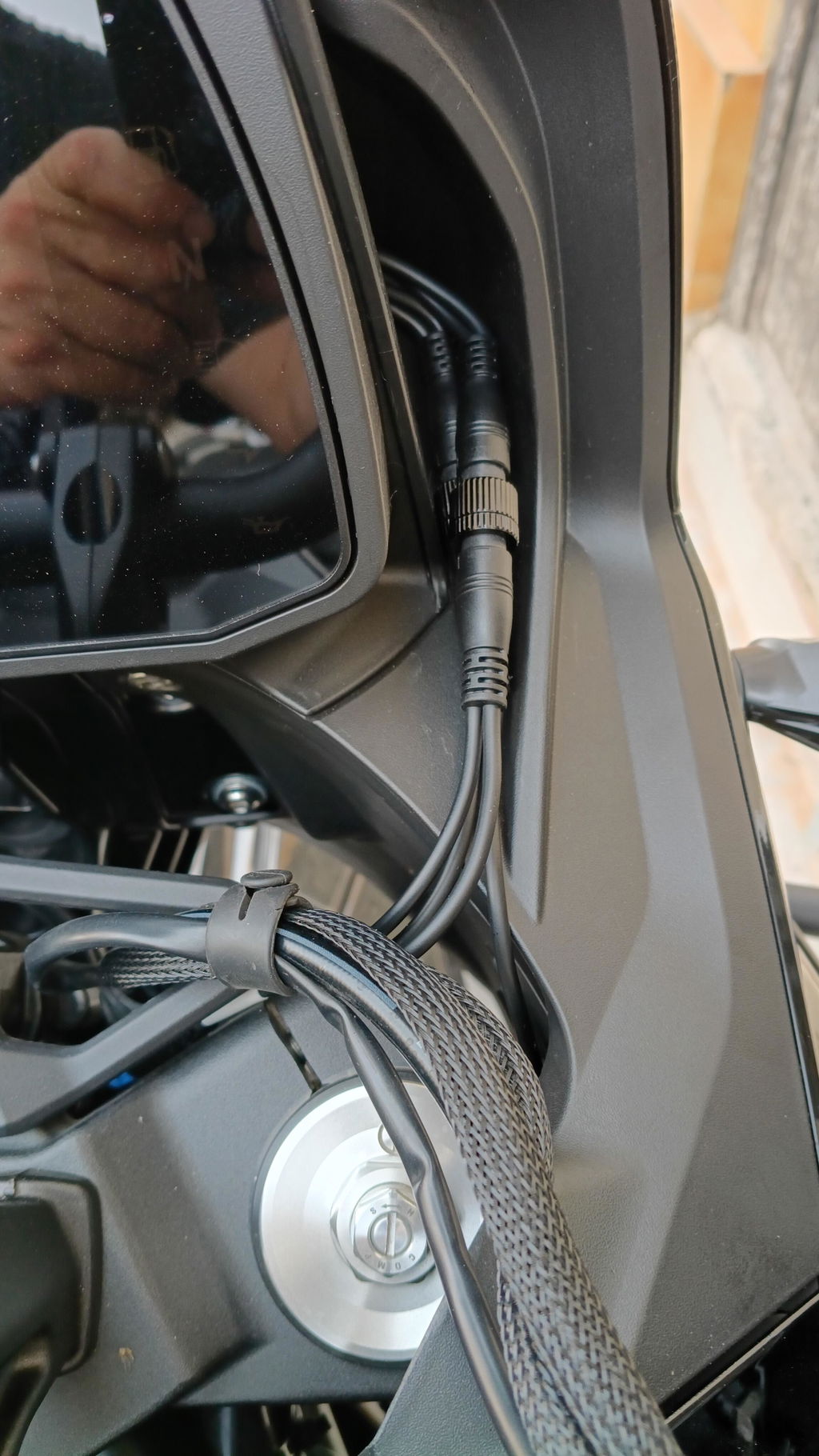
Le daría 5 estrellas por qué en parte lo merece no lo hago por qué no me gusta el sistema de conexión del cableado a la pantalla para ser un sistema de desmontaje rápido debería de ser un sistema de base con pines
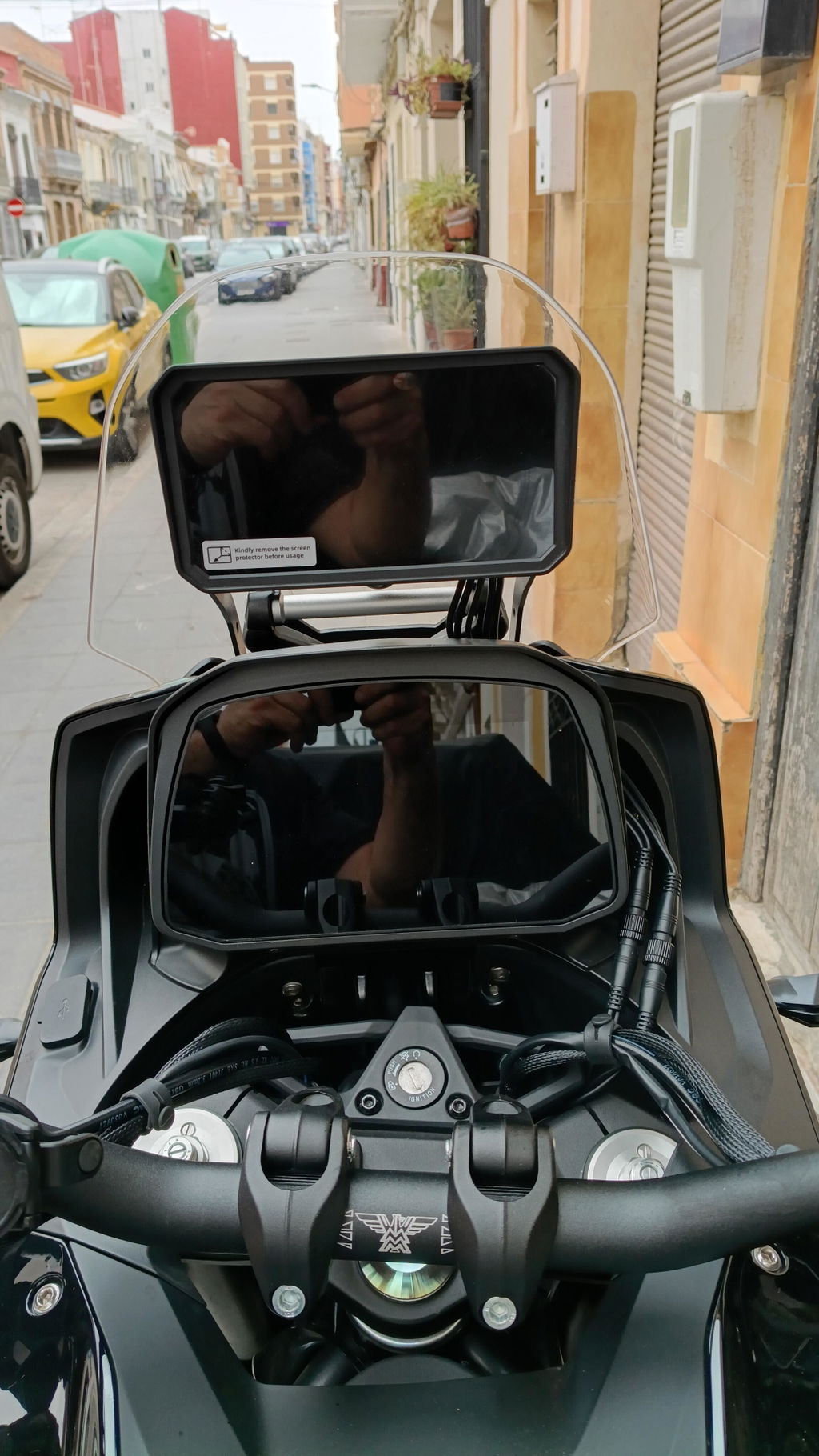
Ahora bien el sistema es rápido y fluido el táctil funciona muy bien tener tarjeta SIM es lo que me gusta también que sea android puro y poder instalar las app preferidas se debería poder configurar el zum y el tamaño de las letras en pantalla puede verse algo pequeñas las letras
Hi,
Thank you very much for your detailed feedback.
We are glad to hear that you like the speed, smooth performance, touchscreen response, SIM card function, pure Android system, and the ability to install your preferred apps. We truly appreciate your recognition of these features.
Regarding the cable connection design of the MT23, due to the current mold and hardware design, the screen needs to be connected with the power cable, DVR cable, and GPS cable. Therefore, it is not designed as a completely cable-free quick-release base with pins.
If you prefer a fully quick-release design without repeatedly disconnecting multiple cables, you may consider our MT3C / MT3D with bracket models. These models use a more complete quick-release bracket design. However, please note that they are currently only available with a 5-inch screen.
Regarding the font size and display zoom settings, our product is positioned as a motorcycle/car entertainment system, which is different from a regular phone or tablet. Due to the complexity of the underlying Android system code, the device currently does not support changing the system font size or display zoom.
We truly appreciate your suggestions. We will forward your feedback to our product and engineering team for future improvement consideration.
Thank you again for your support and honest feedback.
Best regards,
Linkifun Support Team