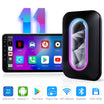
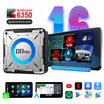
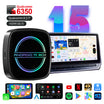
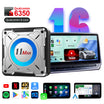
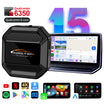
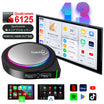
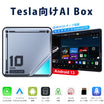
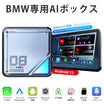
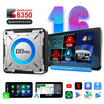
SKU: L11-Max

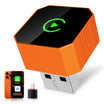
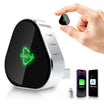
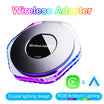
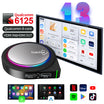
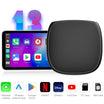
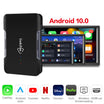
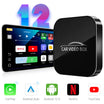
Linkifun™ L11 Max Android 16 Smart AI Box – Wireless CarPlay/Android Auto Adapter with Google Play and Active Cooling Fan

Sale price$369.00 Regular price$378.00
Save $9.00
Black Friday
25 %
OFF
Featured Product Deal

Black Friday Special — Save 25%

Use code BF25 at checkout.

BF25
PayPal Shop Pay Visa Mastercard Maestro JCB American Express Diners Club Discover Afterpay Klarna Google Pay Apple Pay
45-Day
Return
1-Year
Warranty
Free
Shipping
Fast
Support

Product Demonstration

Linkifun L11 Max Android 16 Car AI Box with Wireless CarPlay, Android Auto, built-in GPS, 5G connectivity, 8GB RAM, 128GB storage, MicroSD support and split-screen multitasking
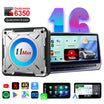
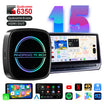
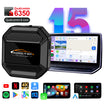
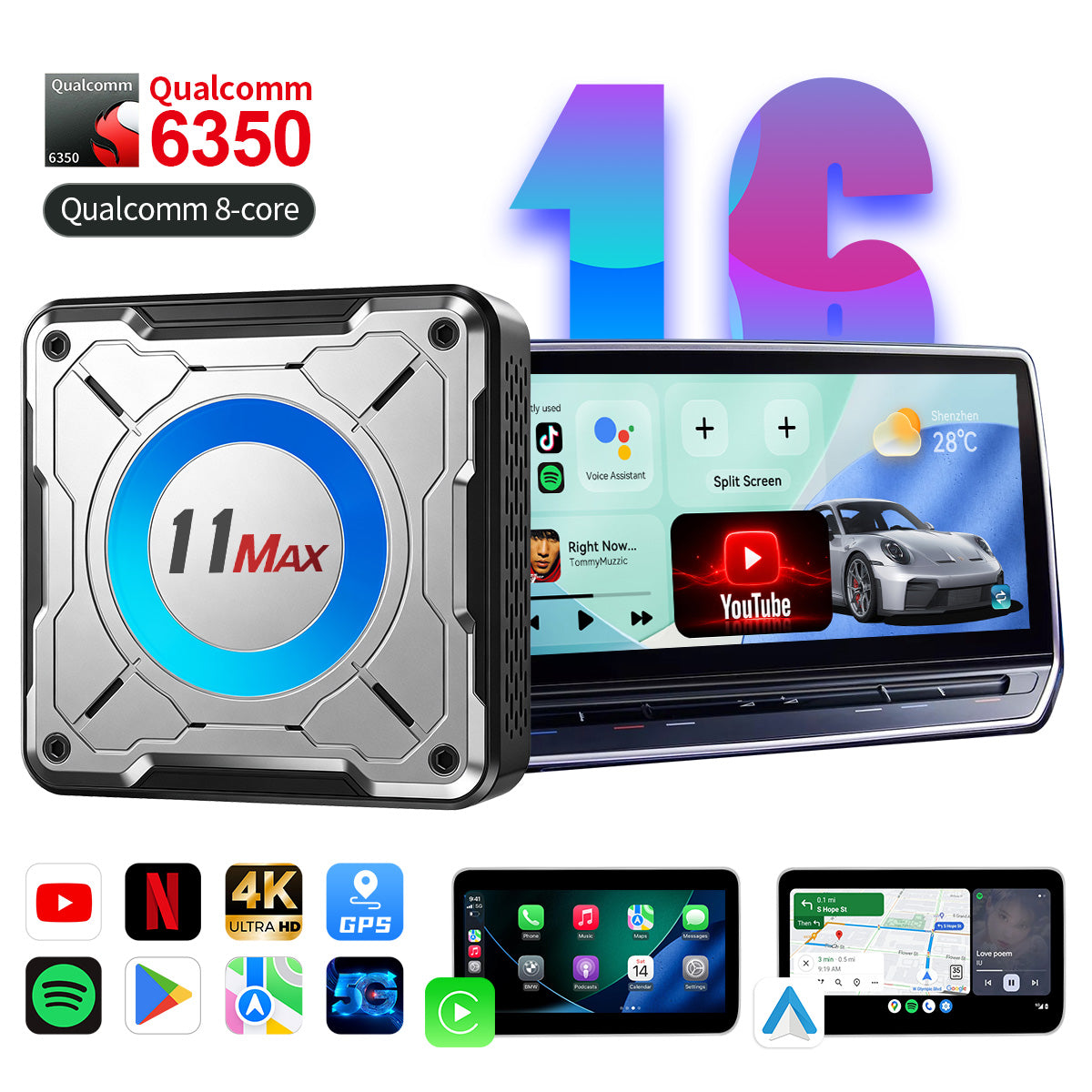
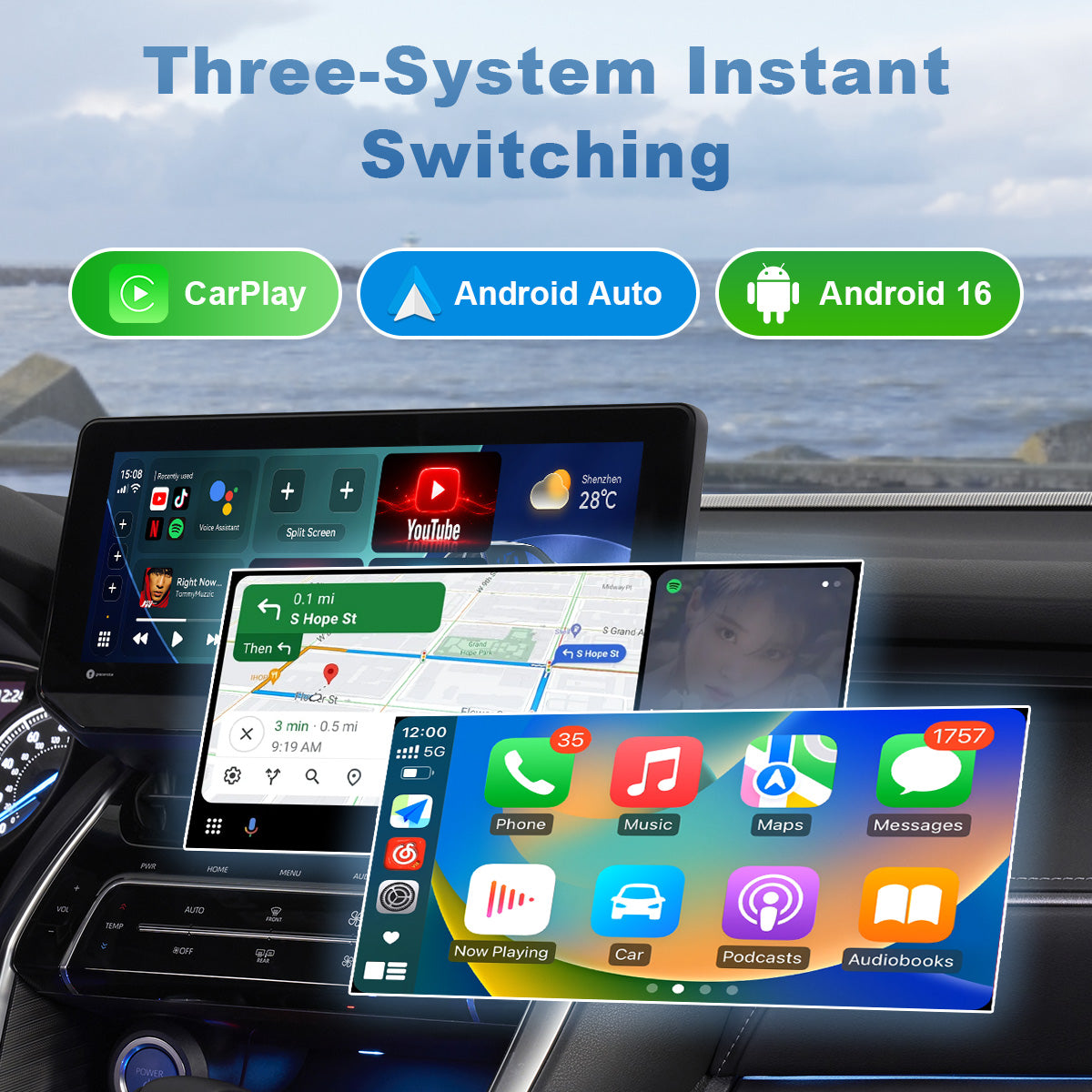
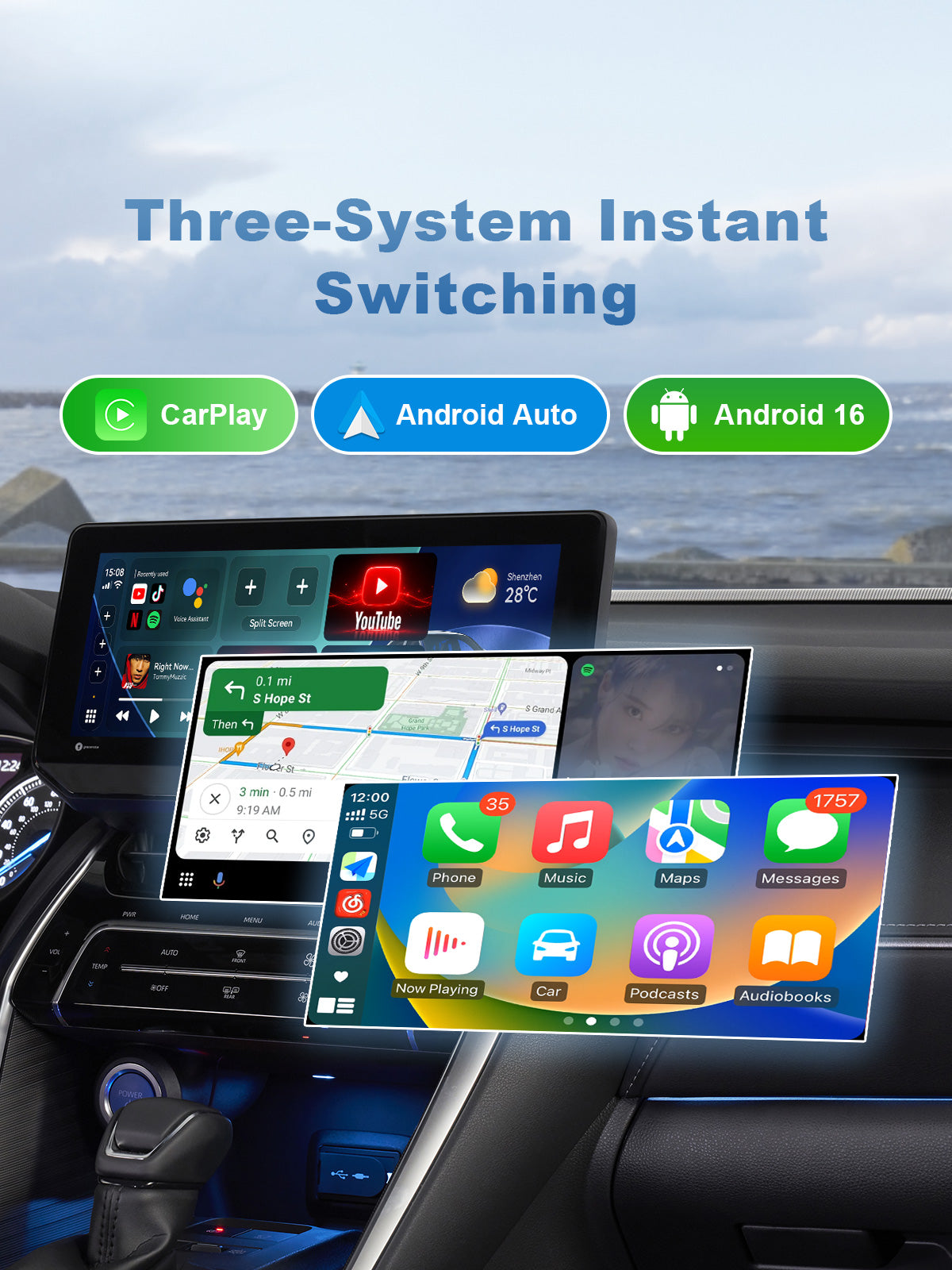
Linkifun L11 Max Android 16 AI Box with Qualcomm Snapdragon 6350 supporting seamless switching between Android 16, Wireless CarPlay and Android Auto
01

Seamless Switching Between Three Systems

Powered by Android 16 and the Qualcomm® Snapdragon™ 6350 processor, L11 Max delivers faster performance, smoother multitasking, and responsive everyday operation.

Switch seamlessly between Android 16, Wireless Apple CarPlay, and Wireless Android Auto to access navigation, apps, music, calls, and entertainment from one device.

Linkifun L11 Max Android 16 AI Box with Google Play supporting YouTube, Netflix, Google Maps, Spotify, Disney Plus and other car apps
02

Your Favorite Apps, Directly on Your Car Screen

With a built-in independent Android 16 system, this Car AI Box gives you direct access to Google Play and thousands of apps without relying on your smartphone.

Use YouTube, Netflix, Google Maps, Spotify, Disney+ and more directly on your car screen for navigation, music, video, and entertainment.

Linkifun L11 Max Android 16 Car AI Box supporting 4K video playback with YouTube, Netflix, Disney Plus, Hulu and other streaming apps
03

Premium 4K In-Car Entertainment

Upgrade your factory car screen with high-quality video playback for a more immersive in-car entertainment experience.

With support for up to 4K video, you can enjoy sharper details, smoother playback, and a clearer viewing experience on the road.

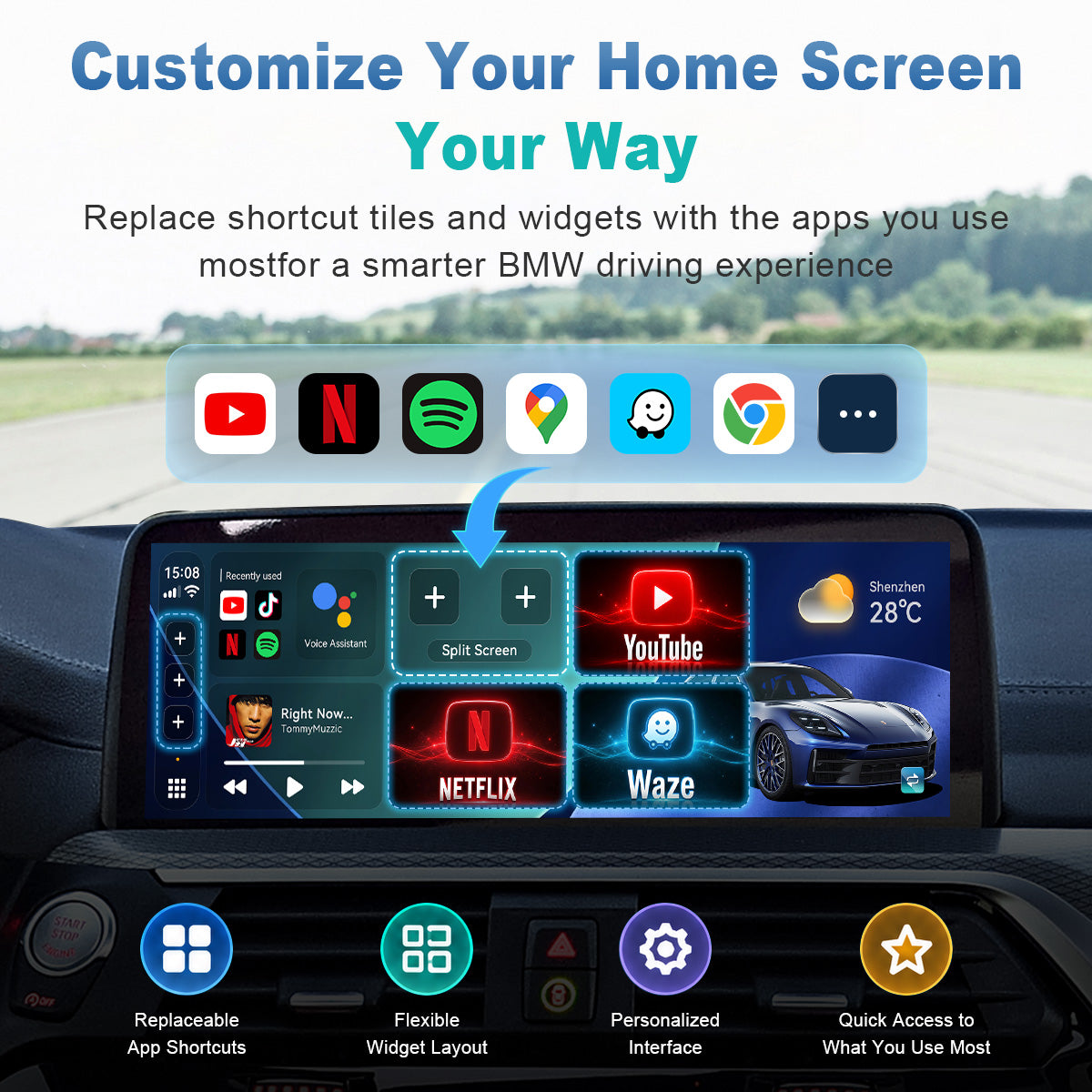
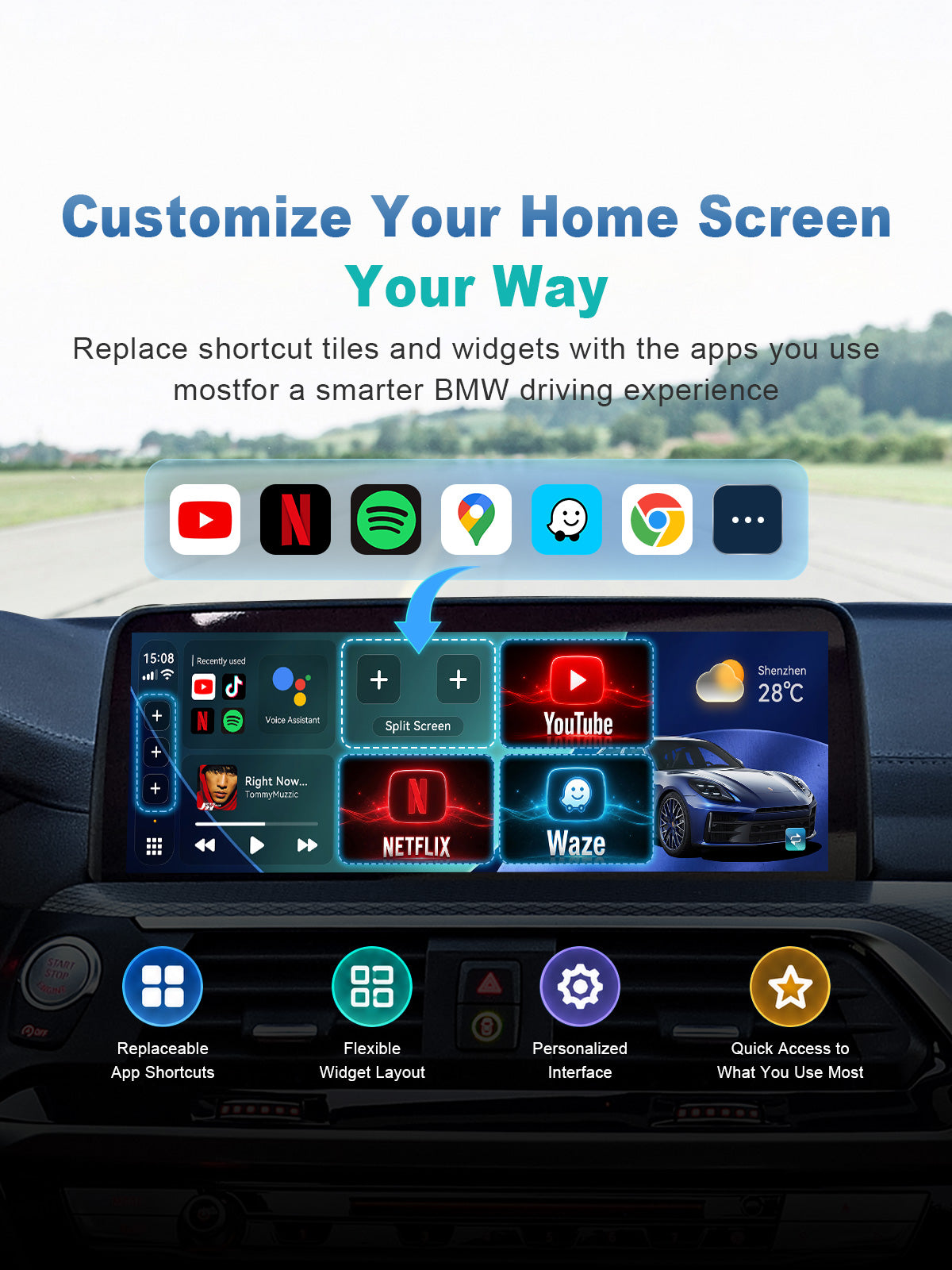
Linkifun L11 Max Android 16 Car AI Box with customizable home screen, replaceable app shortcuts and flexible widget layout
04

Customize Your Home Screen

Personalize the home screen with replaceable app shortcuts and flexible widgets, so your most-used functions are always within easy reach.

Rearrange modules, pin your favorite features, and create a layout that better matches your driving habits for a cleaner and more intuitive in-car experience.

05

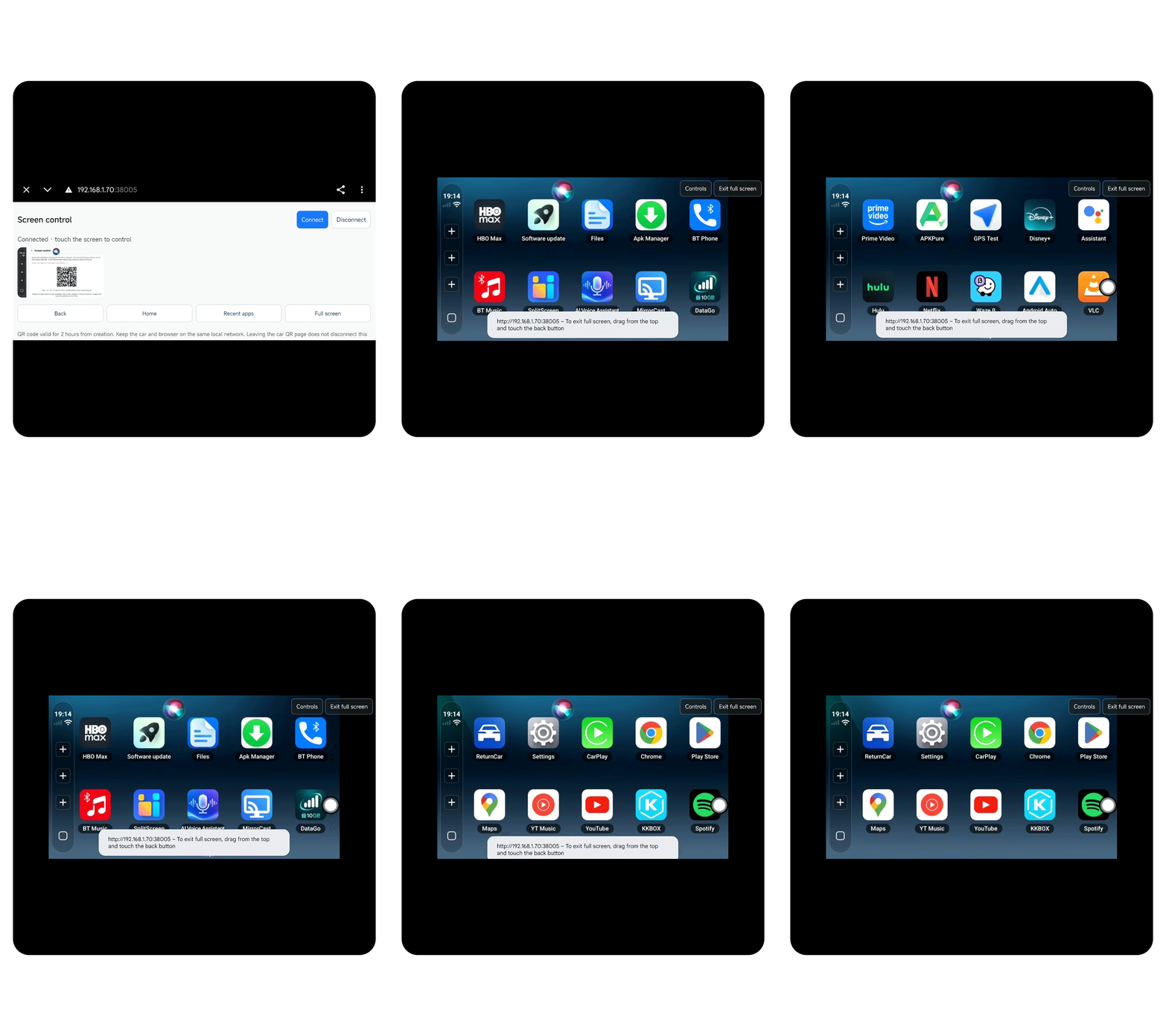
Control Your Smart AI Box from Your Phone

Your L8 Max or L11 Max gives you another way to control the in-car screen. A passenger can use their phone to change the music, set a destination, or open an app from their seat, so the driver can stay focused on the road.

  1. Connect your phone and Smart AI Box to the same Wi-Fi network.
  2. On the box, open AI Voice Assistant and select Screen Control.
  3. Scan the QR code with Google Lens in the Google app on Android or Camera on iPhone, then tap the link.
  4. View and control the Smart AI Box screen directly from your phone’s browser.

    View the Full Setup Guide →
Linkifun L11 Max Android 16 Car AI Box with split-screen navigation and entertainment supporting 3:7, 5:5 and 7:3 screen ratios
06

Split-Screen Navigation & Entertainment

Use navigation and entertainment side by side with one-tap split-screen multitasking. View maps, traffic information, media, or other compatible apps at the same time without constantly switching between screens.

Choose from flexible 3:7, 5:5, and 7:3 split-screen ratios to adjust the layout based on your driving and viewing preferences.

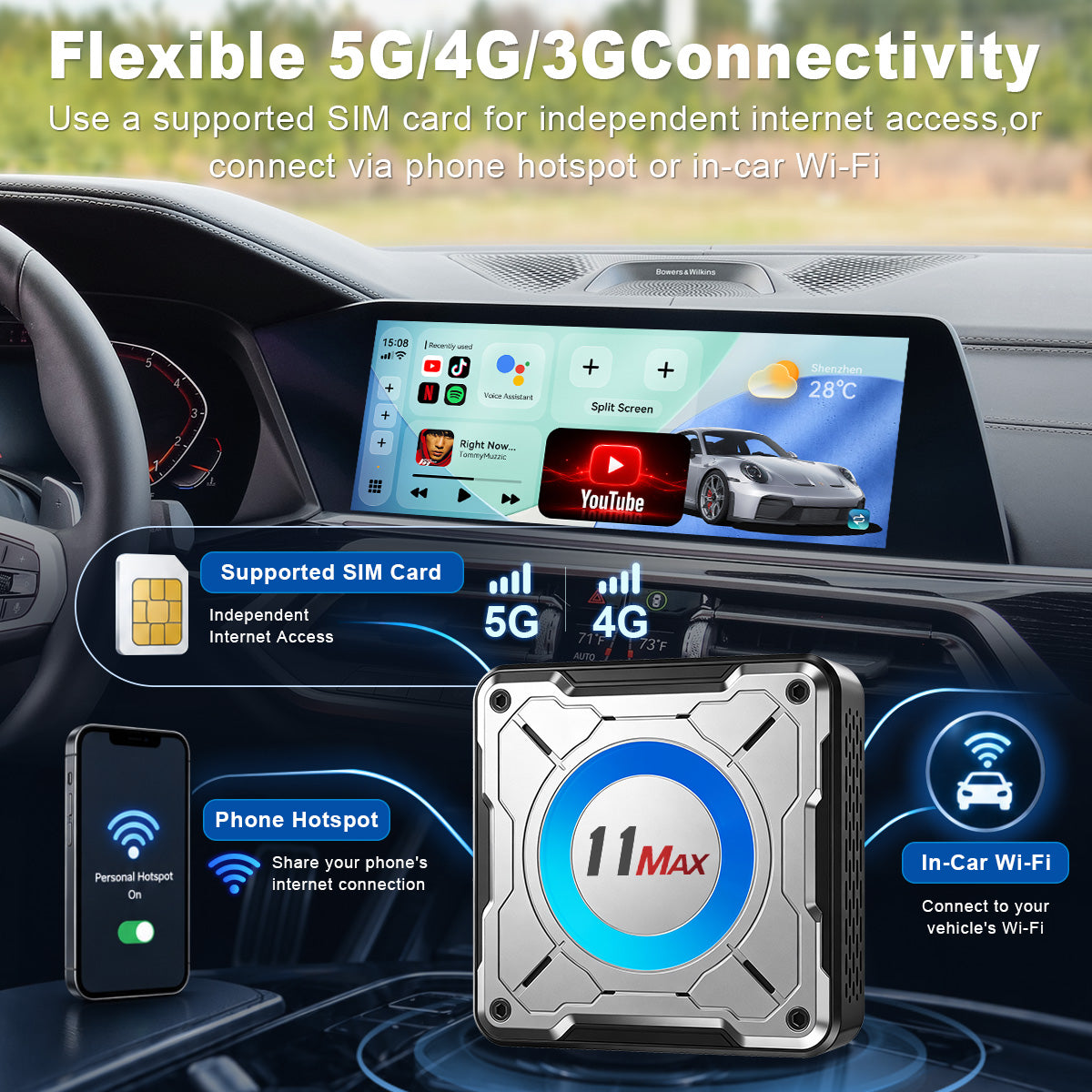
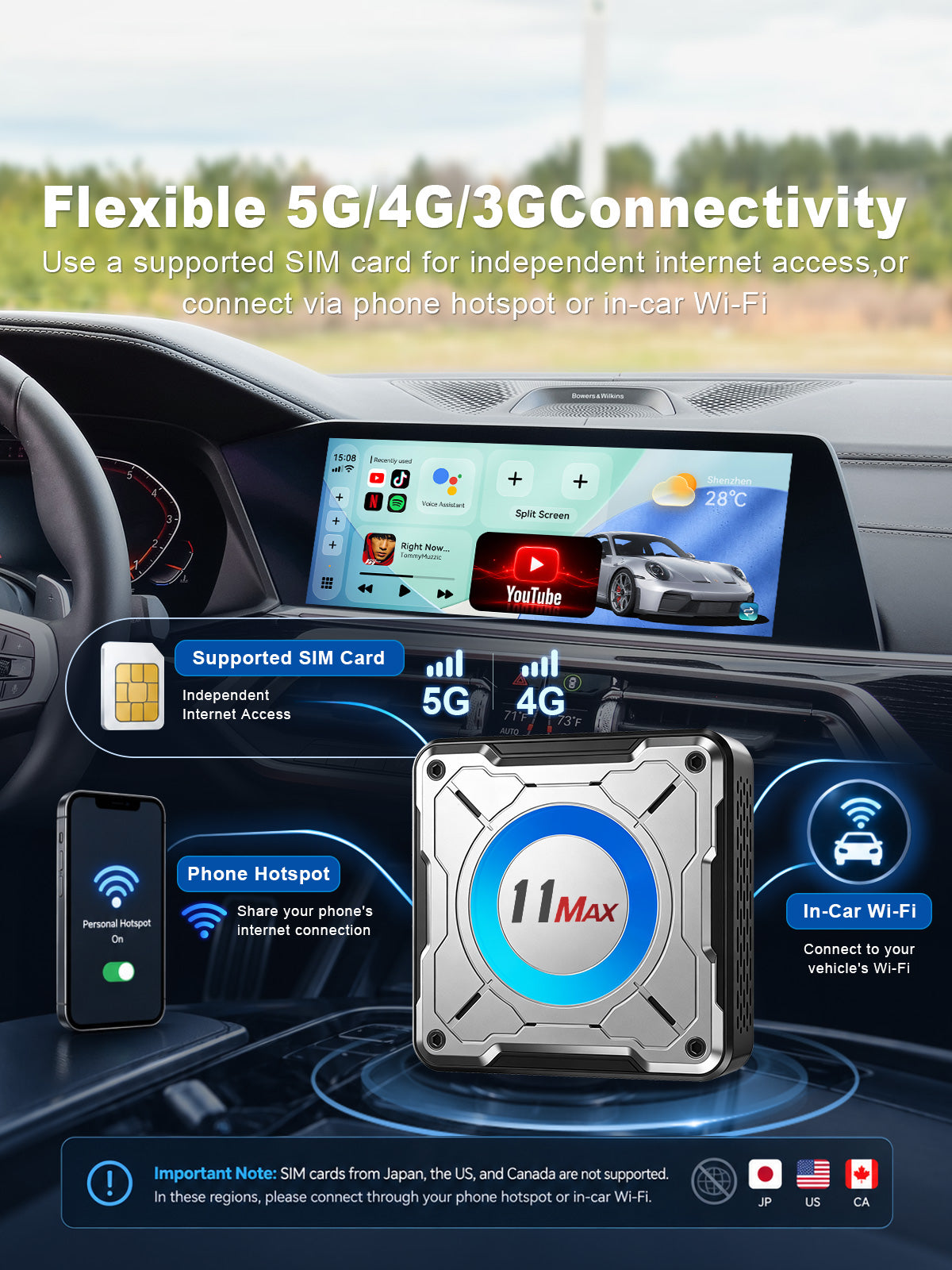
Linkifun L11 Max car AI box showing flexible 5G, 4G, and 3G connectivity through SIM card, phone hotspot, and in-car Wi-Fi
07

Flexible 5G / 4G / 3G Connectivity Options

Stay connected with multiple internet access options. Insert a supported SIM card for independent 5G, 4G, or 3G connectivity, or connect through your phone’s hotspot or your vehicle’s Wi‑Fi for online access on the go.

Please note: SIM card use is not supported in Japan, the United States, or Canada. In these regions, you can still access online features normally by connecting through your phone hotspot or in-car Wi‑Fi.

Linkifun L11 Max Car AI Box with built-in GPS and multi-system satellite positioning supporting GPS, BeiDou, GLONASS, Galileo and OEM positioning
08

Built-In GPS Navigation

Built-in multi-system satellite positioning delivers stable and accurate location tracking with support for GPS, BeiDou, GLONASS, Galileo, and compatible OEM positioning. Up to approximately 1.5 m CEP accuracy and strong anti-interference help reduce drift and signal loss.

Linkifun L11 Max Android 16 Car AI Box with HDMI Out interface for external display and expanded in-car entertainment
09

HDMI Out for Expanded Entertainment

Connect an external display through the HDMI Out interface to extend your in-car entertainment experience. Enjoy video playback and other media on a larger screen for more flexible rear-seat entertainment.

Please Note: The device already includes an HDMI Out interface. HDMI Out functionality will be enabled through a future OTA firmware update.

Linkifun L11 Max Car AI Box with SM6350 8-core processor, 8GB RAM and 128GB storage for smooth multitasking and fast performance
10

High-Performance Qualcomm 8-Core Processor

Powered by the Qualcomm® SM6350 8-core processor with 8GB RAM and 128GB storage, it delivers smooth multitasking, fast app switching, and responsive performance for everyday in-car use.

Linkifun L11 Max Car AI Box with built-in active cooling fan for efficient heat dissipation and stable performance
11

Efficient Cooling for Stable Performance

Built-in active cooling technology helps quickly dissipate heat and maintain stable performance during extended use.

The efficient cooling system reduces thermal throttling, ensuring smoother operation for navigation, video playback, multitasking, and other demanding applications—even in hot vehicle environments.

Linkifun L11 Max Car AI Box with customizable vehicle icon allowing users to select a car graphic that matches their vehicle brand
12

Customize Your Vehicle Icon

Personalize the home screen by selecting a vehicle icon that matches your car brand. Give the interface a more customized look and make your in-car experience feel more personal and engaging.

Linkifun L11 Max Car AI Box with Type-C interface, TF and SIM card slots, supporting up to 256GB expandable storage
13

Up to 256GB Expandable Storage

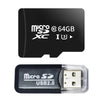
Expand storage with a TF card up to 256GB for downloaded videos, music, offline media, and other local files.

Keep more content stored directly on the device for convenient access anytime, even without an internet connection.

linkifun-l11-max-android-16-wireless-carplay-android-auto-ai-box-features-03
14

OEM Control Compatibility

Supports compatible factory controls such as rotary knobs, steering wheel buttons, touchscreen, and voice control. Available control methods may vary by vehicle. A factory touchscreen is recommended for the best app and interaction experience.

01

Seamless Switching Between Three Systems

Powered by Android 16 and the Qualcomm® Snapdragon™ 6350 processor, L11 Max delivers faster performance, smoother multitasking, and responsive everyday operation.

Switch seamlessly between Android 16, Wireless Apple CarPlay, and Wireless Android Auto to access navigation, apps, music, calls, and entertainment from one device.

02

Your Favorite Apps, Directly on Your Car Screen

With a built-in independent Android 16 system, this Car AI Box gives you direct access to Google Play and thousands of apps without relying on your smartphone.

Use YouTube, Netflix, Google Maps, Spotify, Disney+ and more directly on your car screen for navigation, music, video, and entertainment.

03

Premium 4K In-Car Entertainment

Upgrade your factory car screen with high-quality video playback for a more immersive in-car entertainment experience.

With support for up to 4K video, you can enjoy sharper details, smoother playback, and a clearer viewing experience on the road.

04

Customize Your Home Screen

Personalize the home screen with replaceable app shortcuts and flexible widgets, so your most-used functions are always within easy reach.

Rearrange modules, pin your favorite features, and create a layout that better matches your driving habits for a cleaner and more intuitive in-car experience.

05

Control Your Smart AI Box from Your Phone

Your L8 Max or L11 Max gives you another way to control the in-car screen. A passenger can use their phone to change the music, set a destination, or open an app from their seat, so the driver can stay focused on the road.

  1. Connect your phone and Smart AI Box to the same Wi-Fi network.
  2. On the box, open AI Voice Assistant and select Screen Control.
  3. Scan the QR code with Google Lens in the Google app on Android or Camera on iPhone, then tap the link.
  4. View and control the Smart AI Box screen directly from your phone’s browser.

    View the Full Setup Guide →
06

Split-Screen Navigation & Entertainment

Use navigation and entertainment side by side with one-tap split-screen multitasking. View maps, traffic information, media, or other compatible apps at the same time without constantly switching between screens.

Choose from flexible 3:7, 5:5, and 7:3 split-screen ratios to adjust the layout based on your driving and viewing preferences.

07

Flexible 5G / 4G / 3G Connectivity Options

Stay connected with multiple internet access options. Insert a supported SIM card for independent 5G, 4G, or 3G connectivity, or connect through your phone’s hotspot or your vehicle’s Wi‑Fi for online access on the go.

Please note: SIM card use is not supported in Japan, the United States, or Canada. In these regions, you can still access online features normally by connecting through your phone hotspot or in-car Wi‑Fi.

08

Built-In GPS Navigation

Built-in multi-system satellite positioning delivers stable and accurate location tracking with support for GPS, BeiDou, GLONASS, Galileo, and compatible OEM positioning. Up to approximately 1.5 m CEP accuracy and strong anti-interference help reduce drift and signal loss.

09

HDMI Out for Expanded Entertainment

Connect an external display through the HDMI Out interface to extend your in-car entertainment experience. Enjoy video playback and other media on a larger screen for more flexible rear-seat entertainment.

Please Note: The device already includes an HDMI Out interface. HDMI Out functionality will be enabled through a future OTA firmware update.

10

High-Performance Qualcomm 8-Core Processor

Powered by the Qualcomm® SM6350 8-core processor with 8GB RAM and 128GB storage, it delivers smooth multitasking, fast app switching, and responsive performance for everyday in-car use.

11

Efficient Cooling for Stable Performance

Built-in active cooling technology helps quickly dissipate heat and maintain stable performance during extended use.

The efficient cooling system reduces thermal throttling, ensuring smoother operation for navigation, video playback, multitasking, and other demanding applications—even in hot vehicle environments.

12

Customize Your Vehicle Icon

Personalize the home screen by selecting a vehicle icon that matches your car brand. Give the interface a more customized look and make your in-car experience feel more personal and engaging.

13

Up to 256GB Expandable Storage

Expand storage with a TF card up to 256GB for downloaded videos, music, offline media, and other local files.

Keep more content stored directly on the device for convenient access anytime, even without an internet connection.

14

OEM Control Compatibility

Supports compatible factory controls such as rotary knobs, steering wheel buttons, touchscreen, and voice control. Available control methods may vary by vehicle. A factory touchscreen is recommended for the best app and interaction experience.

Linkifun L11 Max Android 16 AI Box with Qualcomm Snapdragon 6350 supporting seamless switching between Android 16, Wireless CarPlay and Android AutoLinkifun L11 Max Android 16 AI Box with Google Play supporting YouTube, Netflix, Google Maps, Spotify, Disney Plus and other car appsLinkifun L11 Max Android 16 Car AI Box supporting 4K video playback with YouTube, Netflix, Disney Plus, Hulu and other streaming appsLinkifun L11 Max Android 16 Car AI Box with customizable home screen, replaceable app shortcuts and flexible widget layoutLinkifun L11 Max Android 16 Car AI Box with split-screen navigation and entertainment supporting 3:7, 5:5 and 7:3 screen ratiosLinkifun L11 Max car AI box showing flexible 5G, 4G, and 3G connectivity through SIM card, phone hotspot, and in-car Wi-FiLinkifun L11 Max Car AI Box with built-in GPS and multi-system satellite positioning supporting GPS, BeiDou, GLONASS, Galileo and OEM positioningLinkifun L11 Max Android 16 Car AI Box with HDMI Out interface for external display and expanded in-car entertainmentLinkifun L11 Max Car AI Box with SM6350 8-core processor, 8GB RAM and 128GB storage for smooth multitasking and fast performanceLinkifun L11 Max Car AI Box with built-in active cooling fan for efficient heat dissipation and stable performanceLinkifun L11 Max Car AI Box with customizable vehicle icon allowing users to select a car graphic that matches their vehicle brandLinkifun L11 Max Car AI Box with Type-C interface, TF and SIM card slots, supporting up to 256GB expandable storagelinkifun-l11-max-android-16-wireless-carplay-android-auto-ai-box-features-03
Linkifun L11 Max Android 16 AI Box specifications for desktop display, featuring wireless CarPlay, Android Auto, HDMI Out, GPS, 5G/4G/3G connectivity, cooling fan, and up to 256GB storage expansion

FAQ

  • 5 stars: 0 (0%)
  • 4 stars: 1 (100%)
  • 3 stars: 0 (0%)
  • 2 stars: 0 (0%)
  • 1 star: 0 (0%)
匿
匿名

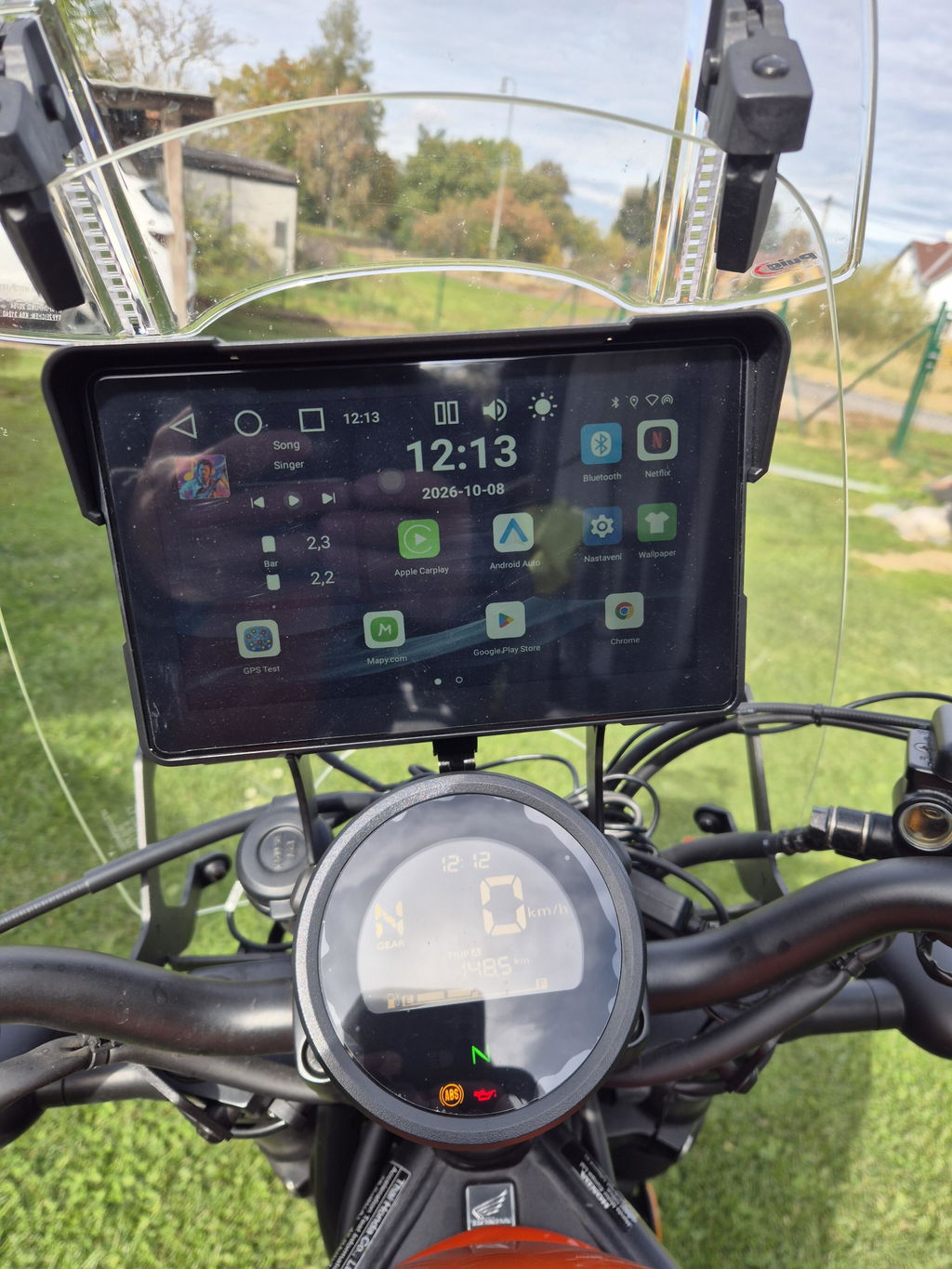
スペックに偽りなし。
1時間半程のYouTube視聴での温度上昇は写真の通りで冷却性能もそこそこありそう。
夏場での使用に耐え得るか、長時間使用、長期間使用に耐え得るかはこれからの検証。